AI video generation has advanced rapidly, with models like Sora, Runway Gen-3, and Kling capable of producing cinematic-quality video clips. However, creating truly cinematic results requires more than just describing a scene — you need to think like a filmmaker, specifying camera movement, shot types, lighting, and pacing. This guide teaches you the cinematic prompt formulas that produce stunning, movie-quality AI videos.
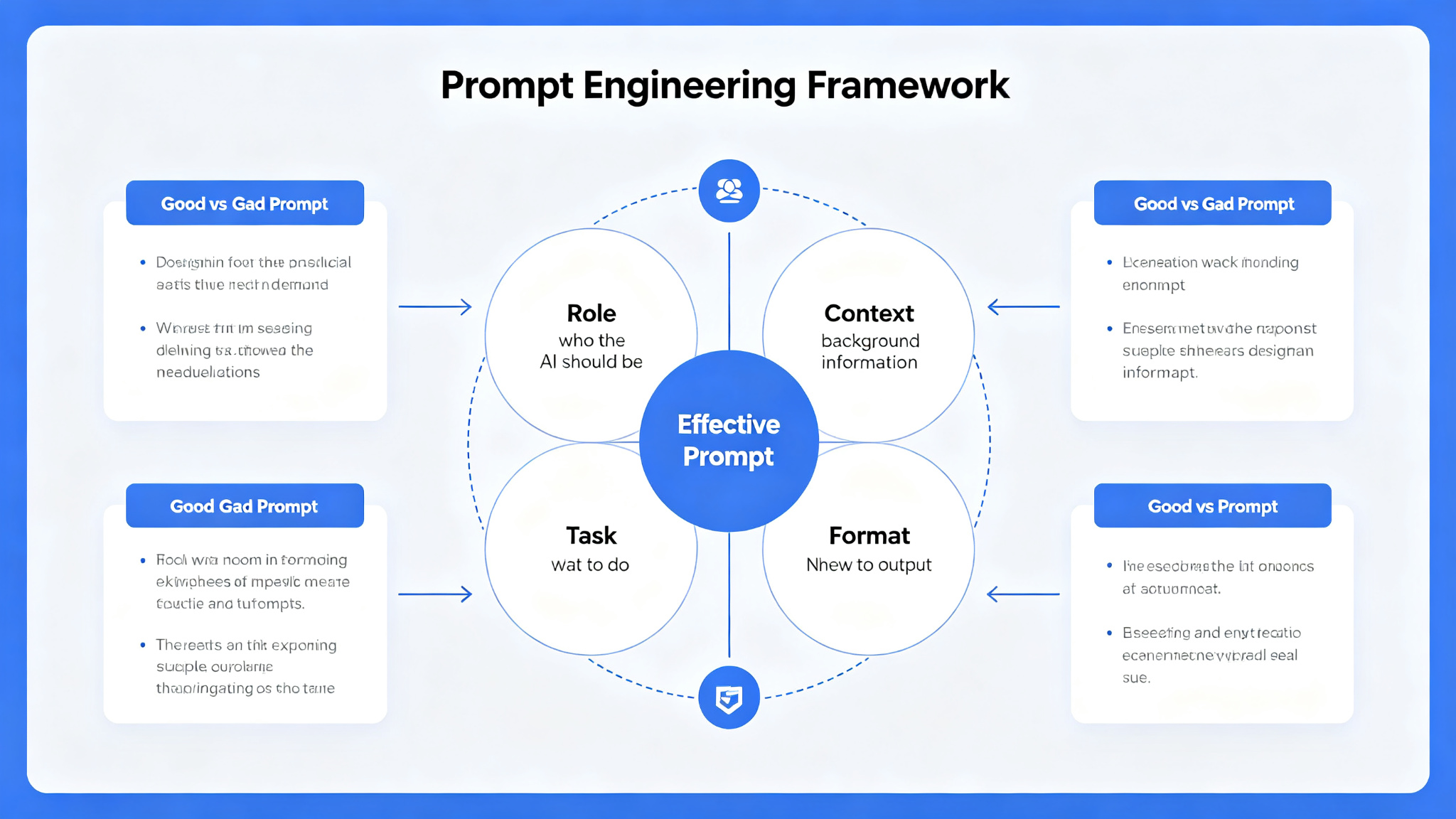
What Makes a Great Prompt?
- Scene description — what happens in the shot, who is in it
- Camera movement — pan, tilt, dolly, tracking, handheld, static
- Shot type — close-up, medium, wide, aerial, over-the-shoulder
- Lighting — cinematic, natural, neon, golden hour, dramatic
- Color grade — teal and orange, desaturated, warm, filmic
- Mood and atmosphere — tense, joyful, mysterious, epic
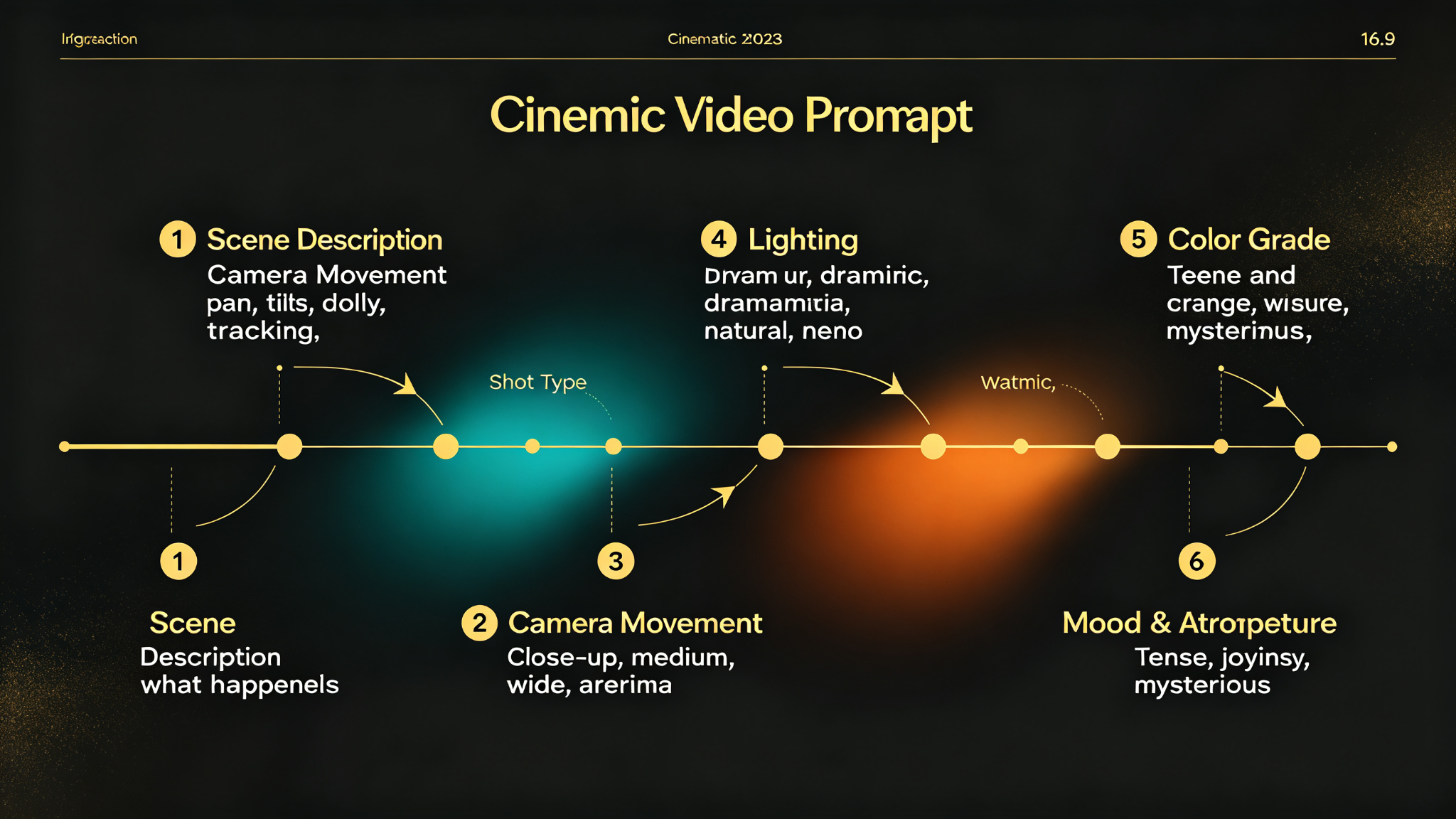
The Cinematic Video Prompt Formula
Great cinematic video prompts follow a filmmaker's structure: [Scene] + [Camera] + [Shot] + [Lighting] + [Color] + [Mood]. Here's a complete example:
- Scene: 'A lone astronaut walking across the surface of Mars, dust swirling around'
- Camera: 'slow dolly in tracking shot, smooth camera movement'
- Shot: 'wide establishing shot, then medium shot of astronaut'
- Lighting: 'dramatic side lighting from setting sun, long shadows'
- Color: 'teal and orange color grade, cinematic, filmic'
- Mood: 'epic, lonely, awe-inspiring, contemplative'
Camera Movement: Bringing Scenes to Life
Camera movement is what separates static images from cinematic video. Specifying the right camera movement creates dynamism and visual interest:
Pro tip: Use 'slow, smooth camera movement' for cinematic feel. Avoid 'fast' or 'quick' movements — AI video models often struggle with fast motion and produce artifacts.
Shot Types and Composition
Different shot types convey different emotions and information. Choose the right shot for your scene:
- Extreme wide shot — establishes location, scale, epic feel
- Wide shot — shows full body and environment, action scenes
- Medium shot — waist up, dialogue, character interaction
- Close-up — face, emotion, intimacy, tension
- Extreme close-up — eyes, hands, details, emphasis
- Over-the-shoulder — dialogue, conversation, perspective
Lighting and Color Grading
Lighting and color are the most powerful tools for setting mood and atmosphere in cinema. The right lighting can make an ordinary scene feel epic, intimate, or mysterious:
- Golden hour — warm, romantic, nostalgic, beautiful
- Blue hour — cool, mysterious, calm, melancholic
- Neon lighting — cyberpunk, futuristic, urban, energetic
- Candlelight — intimate, warm, historic, dramatic
- Overcast — soft, even, melancholic, realistic
- High contrast — dramatic, intense, film noir, epic
Pro Tips for Better Results
- Always specify camera movement — even 'slow static shot' is better than nothing
- Use 'cinematic, filmic, movie quality' style tags at the end
- Describe motion: 'hair blowing in wind', 'leaves falling', 'water rippling'
- Keep scenes simple — AI video struggles with complex multi-character action
- Use 16:9 aspect ratio for cinematic widescreen
- Start with 5-second clips, then extend for longer videos
- Generate multiple variations and pick the best takes
Final Thoughts
Creating cinematic AI videos is an exciting blend of filmmaking and prompt engineering. By thinking like a director — specifying camera movement, shot types, lighting, and mood — you can create videos that feel like they belong on the big screen. Start with simple scenes, master the basics, then gradually experiment with more complex compositions. As AI video models continue to improve, the possibilities are limitless. With these cinematic prompt formulas, you'll be creating stunning, movie-quality videos in no time.