AI video generation has evolved from experimental novelty to production-ready tooling. In 2026, creators, marketers, and developers have more options than ever — from text-to-video models that generate cinematic clips to image-to-video pipelines that bring still images to life. This guide breaks down the best AI video tools available today, helping you choose the right one for your workflow.
What to Look for in an AI Video Generator
Before diving into specific tools, it's important to understand the key factors that differentiate AI video generators in 2026:
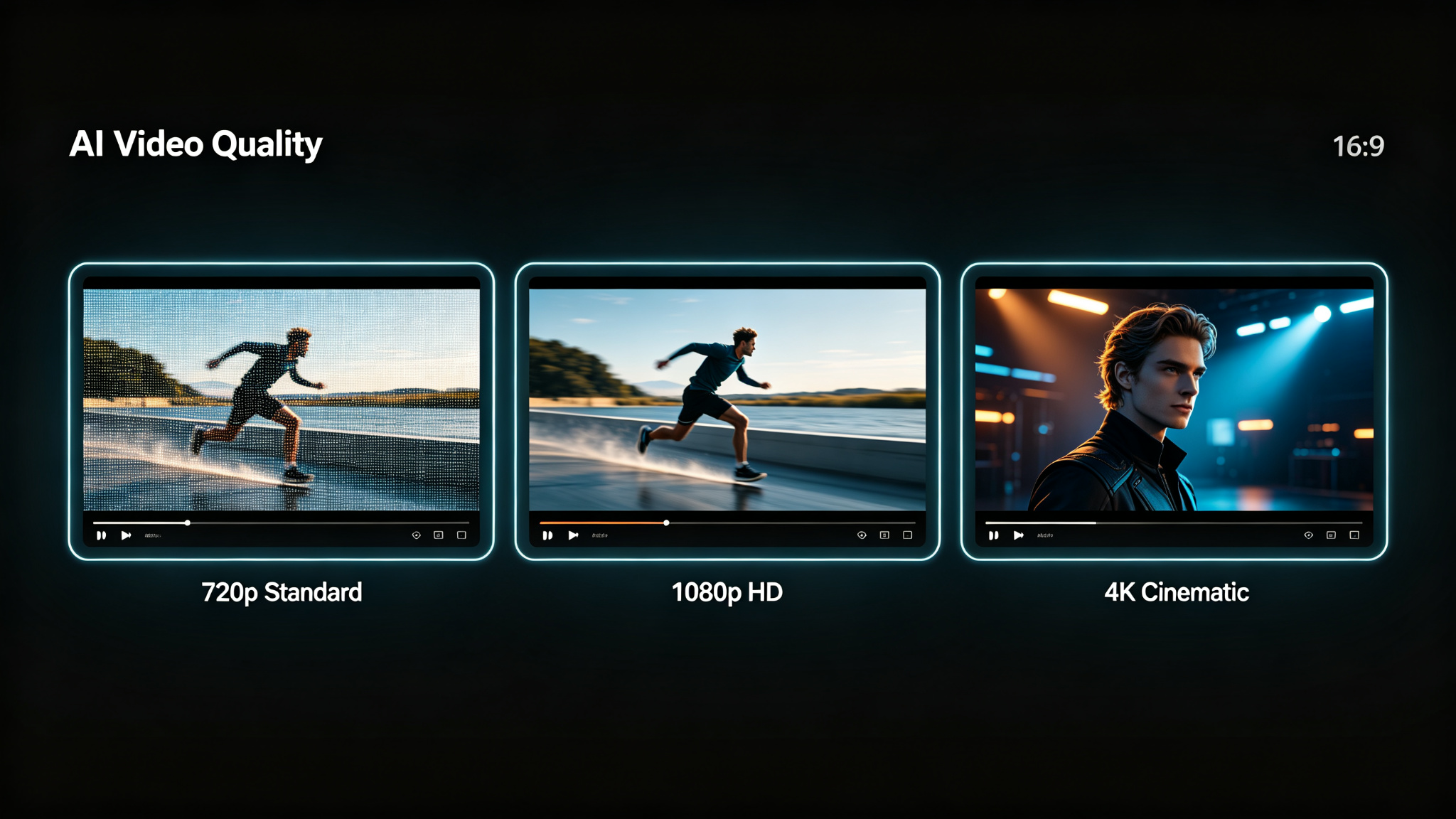
- Video quality and resolution (720p, 1080p, 4K)
- Generation speed and batch processing capabilities
- Text-to-video vs. image-to-video support
- Motion control and camera movement options
- Audio generation and lip-sync accuracy
- Pricing model (credits, subscription, one-time)
- API access for automation and integration
- Commercial usage rights and licensing
Top AI Video Generation Tools Compared
| Tool | Best For | Max Resolution | Price | Key Feature |
|---|---|---|---|---|
| Sora | Cinematic text-to-video | 1080p | Credits | Photorealistic motion |
| Runway ML | Professional editing | 4K | $15/mo+ | Gen-3 + editing suite |
| Pika Labs | Fast experimentation | 1080p | $10/mo+ | Quick iterations |
| Kling AI | Chinese market + quality | 1080p | Credits | High-fidelity motion |
| ViMax | Agentic video pipelines | 1080p | Open source | Director/script workflow |
1. Sora — Best for Cinematic Text-to-Video
OpenAI's Sora remains the gold standard for photorealistic text-to-video generation in 2026. Its ability to create complex scenes with multiple characters, accurate physics, and cinematic camera movement is unmatched. Sora excels at short-form content (5-60 seconds) and is ideal for filmmakers, advertisers, and content creators who need production-quality footage without a camera crew.
Best for: Cinematic commercials, short films, social media content. Not ideal for: Long-form video, precise character consistency across clips.
2. Runway ML — Best for Professional Workflows
Runway has evolved from a simple video generator into a full creative suite. Its Gen-3 model produces high-quality video, but what sets Runway apart is its comprehensive editing toolkit — motion brush, inpainting, outpainting, and style transfer all in one platform. For professionals who need to generate and edit video in a single workflow, Runway is the clear choice.
3. Pika Labs — Best for Fast Iteration
Pika Labs has built a loyal following among creators who value speed and experimentation. Its Discord-based interface and rapid generation times make it perfect for brainstorming and testing ideas quickly. Pika's image-to-video capabilities are particularly strong, allowing you to animate still images with impressive results. The recent web app launch has made it more accessible than ever.
4. Kling AI — Best for High-Fidelity Motion
Kling AI, developed by Kuaishou, has emerged as a serious contender in the AI video space. Its motion fidelity and character consistency are among the best in the industry. Kling supports both text-to-video and image-to-video, with a particular strength in dynamic action scenes and dance sequences. While it originated in the Chinese market, its English interface and global availability make it accessible to creators worldwide.
5. ViMax — Best for Agentic Video Pipelines
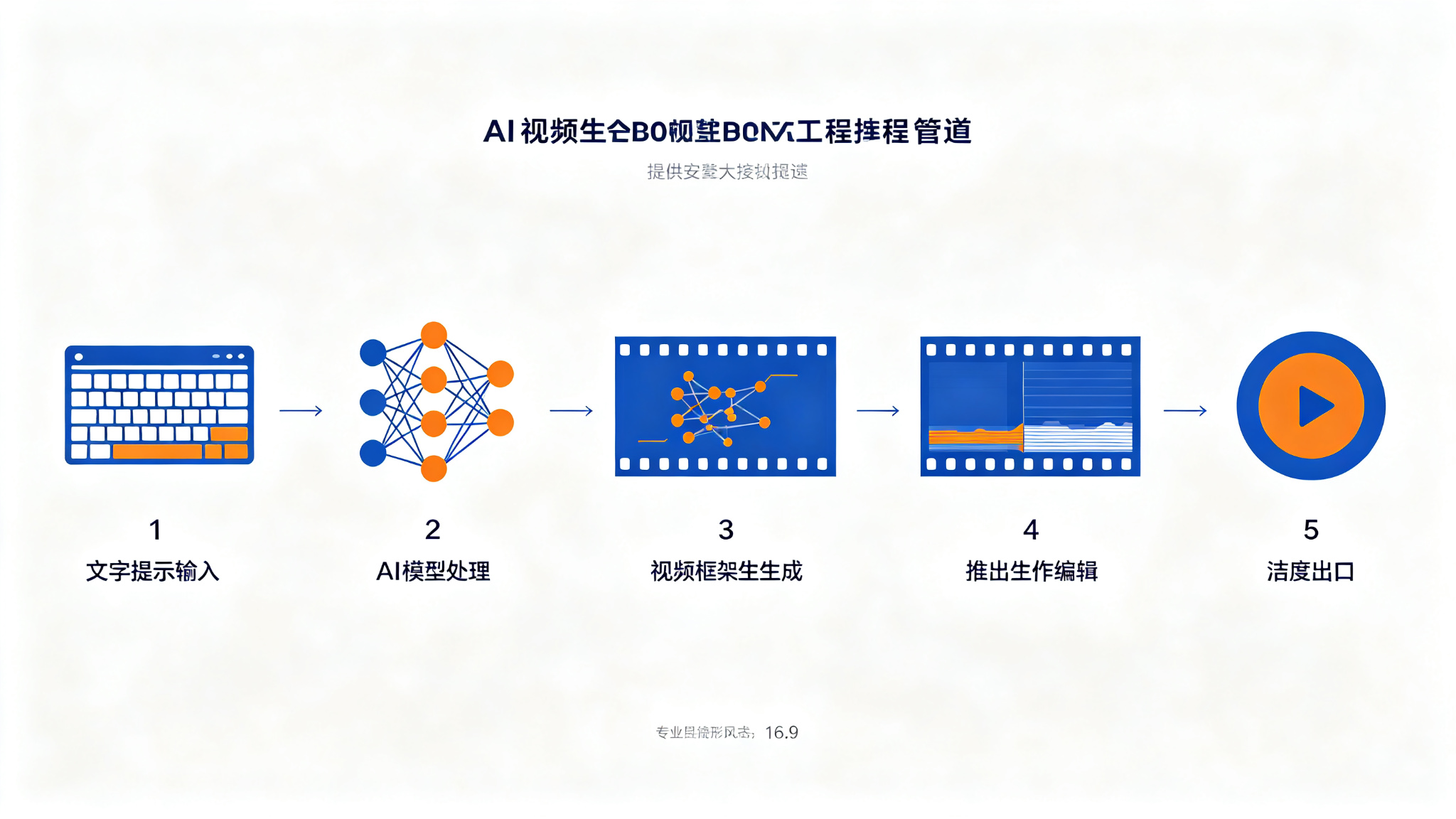
ViMax takes a different approach to AI video generation. Instead of a simple text-to-video interface, it offers an agentic pipeline that handles the entire production workflow — from idea to script to storyboard to final video. With support for Idea2Video, Script2Video, and Novel2Video modes, ViMax is perfect for creators who want to automate the production process. Its open-source nature also makes it a favorite among developers.
How to Choose the Right Tool
The best AI video tool depends on your specific needs:
- Filmmakers and advertisers → Sora for cinematic quality
- Professional editors → Runway ML for all-in-one workflow
- Social media creators → Pika Labs for speed and iteration
- Action and dance content → Kling AI for motion fidelity
- Automated production → ViMax for agentic pipelines
- Budget-conscious creators → Start with free tiers of Pika or Kling
Tips for Getting the Best Results
Regardless of which tool you choose, these tips will help you get better results from AI video generation:
- Be specific about camera movement (pan, tilt, zoom, dolly)
- Describe lighting conditions (golden hour, studio, neon, natural)
- Specify shot type (close-up, medium, wide, aerial)
- Use reference images for character and style consistency
- Generate multiple variations and pick the best
- Use post-processing tools for color grading and stabilization
- Start with shorter clips and extend them for longer content
Final Thoughts
The AI video generation landscape in 2026 is rich with options, each serving different needs and workflows. Whether you're a filmmaker chasing cinematic quality, a marketer needing fast turnarounds, or a developer building automated pipelines, there's a tool that fits your requirements. The key is to experiment with multiple tools, understand their strengths, and build a workflow that leverages the best of each. As the technology continues to evolve, staying informed about the latest developments will give you a competitive edge in this rapidly changing field.