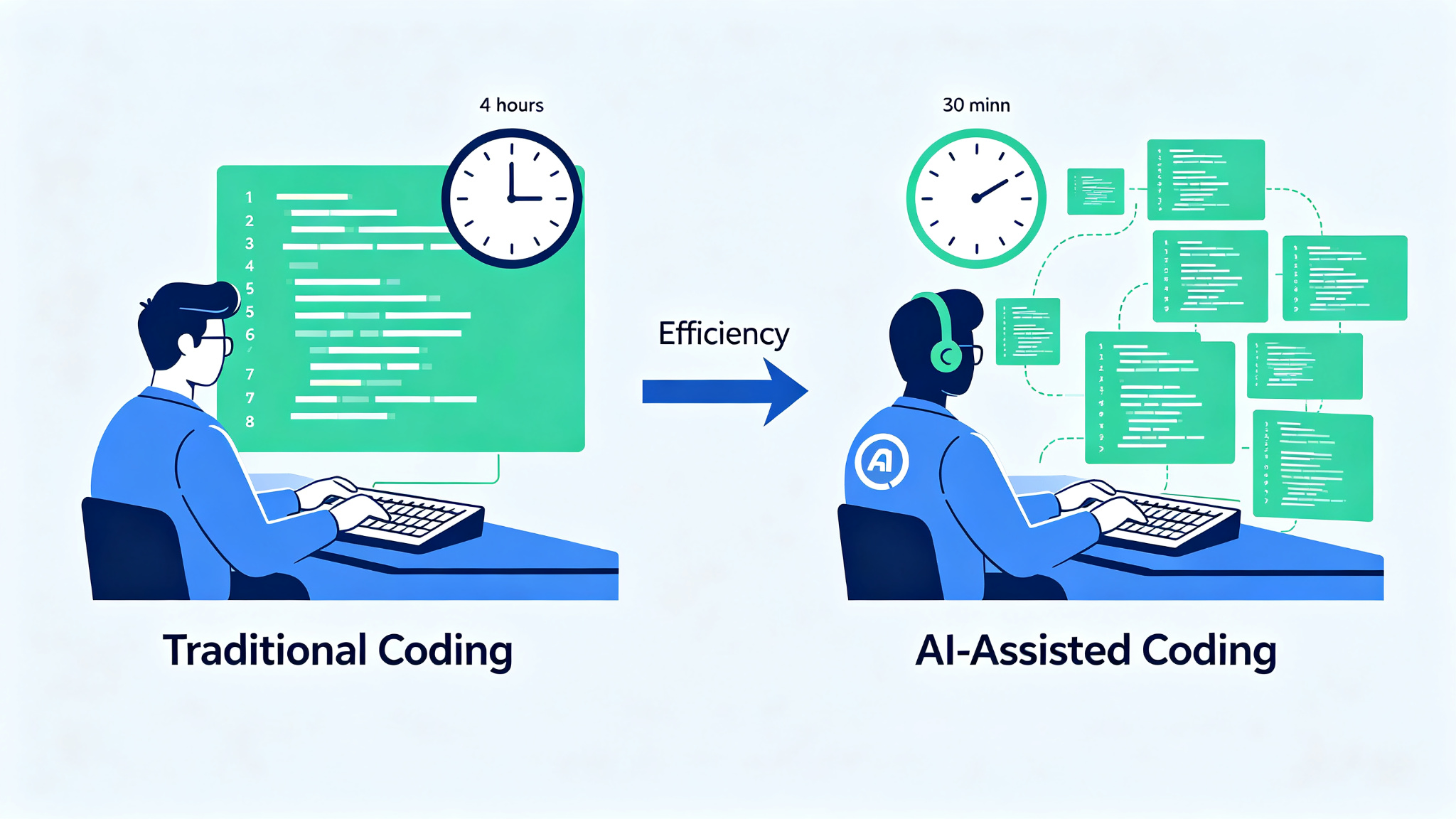
AI coding tools have revolutionized software development, turning what used to take hours into minutes. From intelligent code completion to full-featured AI pair programmers, these tools have become essential for developers who want to write better code faster. In 2026, the market is more competitive than ever, with each tool offering unique features and workflows. This guide helps you navigate the options and find the AI coding tool that best fits your development style.
What Makes a Great AI Coding Tool?
When evaluating AI coding tools, consider these key factors:
- Code completion accuracy and context awareness
- Chat interface for asking questions and getting explanations
- Ability to understand and modify entire codebases
- Integration with popular IDEs (VS Code, JetBrains, Neovim)
- Support for multiple programming languages
- Code review and debugging capabilities
- Terminal and command-line integration
- Privacy and code security policies
- Pricing and free tier availability
Top AI Coding Tools Compared
| Tool | Best For | IDE Support | Price | Key Feature |
|---|---|---|---|---|
| GitHub Copilot | IDE integration | All major | $10/mo | Seamless autocomplete |
| Cursor | AI-native editor | Standalone | $20/mo | Full codebase understanding |
| Claude Code | Terminal workflow | CLI | $20/mo | Agentic coding in terminal |
| Codeium | Free alternative | All major | Free/$12/mo | Generous free tier |
| Windsurf | Cascade workflow | Standalone | $15/mo | Multi-file editing |
| Aider | Open source | CLI | Free | Git-native pair programming |
1. GitHub Copilot — Best for IDE Integration
GitHub Copilot pioneered the AI code completion space and remains the most widely adopted tool in this category. Its seamless integration with VS Code, JetBrains IDEs, Neovim, and even GitHub's web interface makes it the easiest choice for developers who want AI assistance without changing their workflow. Copilot's autocomplete is fast and accurate, and its chat interface allows you to ask questions about your code, get explanations, and even generate tests. The recent addition of Copilot Workspace has expanded its capabilities to include full repository-level understanding and task execution.
Best for: Developers who want AI assistance within their existing IDE. Enterprise teams using GitHub for version control.
2. Cursor — Best for AI-Native Development
Cursor is a fork of VS Code built from the ground up for AI-assisted development. What sets Cursor apart is its deep integration of AI throughout the editor — not just as an add-on, but as a core part of the development experience. Features like Cmd+K for inline editing, Cmd+L for chat, and the ability to generate entire files from natural language make Cursor incredibly powerful. Its codebase indexing allows the AI to understand your entire project, providing context-aware suggestions that go far beyond simple autocomplete. For developers who are ready to embrace an AI-first workflow, Cursor is the gold standard.
3. Claude Code — Best for Terminal Workflow
Claude Code brings Anthropic's Claude AI to your terminal, offering an agentic coding experience that operates directly on your filesystem and runs commands. Unlike IDE-integrated tools, Claude Code works in any environment — from local development to remote servers to CI/CD pipelines. Its ability to read and write files, execute commands, and iterate on tasks makes it incredibly powerful for complex development workflows. Claude Code excels at refactoring, debugging, and implementing new features across multiple files. For developers who live in the terminal, Claude Code is a game-changer.
4. Codeium — Best Free Alternative
Codeium offers one of the most generous free tiers in the AI coding space, making it accessible to individual developers and students. Despite being free, Codeium's autocomplete and chat features are competitive with paid alternatives. It supports over 70 programming languages and integrates with all major IDEs. Codeium's recent focus on enterprise features like self-hosting, SSO, and custom model fine-tuning has made it a popular choice for organizations that want AI coding assistance without the price tag of Copilot or Cursor.
5. Windsurf — Best for Multi-File Editing
Windsurf (formerly Codeium Editor) is another AI-native code editor that competes with Cursor. Its standout feature is Cascade — an AI workflow that can plan and execute multi-file changes based on your instructions. Cascade breaks down complex tasks into steps, executes them across multiple files, and shows you a diff of all changes before applying. This makes Windsurf particularly strong for large refactoring tasks and feature implementation that touches multiple parts of a codebase. Windsurf's editor is also based on VS Code, so the transition is familiar for most developers.
6. Aider — Best Open Source Option
Aider is an open-source command-line tool that pairs AI with your existing editor and git workflow. Unlike other tools that lock you into a specific IDE or platform, Aider works with whatever editor you prefer and uses git for version control. You can use Aider with OpenAI's GPT models, Anthropic's Claude, or even local models via Ollama. Aider's git-native approach means every change is committed with a meaningful message, making it easy to review, revert, and collaborate. For developers who value open source, flexibility, and git integration, Aider is an excellent choice.
How to Choose the Right AI Coding Tool
The best AI coding tool depends on your workflow and preferences:
- Stay in your current IDE → GitHub Copilot or Codeium
- Ready for AI-native editor → Cursor or Windsurf
- Terminal-first developer → Claude Code or Aider
- Budget-conscious → Codeium (free tier) or Aider (open source)
- Enterprise team → GitHub Copilot Enterprise or Codeium Enterprise
- Multi-file refactoring → Cursor, Windsurf, or Claude Code
Tips for Getting the Most from AI Coding Tools
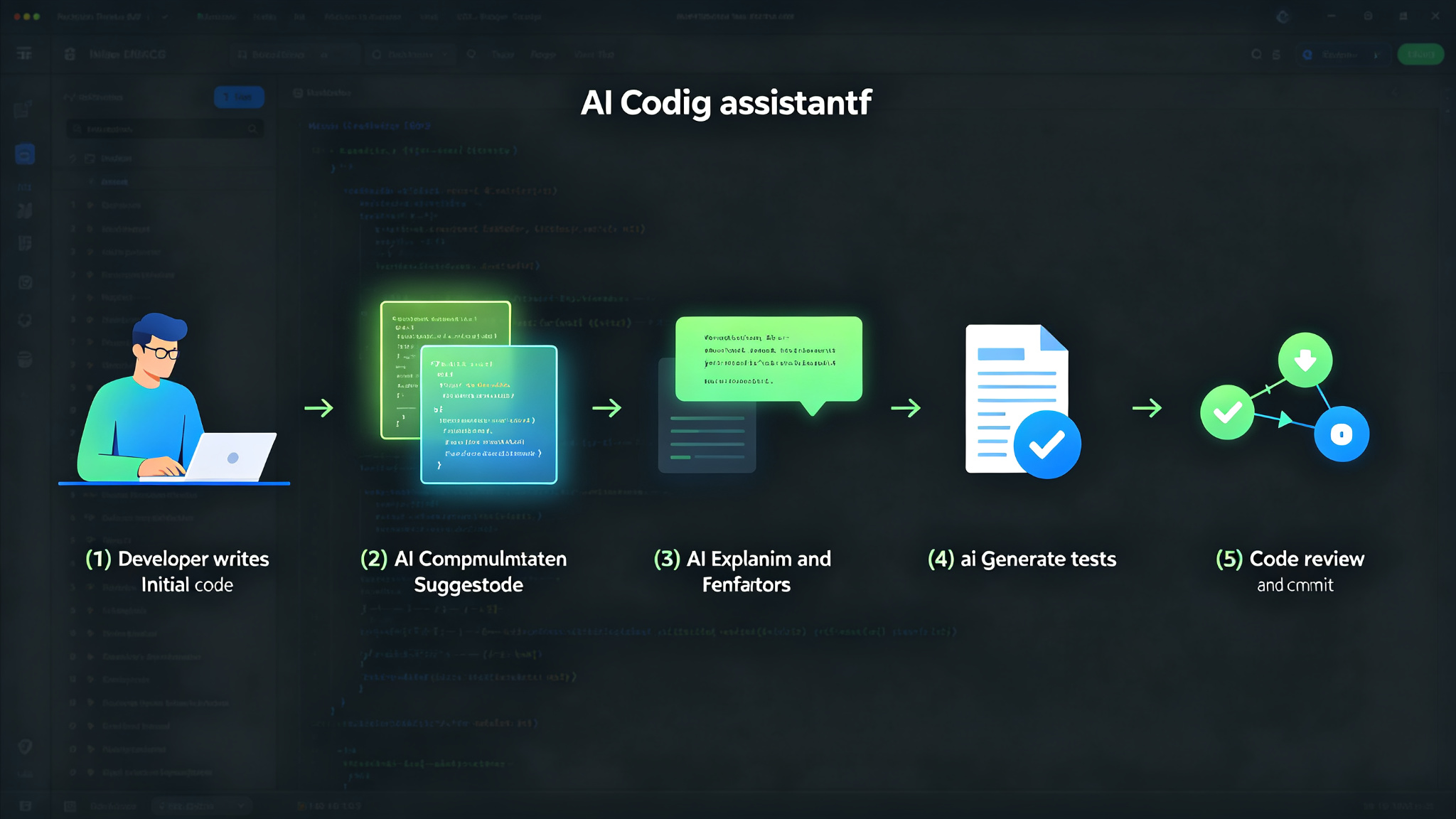
- Write clear, descriptive comments and docstrings — the AI uses these for context
- Break complex tasks into smaller, focused requests
- Use the chat interface to understand code before modifying it
- Always review AI-generated code before committing
- Provide specific file and function names in your requests
- Use version control to experiment with AI suggestions safely
- Customize settings like temperature and model choice for your use case
- Learn the keyboard shortcuts for your tool of choice to maximize efficiency
Final Thoughts
AI coding tools have become indispensable for modern developers, and the options in 2026 are better than ever. Whether you prefer the seamless integration of GitHub Copilot, the AI-native experience of Cursor, the terminal power of Claude Code, or the open-source flexibility of Aider, there's a tool that matches your workflow. The key is to experiment with multiple tools, find the one that complements your development style, and use it as a force multiplier — not a replacement for your own judgment and expertise. As AI coding tools continue to evolve, staying curious and adaptable will ensure you get the most from these powerful assistants.