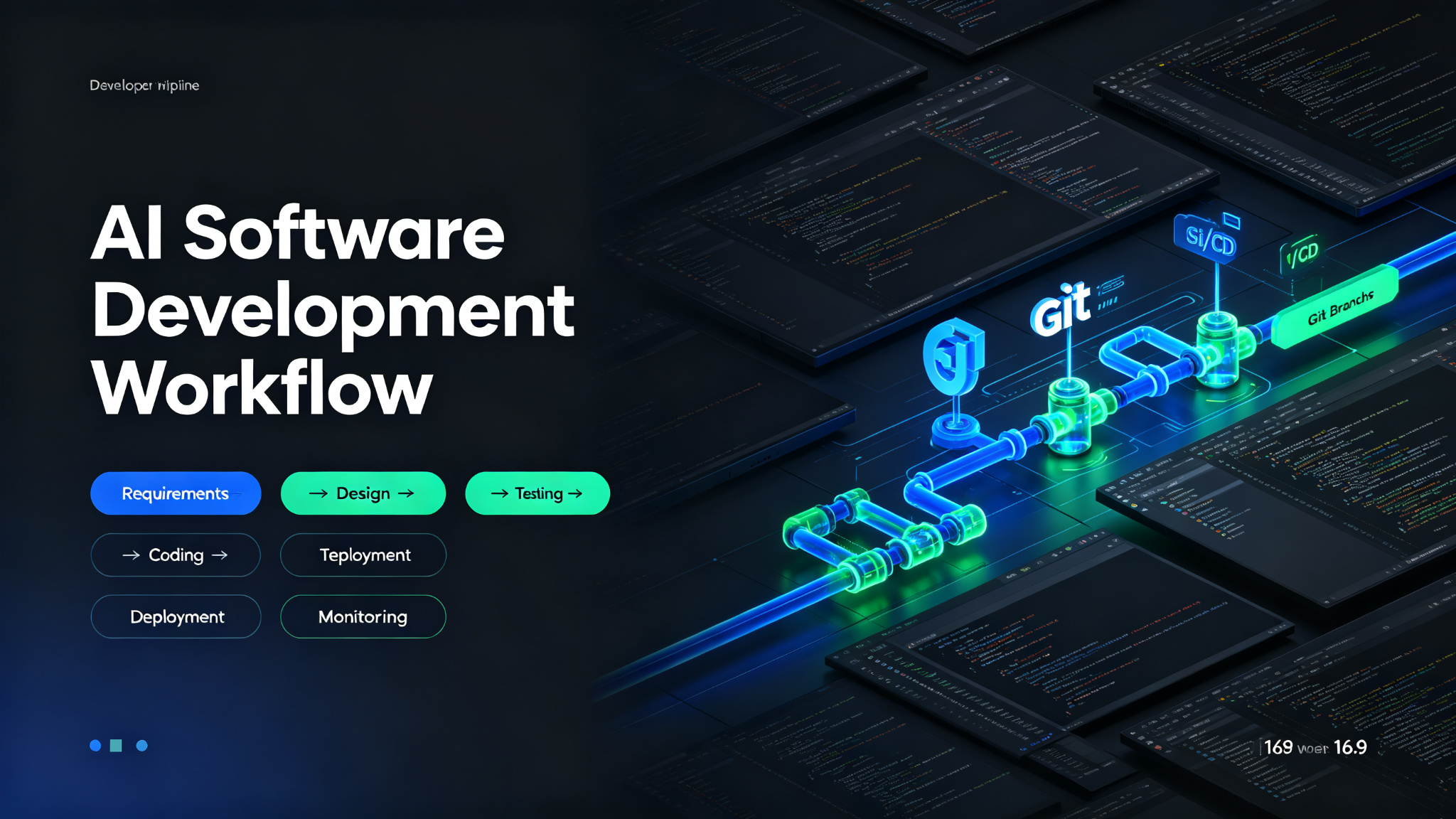
A well-defined software development workflow is essential for consistent, high-quality results. When you integrate AI into your workflow, you can automate repetitive tasks, generate ideas faster, and produce better output in less time. This guide walks you through a complete AI-powered software development workflow, from start to finish, with practical steps, recommended tools, and pro tips for success.
Why You Need an AI-Powered Software Development Workflow
Without a structured workflow, software development can feel chaotic and inefficient. You might waste time on repetitive tasks, miss important steps, or produce inconsistent quality. An AI-powered workflow solves these problems by:
- Automating repetitive and time-consuming tasks
- Providing structure and consistency to your process
- Generating ideas and first drafts in seconds
- Reducing errors and improving quality
- Freeing you to focus on creative and strategic work
- Enabling you to produce more output in less time
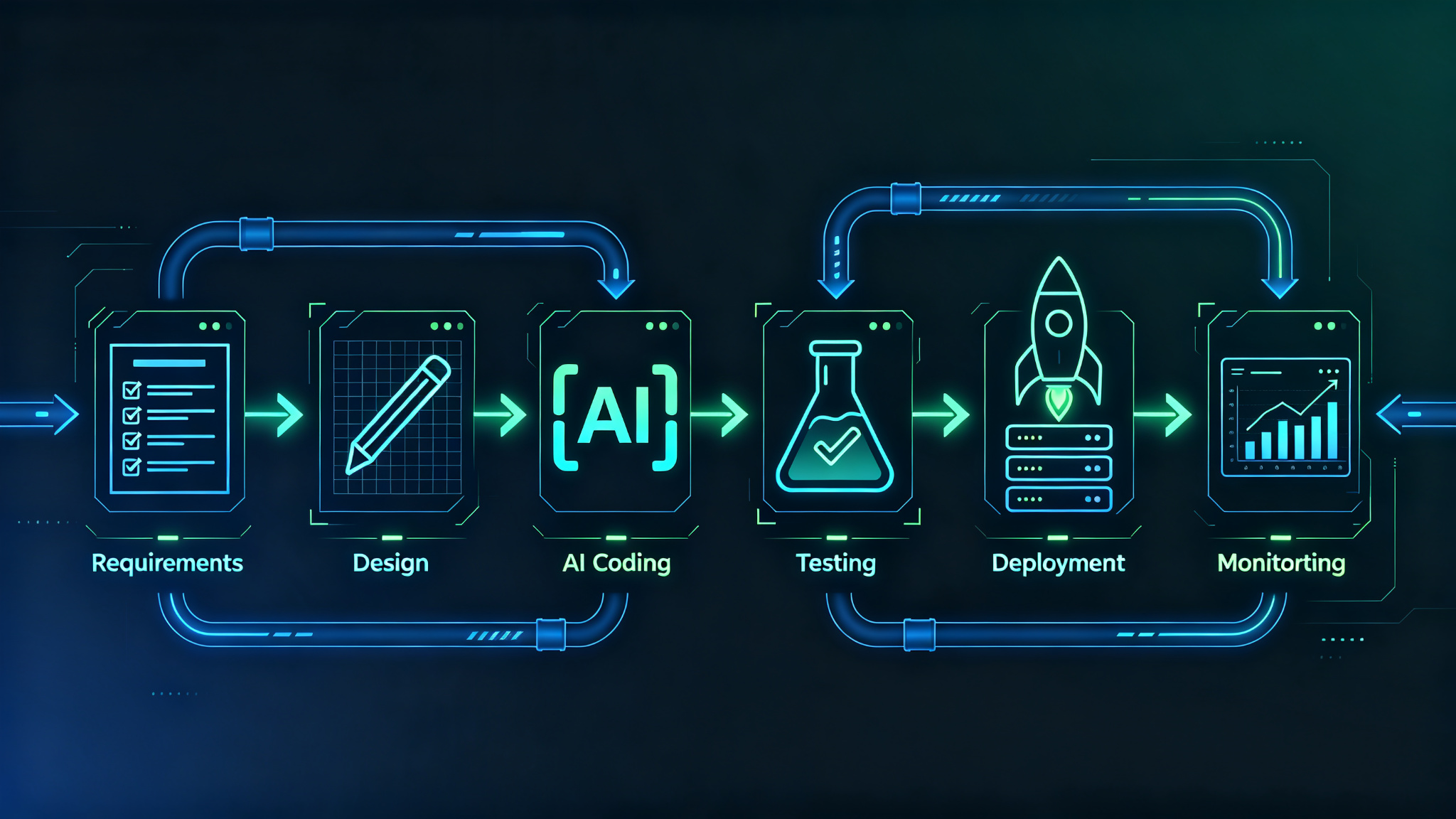
The Complete AI Software Development Workflow
Step 1: Requirements Gathering and Analysis
Every successful software project starts with clear requirements. Use AI to help gather, analyze, and document requirements, identify edge cases, and ensure nothing is missed.
AI usage: Use AI to analyze requirements documents, identify missing requirements and edge cases, generate user stories and acceptance criteria, and create technical requirement specifications.
- Gather and document project requirements
- Use AI to identify missing requirements and edge cases
- Generate user stories and acceptance criteria
- Create technical requirement specifications
Step 2: Architecture and Design
Design your system architecture and technical approach. Use AI to explore different architecture patterns, evaluate trade-offs, and create design documents and diagrams.
AI usage: Use AI to suggest architecture patterns, evaluate technology choices, generate design documents, and create system diagrams and database schemas. Ask AI to identify potential bottlenecks and scalability issues.
- Define system architecture and technology stack
- Design database schema and data models
- Create API specifications and interface designs
- Document design decisions and trade-offs
Step 3: AI-Assisted Coding
Write code faster with AI assistance. AI coding tools can generate code from descriptions, complete functions, suggest best practices, and help you learn new frameworks and languages.
AI usage: Use AI code completion tools as you type, generate entire functions from comments or descriptions, ask AI to explain code or suggest improvements, and use AI to learn new frameworks and APIs.
- Set up your development environment with AI coding tools
- Write code with AI assistance and completions
- Generate boilerplate and repetitive code with AI
- Review and understand all AI-generated code
Step 4: Testing and Quality Assurance
Ensure your code works correctly with comprehensive testing. AI can help you generate test cases, identify edge cases, write unit tests, and even perform automated code reviews.
AI usage: Use AI to generate unit tests for your functions, identify edge cases and boundary conditions, perform automated code reviews for bugs and security issues, and suggest test improvements.
- Generate unit tests with AI assistance
- Identify and test edge cases
- Perform code reviews with AI tools
- Run integration and E2E tests
Step 5: Deployment and CI/CD
Deploy your application reliably with automated CI/CD pipelines. AI can help you create deployment scripts, configure CI/CD pipelines, and identify deployment issues before they cause problems.
AI usage: Use AI to generate Dockerfiles and deployment scripts, configure CI/CD pipelines, identify potential deployment issues, and suggest infrastructure improvements.
- Create Dockerfiles and container configurations
- Set up CI/CD pipelines for automated testing and deployment
- Deploy to staging environment for testing
- Promote to production with proper approvals
Step 6: Monitoring and Maintenance
Monitor your application in production and maintain it over time. AI can help you analyze logs, identify issues, suggest optimizations, and even predict potential failures before they happen.
AI usage: Use AI to analyze application logs and identify patterns, detect anomalies and potential issues, suggest performance optimizations, and generate incident post-mortems and improvement plans.
- Set up application monitoring and alerting
- Analyze logs and performance metrics with AI
- Identify and fix bugs and performance issues
- Plan and implement improvements and updates
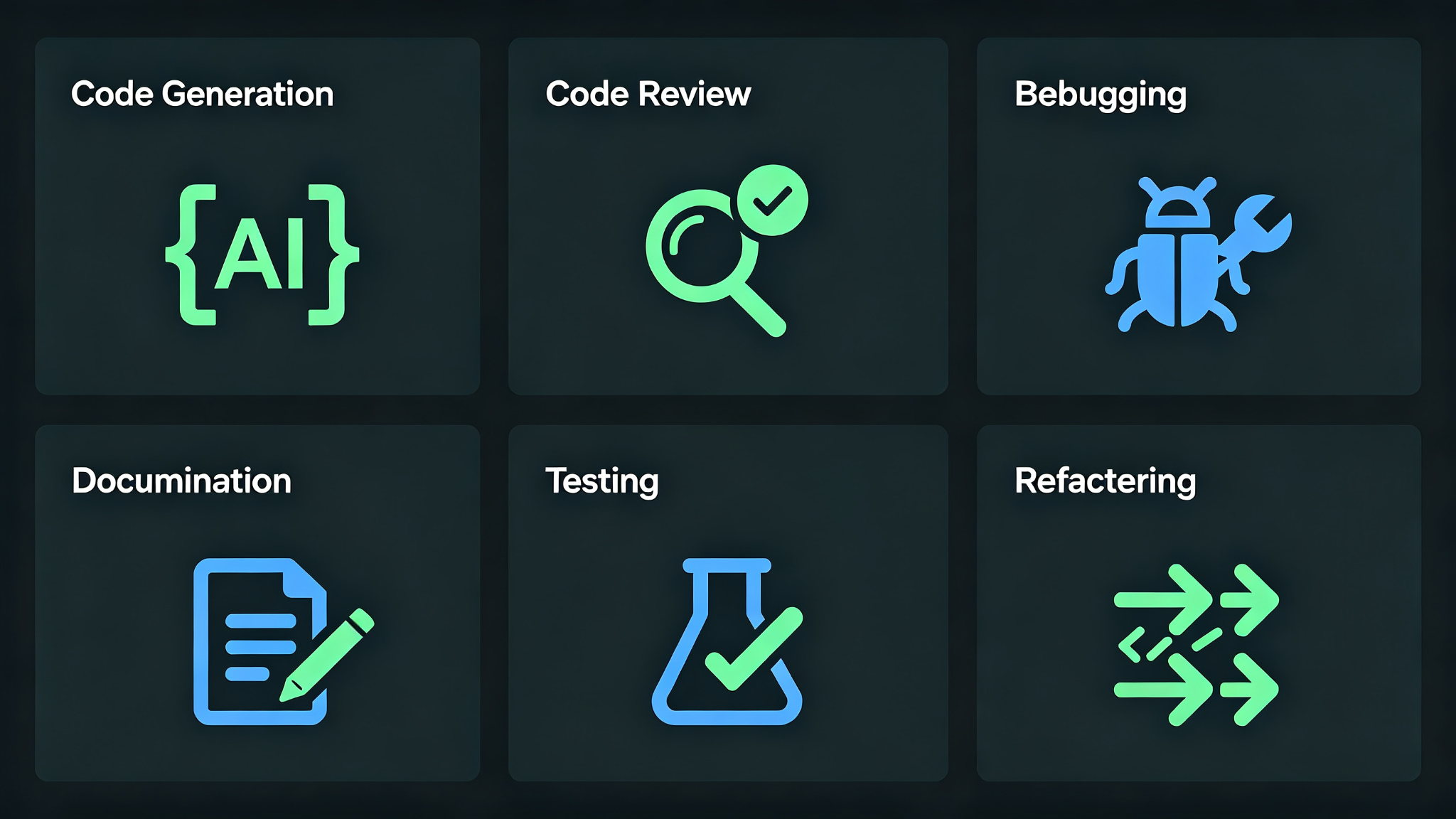
Recommended AI Tools
Here are the best AI tools for each stage of your software development workflow:
- **Requirements**: ChatGPT, Claude for requirements analysis and documentation
- **Design**: ChatGPT, Mermaid AI for architecture diagrams and design docs
- **Coding**: GitHub Copilot, Cursor, Claude Code for AI-assisted coding
- **Testing**: GitHub Copilot, ChatGPT for test generation, CodeQL for security
- **Deployment**: GitHub Actions, GitLab CI for CI/CD, Docker for containers
- **Monitoring**: Datadog, New Relic, Sentry for monitoring and error tracking
Pro Tips for Success
- Always review and understand AI-generated code before committing
- Use AI for boilerplate code, focus on architecture and logic
- Write tests for all critical code — AI can help but you need to verify
- Keep your codebase clean and well-documented
- Use version control and code reviews for all changes
- Automate as much of your workflow as possible
- Continuously learn and adopt new AI tools and features
Final Thoughts
An AI-powered software development workflow can dramatically improve your productivity, code quality, and job satisfaction. By following this six-step workflow — requirements, design, coding, testing, deployment, and monitoring — you can streamline your development process and focus on what matters most: solving problems and building great products. AI tools can handle many of the repetitive and time-consuming tasks, from writing boilerplate code to generating tests, freeing you to focus on architecture, problem-solving, and creative solutions. Remember that AI is a tool to enhance your skills, not replace them. The best developers use AI to work faster and better while maintaining high standards of code quality and engineering excellence. Start implementing this workflow today and become a more effective, efficient, and valuable developer.