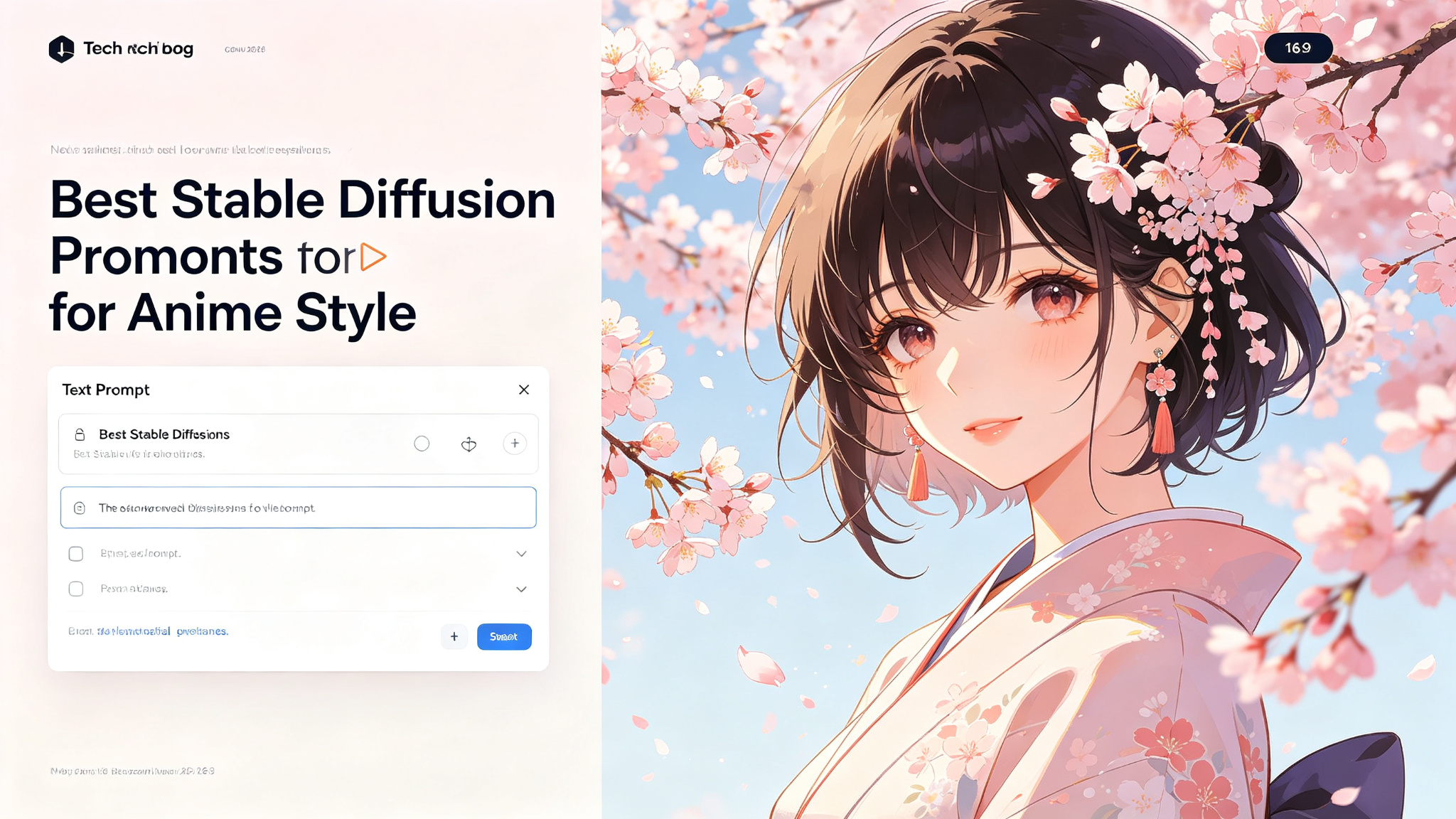
Anime-style image generation with Stable Diffusion has reached incredible levels of quality, with models capable of producing illustrations that rival professional anime artists. However, creating great anime images requires understanding the specific tag-based prompt system that anime models use. This guide covers the best models, tag structures, and techniques for creating stunning anime illustrations with Stable Diffusion.
What Makes a Great Prompt?
- Model selection — Anything V5, Counterfeit, MeinaMix, AbyssOrangeMix
- Tag-based prompting — Danbooru tags in comma-separated format
- Quality tags — masterpiece, best quality, ultra-detailed
- Character tags — hair color, eye color, outfit, expression
- Scene tags — background, setting, lighting, atmosphere
- Negative prompts — what to exclude from the image
Best Anime Models for Stable Diffusion
The model you choose dramatically affects the style and quality of your anime images. Here are the most popular and highest-quality anime models:
- Anything V5/V6 — versatile, high-quality, good for all anime styles
- Counterfeit V3 — clean, modern anime style, great for characters
- MeinaMix — beautiful, painterly anime style, popular on Civitai
- AbyssOrangeMix — vibrant, detailed, great for fantasy and sci-fi
- NoobAI-XL — based on NovelAI, excellent for traditional anime look
The Anime Tag Structure
Anime models use Danbooru-style tags in comma-separated format. The order matters — tags earlier in the prompt have more weight. The standard structure is:
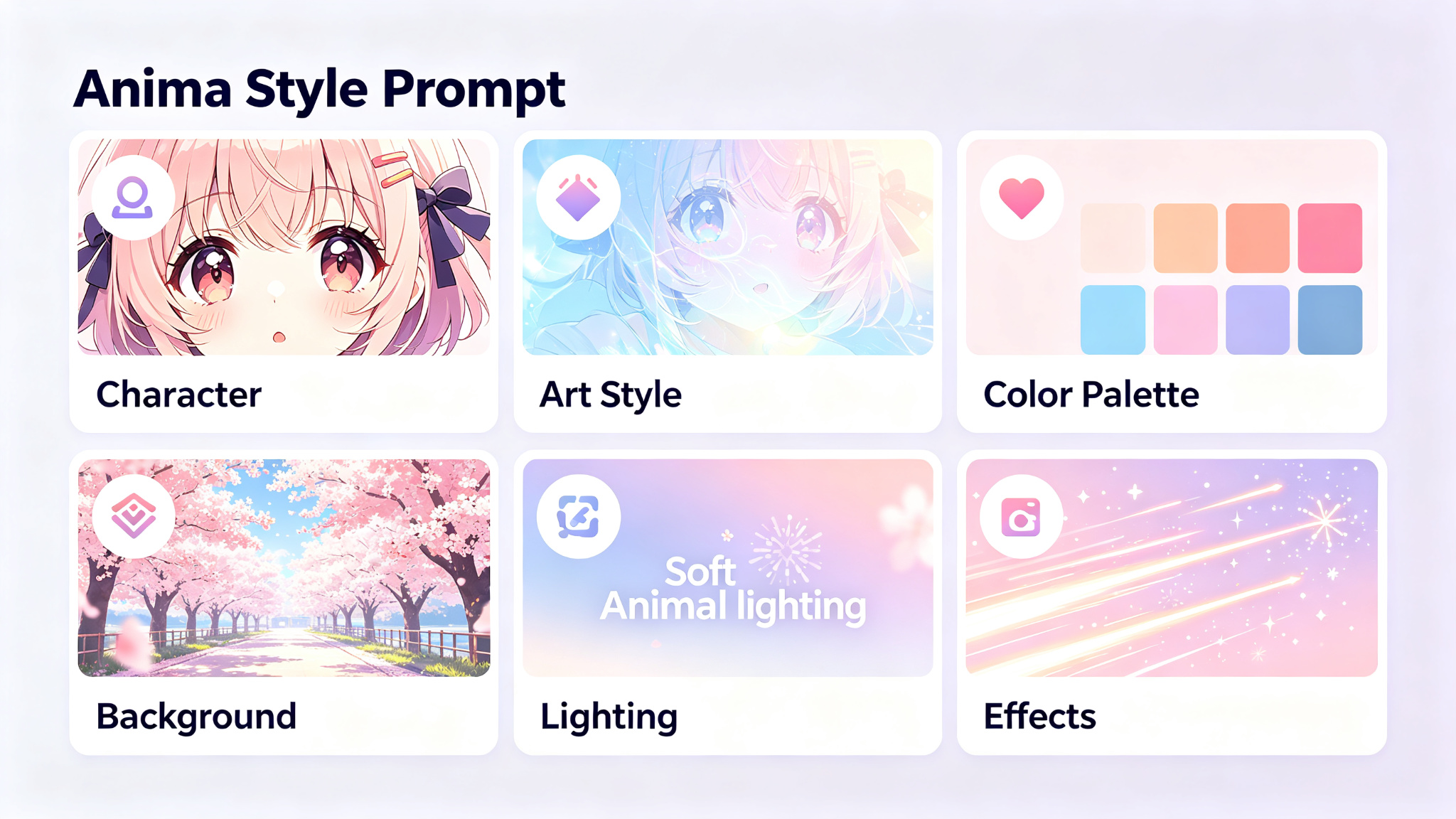
- Quality tags: masterpiece, best quality, ultra-detailed, 1girl/1boy
- Character tags: hair color, eye color, hairstyle, outfit, accessories
- Expression tags: smile, blush, looking at viewer, closed eyes
- Pose tags: standing, sitting, dynamic pose, cowboy shot
- Scene tags: background, setting, location, time of day
- Lighting tags: cinematic lighting, soft lighting, backlighting
Negative Prompts for Anime
Negative prompts are crucial for anime generation — they prevent common artifacts and unwanted elements. A good negative prompt can dramatically improve quality:
Essential negative prompt: lowres, bad anatomy, bad hands, text, error, missing fingers, extra digit, fewer digits, cropped, worst quality, low quality, jpeg artifacts, signature, watermark, username, blurry
Advanced Anime Techniques
Once you master the basics, these advanced techniques will take your anime images to the next level:
- Use LoRA models for specific character styles, art styles, or outfits
- Experiment with ControlNet for pose control and composition
- Use img2img to refine and iterate on your best generations
- Try different samplers — DPM++ 2M Karras is great for anime
- Use higher CFG scale (7-12) for more prompt adherence
- Generate at 512x768 for portraits, then upscale with RealESRGAN
Pro Tips for Better Results
- Start with quality tags: masterpiece, best quality, ultra-detailed
- Use 1girl or 1boy to specify character count and gender
- Be specific about hair: long hair, short hair, twintails, silver hair
- Specify eye color and style: blue eyes, detailed eyes, glowing eyes
- Use shot types: cowboy shot, upper body, full body, close-up
- Always use a comprehensive negative prompt
- Experiment with different models — each has its own strengths
Final Thoughts
Creating beautiful anime images with Stable Diffusion is a rewarding journey that combines technical knowledge with artistic vision. By choosing the right model, mastering the tag-based prompt system, and using effective negative prompts, you can create stunning anime illustrations that rival professional artwork. Don't be afraid to experiment — the best way to learn is to generate, observe, and refine. With these techniques and a bit of practice, you'll be creating amazing anime art in no time.