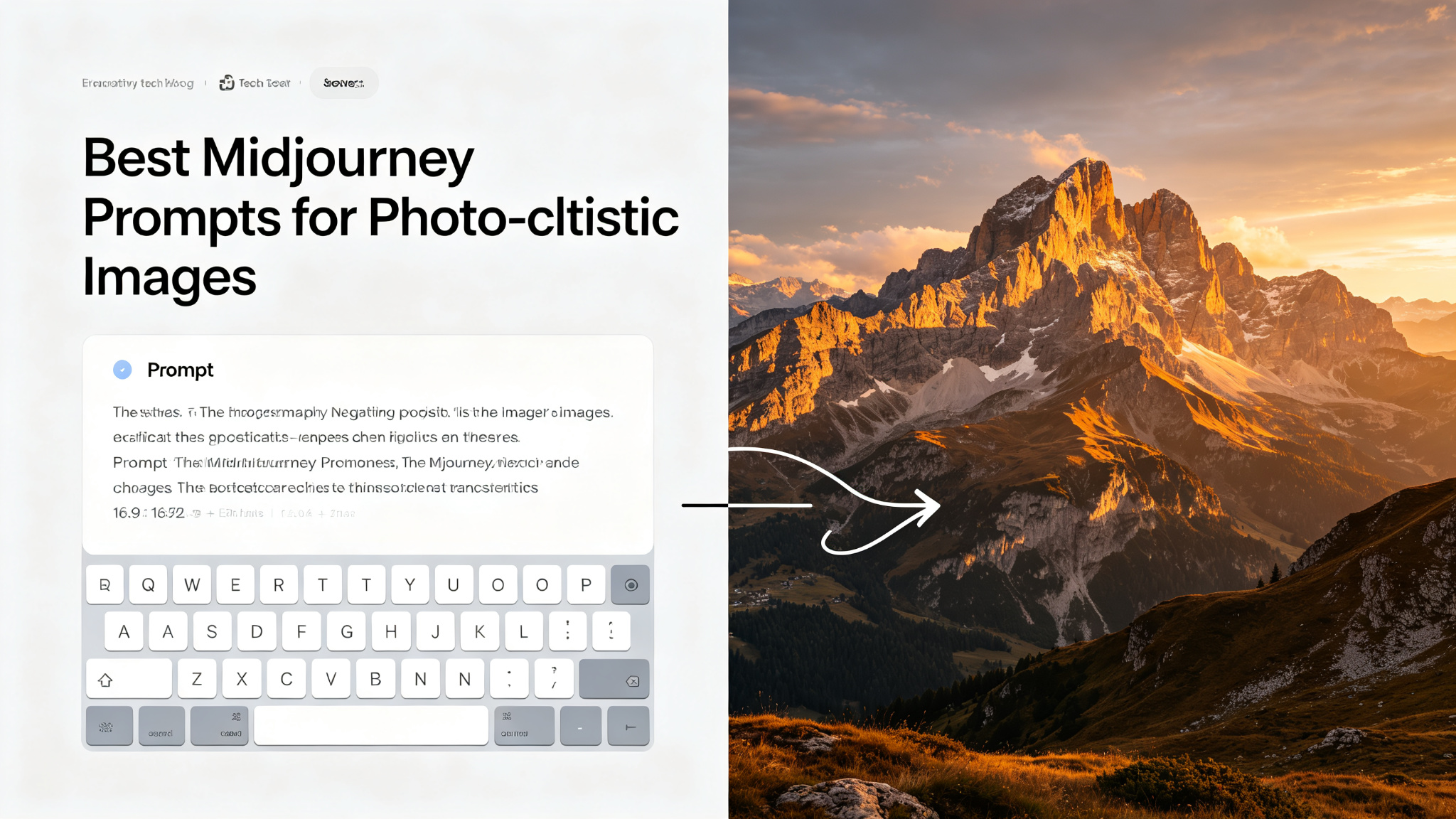
Creating photorealistic images with Midjourney is both an art and a science. While Midjourney v6 and later versions have dramatically improved photorealism, the quality of your output still depends heavily on how well you craft your prompt. This guide reveals the proven formulas and techniques that professional AI artists use to create stunning, camera-quality photographs with Midjourney.
What Makes a Great Prompt?
- Subject specificity — describe exactly what or who is in the photo
- Environment and setting — where is the photo taken, what's in the background
- Lighting — golden hour, studio, overcast, neon, backlit
- Camera and lens — 85mm, 35mm, macro, wide angle, shallow depth of field
- Style references — shot on film, DSLR, medium format, specific photographers
- Technical details — ISO, aperture, shutter speed, film grain
The Photorealistic Prompt Formula
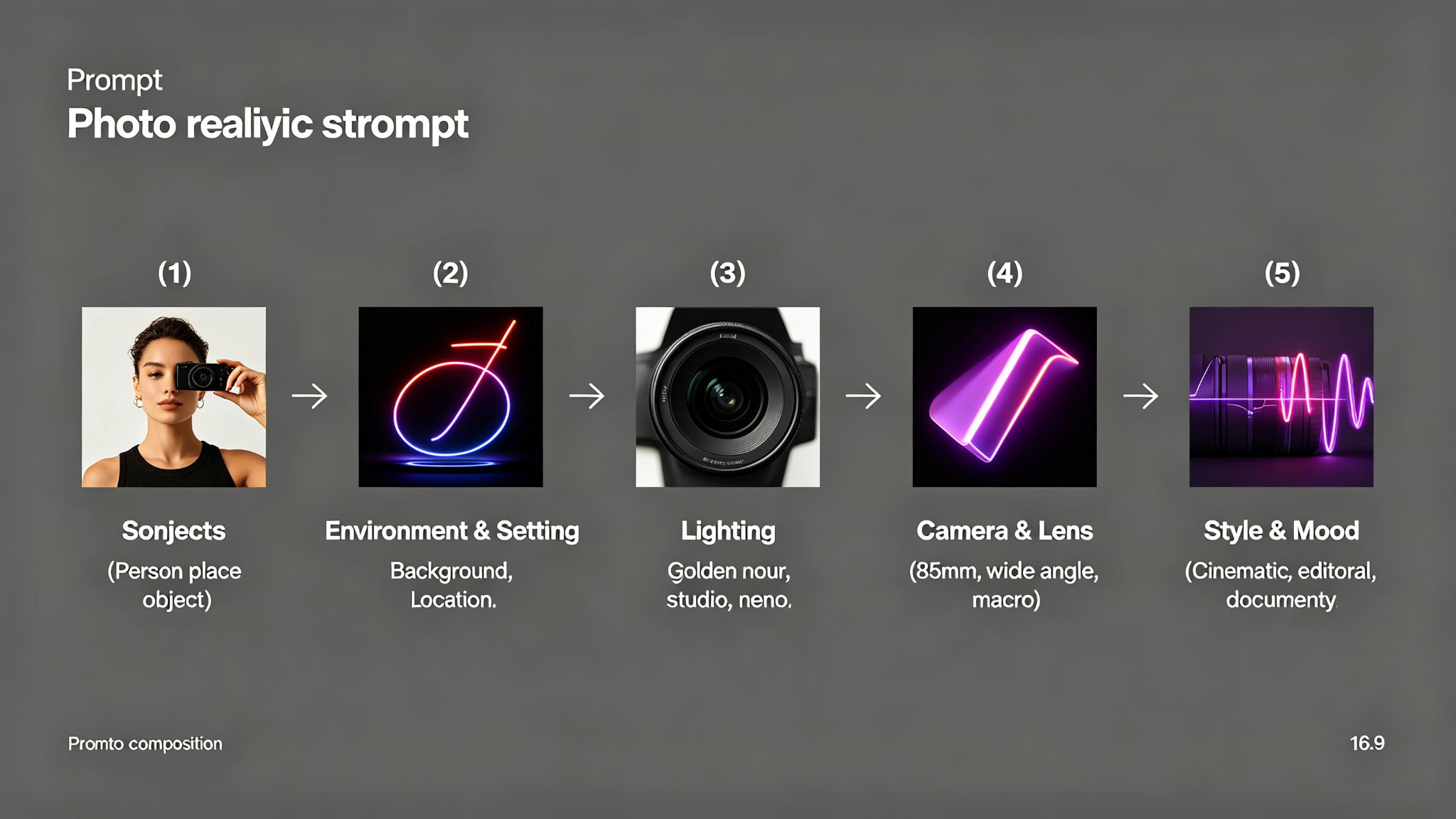
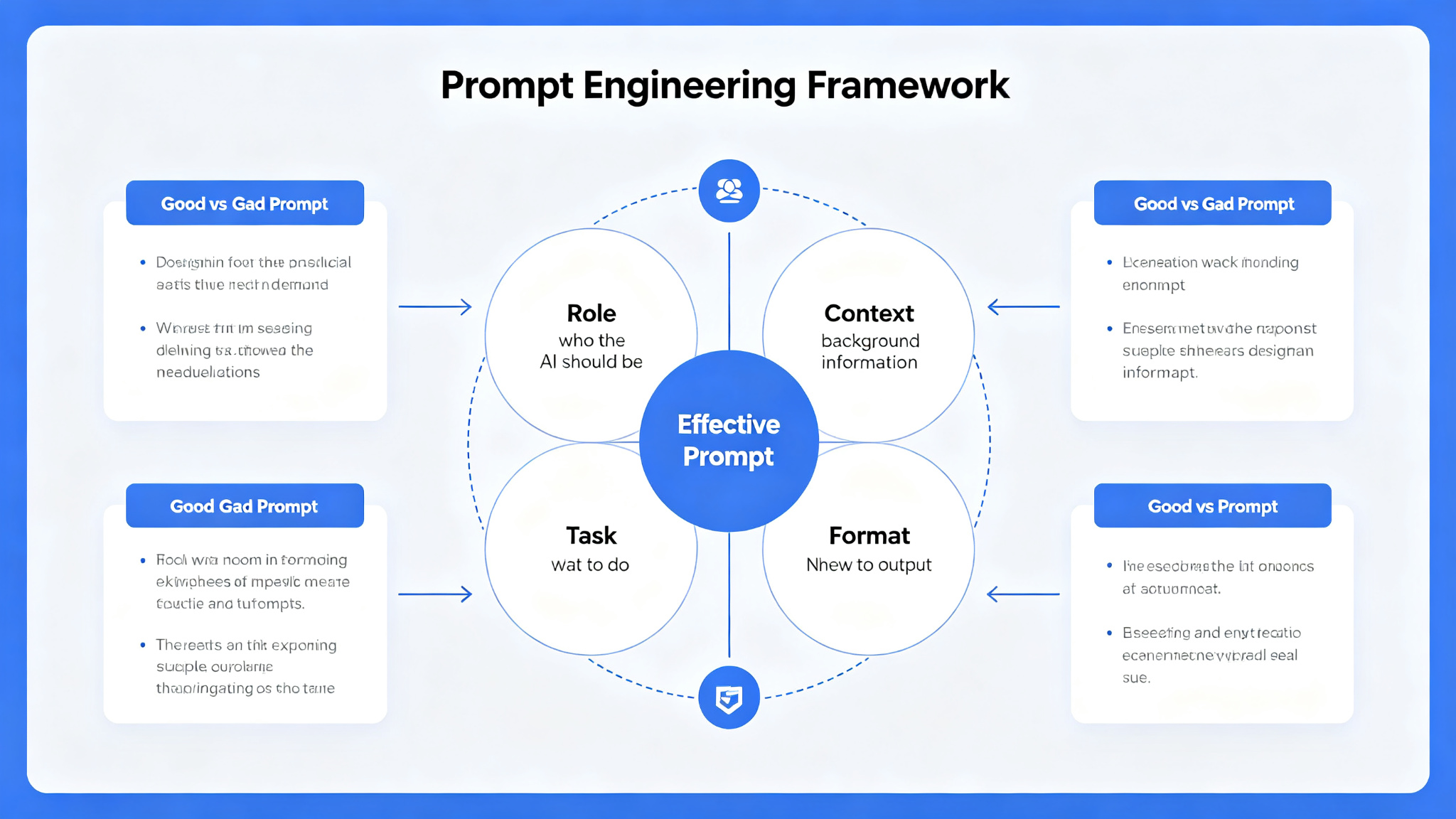
The most effective photorealistic prompts follow a specific structure: [Subject] + [Environment] + [Lighting] + [Camera/Lens] + [Style/Technical]. Here's a complete example:
- Subject: 'A young woman with freckles and curly auburn hair'
- Environment: 'standing in a sunlit forest with dappled light through leaves'
- Lighting: 'golden hour lighting, warm tones, soft shadows'
- Camera: 'shot on 85mm f/1.4 lens, shallow depth of field, bokeh background'
- Style: 'photorealistic, shot on Kodak Portra 400, film grain, hyperdetailed'
Lighting: The Secret to Realism
Lighting is the single most important factor in creating photorealistic images. Flat, even lighting makes images look artificial and CGI-like. Instead, specify dramatic, directional lighting that creates shadows and highlights.
Pro tip: Use 'golden hour' or 'blue hour' for the most natural, flattering lighting. Avoid 'well-lit' or 'bright lighting' — these create flat, artificial results.
Camera and Lens Details
Specifying camera and lens details adds authenticity and controls the look of your image. Different lenses produce different perspectives and depth of field:
- 85mm f/1.4 — portrait photography, beautiful bokeh, subject isolation
- 35mm f/2.8 — environmental portraits, natural perspective
- 24mm wide angle — landscapes, architecture, dramatic perspectives
- 100mm macro — extreme close-ups, detail shots
- 50mm f/1.8 — natural human perspective, versatile
Style References and Film Stocks
Referencing specific film stocks and photographic styles adds authenticity and character to your images. Film stocks like Kodak Portra, Fujifilm Velvia, and Ilford HP5 each have distinct color palettes and grain patterns.
- Kodak Portra 400 — warm skin tones, fine grain, portrait favorite
- Fujifilm Velvia 50 — vibrant colors, high contrast, landscapes
- Ilford HP5 Plus — black and white, dramatic contrast, gritty
- Kodak Ektar 100 — ultra-sharp, saturated colors, commercial look
- Cinestill 800T — cinematic, halation glow, low light
Pro Tips for Better Results
- Use --ar 3:4 or --ar 2:3 for portrait orientation, --ar 16:9 for cinematic
- Add --style raw for more photographic, less artistic results
- Use --stylize 250 for more creative interpretation, --stylize 100 for literal
- Include specific camera settings: f/1.8, ISO 100, 1/250s
- Describe the subject's expression and pose — 'looking off-camera, thoughtful expression'
- Add environmental details: 'wind blowing hair', 'leaves falling', 'rain droplets'
- Experiment with --weird 250-500 for unique, unexpected results
Final Thoughts
Mastering photorealistic Midjourney prompts takes practice, but following these proven formulas will dramatically improve your results. Start with the basic structure, then experiment with lighting, camera details, and film stocks to develop your own unique style. Remember that the best prompts are specific and descriptive — the more detail you provide, the better Midjourney can understand and execute your vision. With these techniques, you'll be creating stunning, camera-quality photographs in no time.