Sentiment Analysis Routing
Analyze incoming customer messages for sentiment and urgency, then route to the appropriate team or response template automatically.
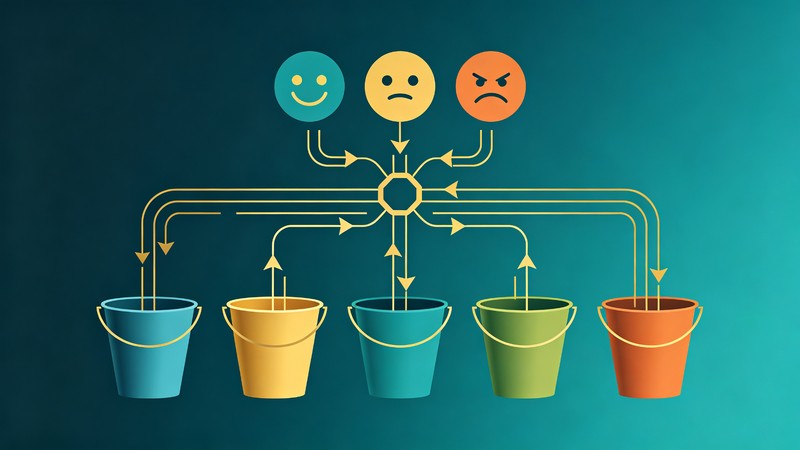
What you get
Messages automatically classified by sentiment and urgency, routed to the right team, with suggested response templates attached.
- 1
Ingest incoming messages from all channels: email, chat, social media, support form
- 2
AI analyzes each message for sentiment (positive, neutral, negative, angry) and emotional intensity
- 3
Detect urgency signals: words like 'urgent', 'immediately', 'losing money', time-sensitive mentions
- 4
Classify issue category: billing, technical, account, feature request, bug, general inquiry
- 5
Apply routing rules: angry+urgent -> senior agent immediately; negative+non-urgent -> standard queue; positive -> community team
- 6
Attach a suggested response template based on category and sentiment, with personalization fields
- 7
Track routing accuracy and resolution times; refine rules monthly based on outcomes
Tools used in this workflow
Ratings & Reviews
Loading reviews…
Related Workflows
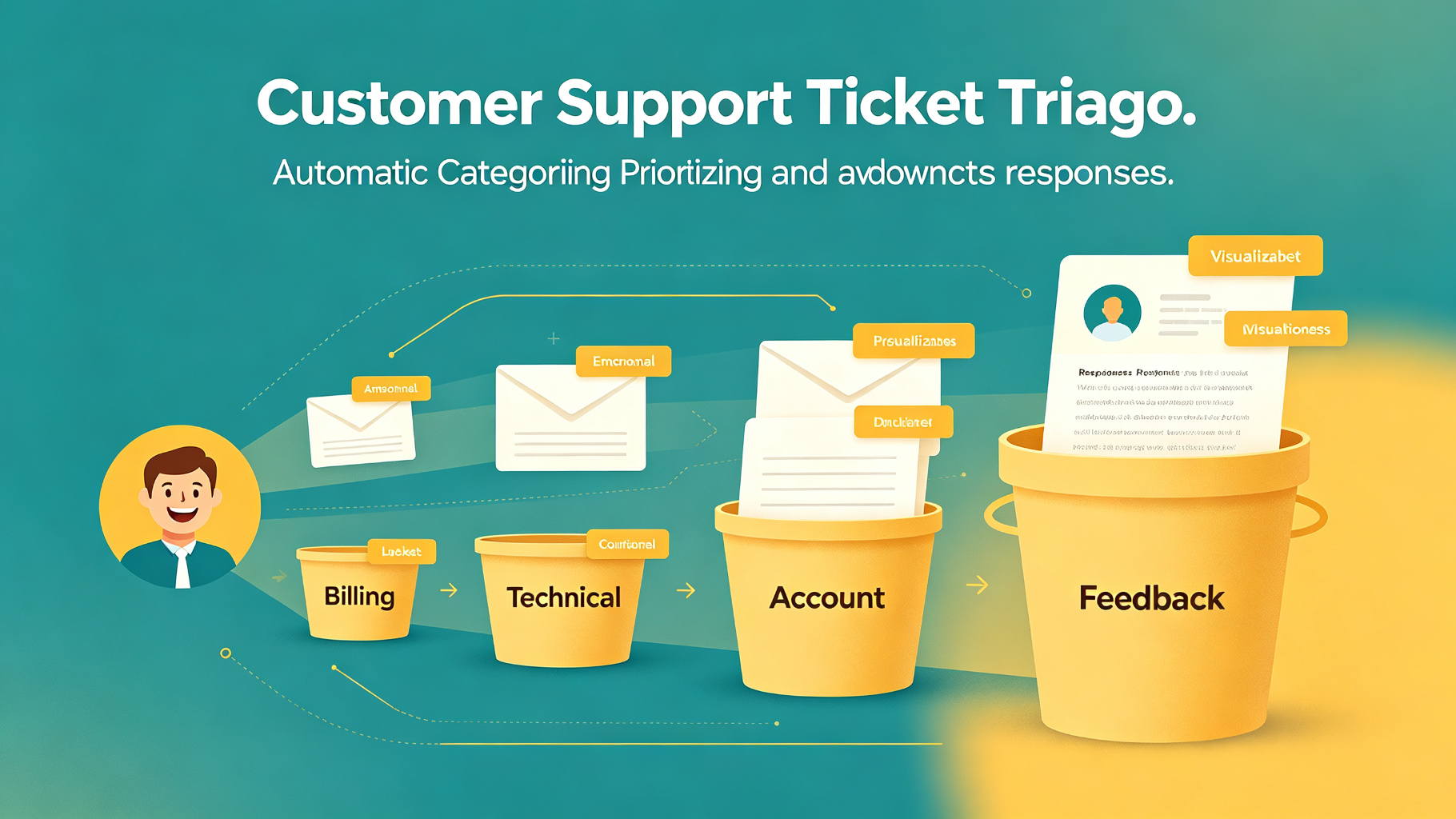
Customer Support Ticket Triage
Automatically categorize, prioritize, and draft responses for customer support tickets using AI, reducing first-response time.
FAQ Knowledge Base Maintenance
Continuously update and expand your FAQ knowledge base by analyzing support tickets, identifying gaps, and generating new articles.
Review Response Automation
Automatically draft personalized, brand-appropriate responses to customer reviews across platforms, routing negative reviews for human escalation.