Customer Support Ticket Triage
Automatically categorize, prioritize, and draft responses for customer support tickets using AI, reducing first-response time.
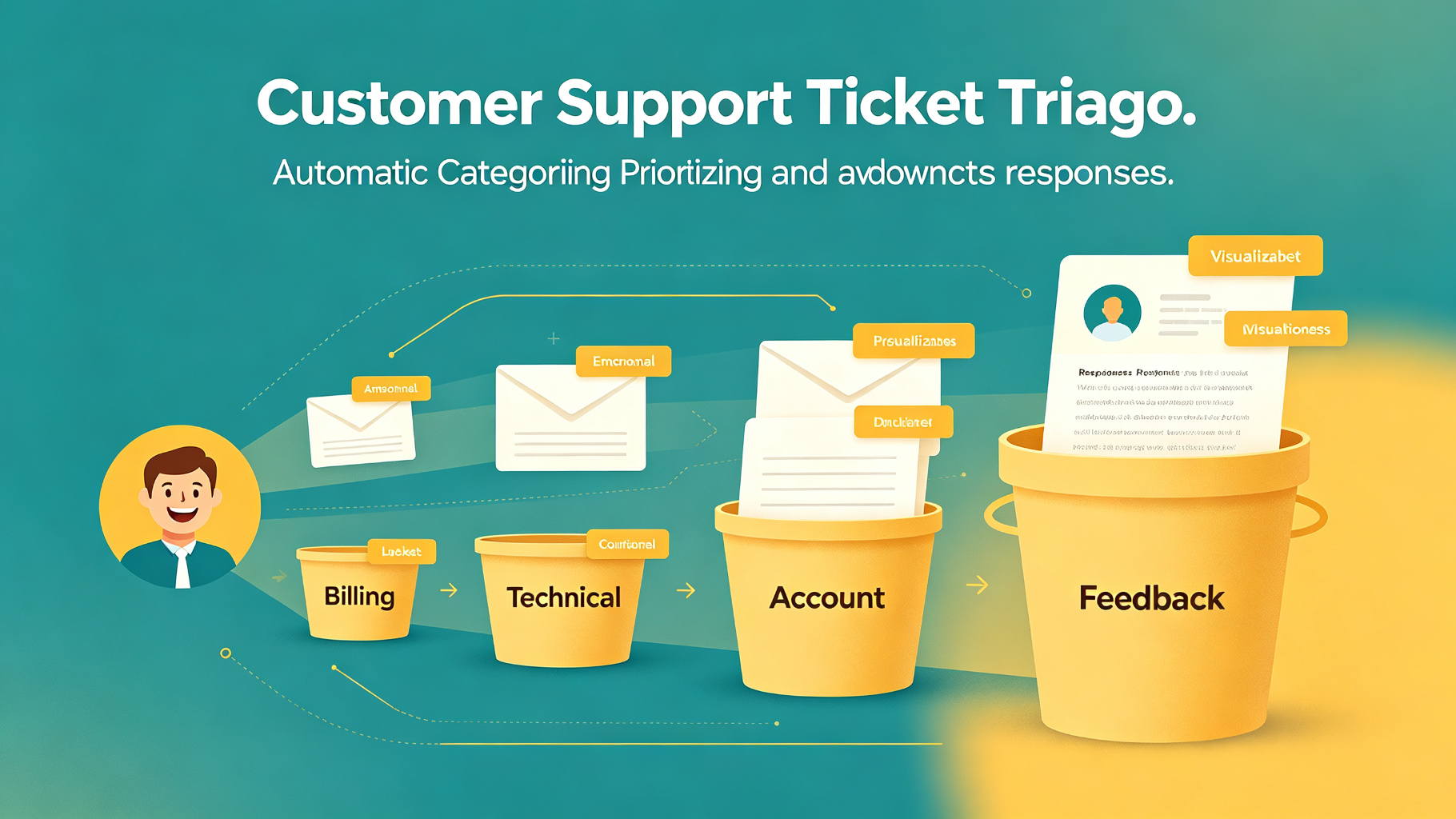
What you get
Triaged support tickets with category, priority, suggested response, and assigned agent — ready for human review.
- 1
AI reads incoming ticket: subject, body, customer tier, product area
- 2
Classify category: billing, technical, feature request, account, bug
- 3
Assess priority based on customer tier and issue severity
- 4
Search knowledge base for relevant articles and solutions
- 5
Draft initial response with solution steps and links
- 6
Assign to appropriate team or agent based on category and workload
- 7
Agent reviews draft, personalizes, and sends response
Tools used in this workflow
Ratings & Reviews
Loading reviews…
Related Workflows

Sentiment Analysis Routing
Analyze incoming customer messages for sentiment and urgency, then route to the appropriate team or response template automatically.

FAQ Knowledge Base Maintenance
Continuously update and expand your FAQ knowledge base by analyzing support tickets, identifying gaps, and generating new articles.
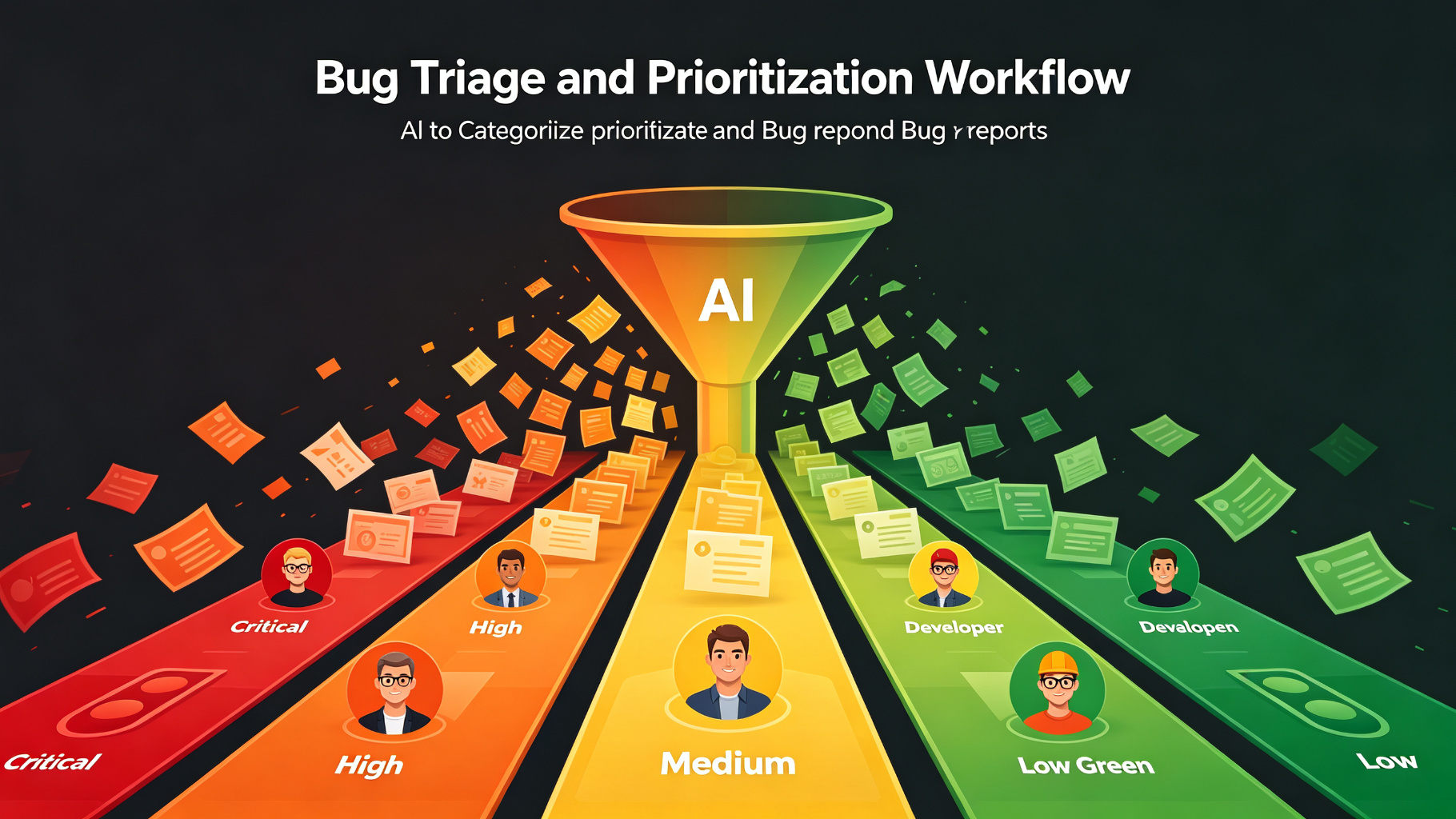
Bug Triage and Prioritization Workflow
Use AI to automatically categorize, prioritize, and assign incoming bug reports based on severity, affected area, and team capacity.