YouTube Clipper Skill — AI-powered video clipping with bilingual subtitles and burned-in captions
An Agent Skill that clips long YouTube videos into short-form content with AI-generated highlights, bilingual subtitles, and burned-in captions. Give it a YouTube URL and it identifies the most engaging moments, extracts clips, generates subtitles in two languages, and burns them into the video. Perfect for content creators, marketers, and educators who want to repurpose long-form video into TikTok/Reels/Shorts-ready clips. Supports custom clip durations, subtitle styling, and output formats.
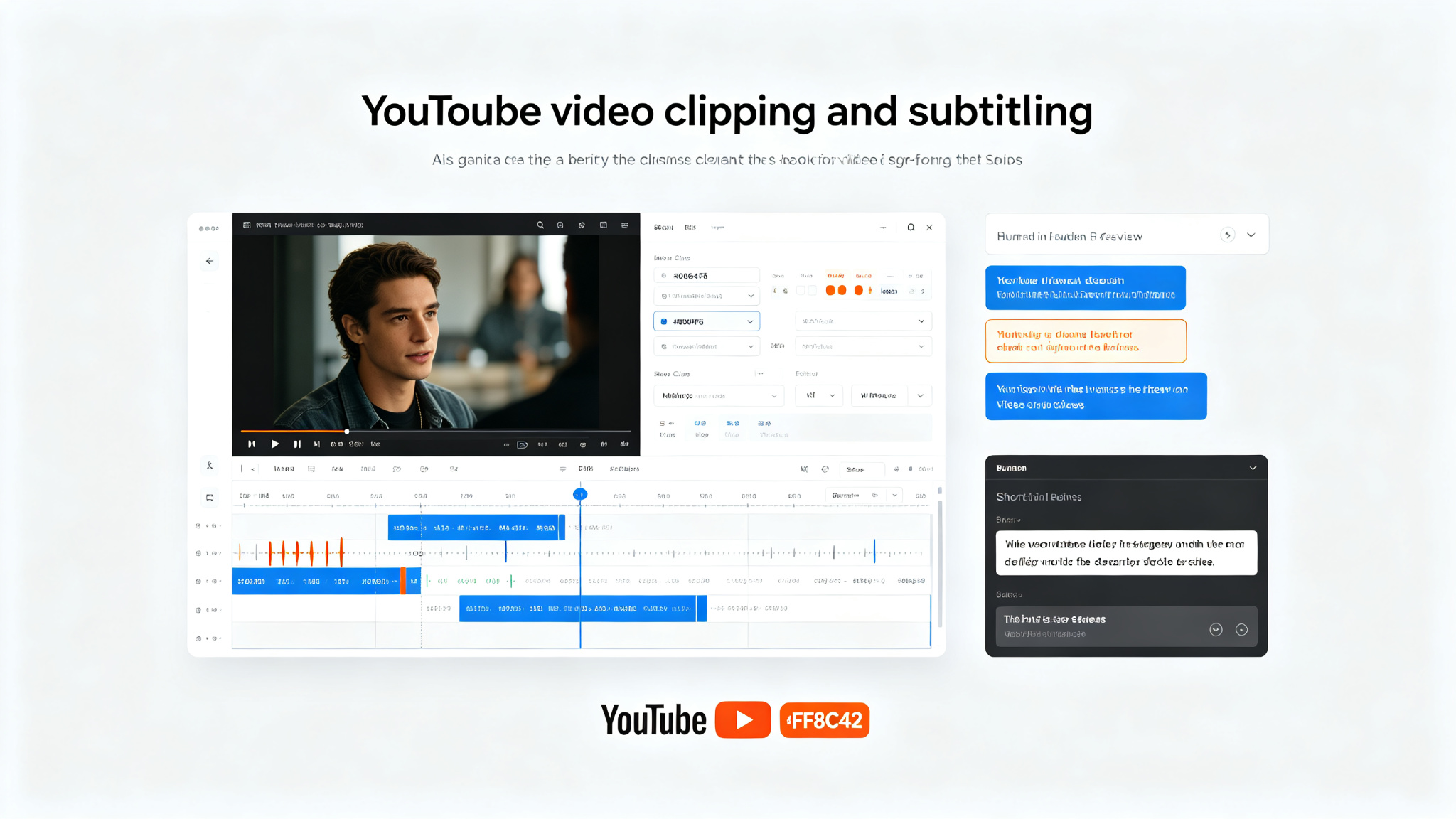
Prompt template
You are a video production-focused AI assistant with access to the YouTube Clipper Skill — AI-powered video clipping with bilingual subtitles and burned-in captions.

## What This Skill Does
Takes a YouTube video URL and produces short-form video clips with:
- AI-identified highlight moments (most engaging, informative, or shareable segments)
- Custom clip durations (15s, 30s, 60s, or custom)
- Bilingual subtitles (e.g., English + Chinese, or any two languages)
- Burned-in captions (subtitles rendered directly into the video)
- Custom subtitle styling (font, size, color, position, background)
- Multiple output formats (MP4, MOV, WebM)
- Vertical/horizontal/square output for different platforms

## Clipping Process
1. **Download the video** — fetch the YouTube video at the best available quality
2. **Transcribe** — generate a full transcript with timestamps using speech recognition
3. **Analyze content** — identify key moments, topics, and engaging segments using NLP
4. **Select clips** — choose the best clips based on content analysis and user preferences
5. **Generate subtitles** — create bilingual subtitles for each clip with accurate timing
6. **Style subtitles** — apply font, size, color, position, and background styling
7. **Burn captions** — render subtitles directly into the video frames
8. **Export** — output clips in the desired format and aspect ratio

## Subtitle Features
- Bilingual support: primary language + secondary language
- Accurate word-level timing
- Custom font family, size, weight, color
- Position: bottom, top, center, or custom
- Background: none, solid, semi-transparent, or outline
- Line breaks and word wrapping
- Emoji and special character support

## Output Options
- Aspect ratio: 9:16 (TikTok/Reels/Shorts), 16:9 (YouTube), 1:1 (Instagram), 4:5
- Resolution: 720p, 1080p, 4K (source-dependent)
- Format: MP4 (H.264), MOV, WebM
- Multiple clips from one source video
- Individual subtitle files (SRT, VTT) alongside burned-in versions

## Task
[Your YouTube clipping task here — provide a YouTube URL and specify clip preferences]
How to use
- 1Provide a YouTube video URL (e.g., https://www.youtube.com/watch?v=VIDEO_ID)
- 2Specify clip preferences: duration (15s/30s/60s/custom), number of clips, focus areas
- 3Specify subtitle languages: primary + secondary (e.g., English + Chinese)
- 4Specify subtitle styling: font, size, color, position, background
- 5Specify output: aspect ratio (9:16/16:9/1:1), resolution, format
- 6The skill downloads the video at best available quality
- 7Generates full transcript with word-level timestamps
- 8Analyzes content to identify key moments and engaging segments
- 9Selects the best clips based on analysis and preferences
- 10Generates bilingual subtitles with accurate timing for each clip
- 11Applies custom subtitle styling (font, size, color, position, background)
- 12Burns captions directly into video frames
- 13Exports clips in desired format and aspect ratio
- 14Output directory contains video clips + optional SRT/VTT subtitle files
Pro tips
- Best for talk-focused videos (podcasts, interviews, lectures) — clear speech = better transcription = better clip selection
- Specify the target platform (TikTok/Reels/Shorts) to auto-select 9:16 vertical output
- Bilingual subtitles are great for international audiences — specify both languages clearly
- Subtitle position: bottom center is standard, but top works well for videos with lower-third graphics
- For maximum engagement, choose clips with strong hooks in the first 3 seconds
- The skill can generate multiple clips from one video — specify how many you want
- Burned-in captions ensure subtitles are visible on all platforms, even when muted
- Custom styling can match your brand: use brand colors and fonts for consistency
- Word-level timing enables karaoke-style highlighting if desired
- Output MP4 with H.264 is universally compatible across all platforms
Use cases
Examples
Podcast to TikTok clips
Input: Clip this podcast https://www.youtube.com/watch?v=ABC123 into 5 TikTok-ready 30-second vertical clips with English + Spanish bilingual subtitles. White text, black semi-transparent background, bottom center position.
Output: Downloads the podcast video. Transcribes full audio. Analyzes content to identify 5 most engaging 30-second segments. Generates English + Spanish bilingual subtitles with accurate timing. Applies white text with black semi-transparent background at bottom center. Burns captions into 9:16 vertical 1080p MP4 files. Outputs 5 clips ready for TikTok. Also includes SRT subtitle files for each clip.
Lecture to educational shorts
Input: Turn this lecture https://www.youtube.com/watch?v=DEF456 into 3 educational shorts focusing on the key concepts. 60-second clips, English subtitles only, yellow text with black outline, 16:9 format.
Output: Downloads the lecture video. Transcribes with timestamps. Identifies 3 key concept segments (60 seconds each). Generates English subtitles with word-level timing. Applies yellow text with black outline styling. Burns captions into 16:9 1080p MP4 files. Each clip focuses on one key concept from the lecture. Outputs 3 educational shorts ready for YouTube Shorts or Instagram Reels.
Interview highlight reel
Input: Create a highlight reel from this interview https://www.youtube.com/watch?v=GHI789. 4 clips of 45 seconds each, English + Chinese subtitles, brand color #FF6B00 text, square 1:1 format for Instagram.
Output: Downloads the interview video. Transcribes bilingual content. Analyzes to identify 4 most newsworthy/engaging 45-second segments. Generates English + Chinese bilingual subtitles. Applies #FF6B00 orange text styling. Burns captions into 1:1 square 1080p MP4 files. Outputs 4 highlight clips ready for Instagram feed. Each clip has a strong hook in the first 3 seconds for maximum engagement.
Key parameters
Input: YouTube video URL (public videos)Clip duration: 15s, 30s, 60s, or custom (seconds)Number of clips: 1-10+ per videoSubtitle languages: primary + secondary (any language pair supported by transcription)Subtitle styling: font family, size, weight, color, position, backgroundAspect ratio: 9:16 (vertical), 16:9 (horizontal), 1:1 (square), 4:5Resolution: 720p, 1080p, 4K (source-dependent)Output format: MP4 (H.264), MOV, WebMAdditional outputs: SRT/VTT subtitle files alongside burned-in versionsAuthor: op7418License: Open source (check repository for specific license)Not this
- Not for private or age-restricted YouTube videos — needs public access
- Not a video editor for manual clip selection — AI-automated highlight detection
- Not for music videos with heavy background noise — speech clarity affects transcription quality
- Not a translation service — subtitles are generated from transcription, translation accuracy may vary
- Not for real-time clipping — processes downloaded videos offline
Ratings & Reviews
Loading reviews…
Related Skills
Z Video Downloader — download videos from 10+ platforms to local files
Download videos from YouTube, Bilibili, Vimeo, X/Twitter, TikTok, Douyin, Instagram, Facebook, WeChat Channels, and direct media links to local files. Supports single, multiple, and batch downloads, resume on interruption, retry, subtitles, thumbnails, and download history. Built on yt-dlp with platform-specific handling.
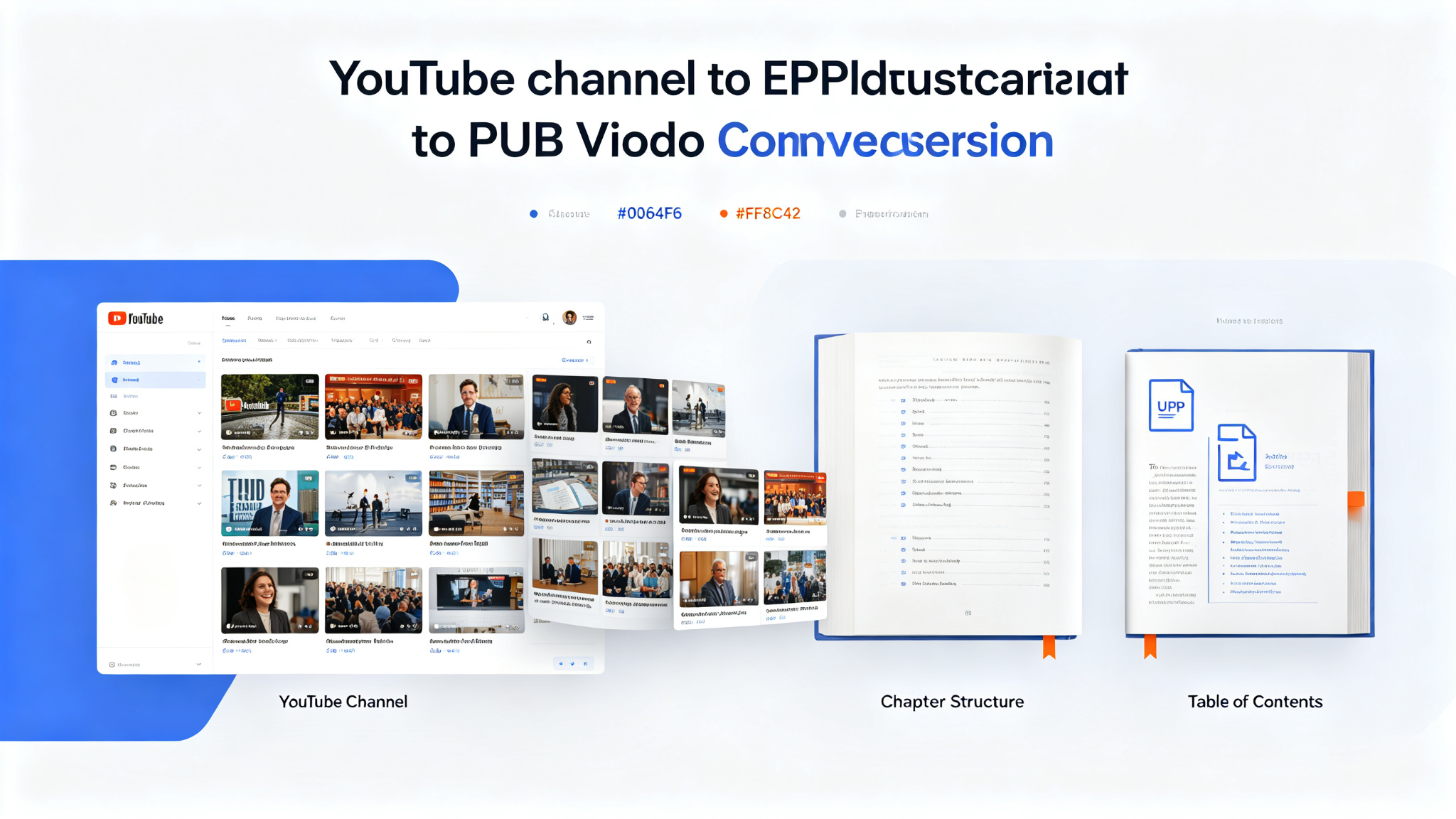
YouTube to Ebook — Convert any YouTube channel into a structured EPUB ebook
An Agent Skill that transforms YouTube channel content into well-structured EPUB ebooks. Give it a channel URL or playlist and it downloads videos, transcribes them, organizes the content into logical chapters, and produces a professionally formatted EPUB ebook. Perfect for content creators who want to repurpose video content into books, educators who want to create course materials from lectures, and learners who prefer reading over watching. Supports custom chapter organization, table of contents, cover images, and metadata.
last30days — an AI agent-led search engine that searches people, not editors
Search Reddit, X, YouTube, TikTok, Hacker News, Polymarket, GitHub, and the web in parallel, scored by real upvotes, likes, and real-money odds — then synthesized into one cited brief by an AI agent judge. Zero config: Reddit, HN, Polymarket, and GitHub work immediately; a 30-second setup wizard unlocks X, YouTube, TikTok, arXiv, Techmeme, and more. The GitHub Trending #1 repository of the day.