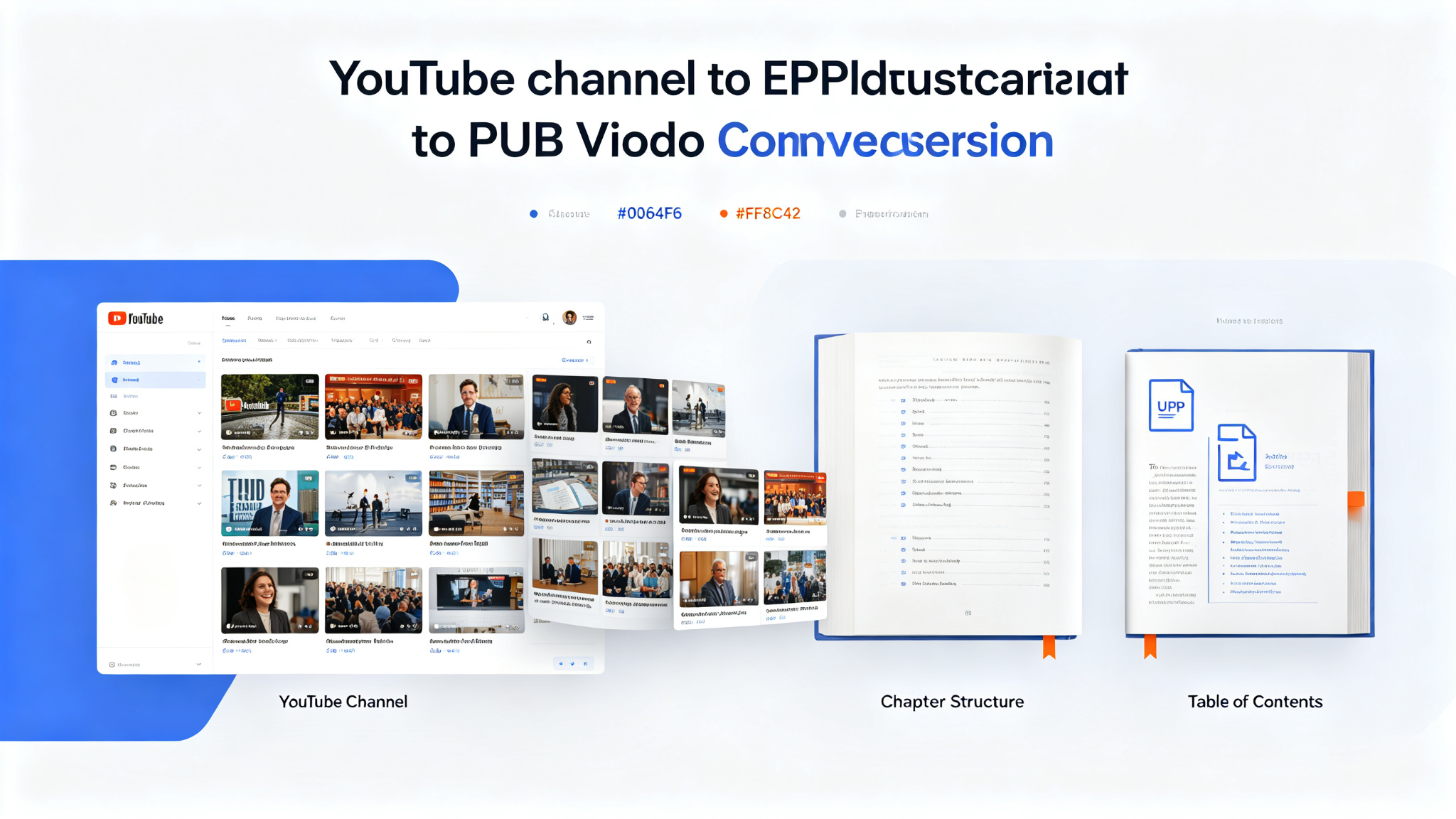
YouTube to Ebook — Convert any YouTube channel into a structured EPUB ebook
An Agent Skill that transforms YouTube channel content into well-structured EPUB ebooks. Give it a channel URL or playlist and it downloads videos, transcribes them, organizes the content into logical chapters, and produces a professionally formatted EPUB ebook. Perfect for content creators who want to repurpose video content into books, educators who want to create course materials from lectures, and learners who prefer reading over watching. Supports custom chapter organization, table of contents, cover images, and metadata.
Prompt template
You are a content creation-focused AI assistant with access to the YouTube to Ebook skill — convert any YouTube channel into a structured EPUB ebook.

## What This Skill Does
Takes a YouTube channel URL, playlist URL, or list of video URLs and produces a professionally formatted EPUB ebook. The process includes:
- Downloading videos from the channel or playlist
- Transcribing all videos with timestamps
- Organizing content into logical chapters and sections
- Cleaning and editing transcript text for readability
- Adding introductions, transitions, and conclusions
- Creating a table of contents
- Adding cover image and metadata (title, author, description)
- Generating a standards-compliant EPUB file

## Ebook Generation Process
1. **Collect videos** — fetch video list from channel, playlist, or provided URLs
2. **Download audio** — extract audio from each video at best quality
3. **Transcribe** — generate full transcripts with timestamps using speech recognition
4. **Clean text** — remove filler words, correct transcription errors, improve readability
5. **Organize content** — group videos into chapters, order logically, create sections
6. **Write editorial content** — add book introduction, chapter introductions, transitions, conclusions
7. **Format** — apply consistent heading styles, paragraph formatting, code blocks, quotes
8. **Add metadata** — title, author, description, ISBN (optional), language, publisher
9. **Create cover** — generate or use provided cover image
10. **Build EPUB** — package all content into standards-compliant EPUB 3 file
11. **Verify** — validate EPUB structure, test in ebook reader, check table of contents

## Chapter Organization Options
- **Chronological** — videos in upload order (good for series and courses)
- **Topic-based** — group videos by subject matter (good for general channels)
- **Difficulty-based** — beginner to advanced progression (good for educational channels)
- **Custom** — user-specified chapter structure and video assignments

## Ebook Features
- Professional table of contents with nested chapters
- Consistent typography and formatting
- Chapter introductions and summaries
- Cross-references between related content
- Images and screenshots from videos (optional)
- Code blocks with syntax highlighting (for technical content)
- Footnotes and references
- Glossary of terms (auto-generated from content)
- Index (optional)
- Cover image with title and author

## Output Format
- EPUB 3 (universally supported by all ebook readers)
- Also can output PDF, MOBI, or HTML if requested
- Validated against EPUB specification
- Compatible with Kindle, Apple Books, Google Play Books, Kobo, and more

## Task
[Your YouTube-to-ebook task here — provide a channel/playlist URL and specify ebook preferences]
How to use
- 1Provide a YouTube channel URL, playlist URL, or list of video URLs
- 2Specify ebook title, author name, and description (or let the skill generate them)
- 3Choose chapter organization: chronological, topic-based, difficulty-based, or custom
- 4Specify which videos to include (all, specific playlist, or selected videos)
- 5Optionally provide a cover image or let the skill generate one
- 6The skill collects and downloads audio from all specified videos
- 7Transcribes all videos with timestamps using speech recognition
- 8Cleans transcript text: removes filler words, corrects errors, improves readability
- 9Organizes content into chapters based on chosen organization method
- 10Writes editorial content: book introduction, chapter intros, transitions, conclusions
- 11Applies consistent formatting: headings, paragraphs, code blocks, quotes, lists
- 12Adds metadata: title, author, description, language, publisher
- 13Creates or applies cover image with title and author
- 14Builds standards-compliant EPUB 3 file with table of contents
- 15Validates EPUB structure and tests in an ebook reader
- 16Output: .epub file ready for distribution or self-publishing
Pro tips
- Best for educational channels and lecture series — structured content translates well into book chapters
- Specify the target audience to adjust writing style and complexity level
- Chronological organization works best for course-style channels where videos build on each other
- Topic-based organization is better for general channels with varied content
- Provide a cover image for a professional look — or let the skill generate one based on content
- The skill cleans filler words (um, ah, you know) and improves sentence structure for readability
- Add chapter introductions and conclusions to make the book flow better than raw transcripts
- EPUB 3 is universally supported — works on Kindle, Apple Books, Google Play Books, Kobo, and more
- For technical content, the skill preserves code blocks with syntax highlighting
- Can also output PDF or MOBI formats if EPUB isn't sufficient
Use cases
Examples
Lecture channel to textbook
Input: Turn this machine learning lecture playlist https://www.youtube.com/playlist?list=PLABC123 into a textbook. Chronological order, title 'Machine Learning From Scratch', author 'Dr. Smith'. Include code blocks.
Output: Downloads all videos from the playlist. Transcribes each lecture. Cleans text for readability. Organizes chronologically into chapters (one lecture per chapter). Writes book introduction, chapter introductions, and conclusions. Preserves code blocks with syntax highlighting. Creates table of contents. Generates cover image with title and author. Builds EPUB 3 file. Validates structure. Output: 'Machine Learning From Scratch.epub' ready for students or self-publishing.
General channel to topic book
Input: Convert this productivity channel https://www.youtube.com/@productivityguru into an ebook. Group by topics: time management, goal setting, habits, tools. Title 'The Productivity Playbook'.
Output: Collects all videos from the channel. Transcribes and cleans content. Analyzes video topics and groups into 4 main sections: Time Management, Goal Setting, Habits, Tools. Each section contains related videos as chapters. Writes section introductions and book conclusion. Creates table of contents with nested structure. Generates cover image. Builds EPUB 3. Output: 'The Productivity Playbook.epub' with 4 sections and 20+ chapters organized by topic rather than upload date.
Interview series to collected volume
Input: Turn this interview series https://www.youtube.com/playlist?list=PLDEF456 into a book. Each interview is a chapter. Add a foreword and author bios. Title 'Conversations With Innovators'.
Output: Downloads all interview videos. Transcribes each conversation. Cleans text while preserving conversational tone. Organizes each interview as a separate chapter. Writes book foreword, chapter introductions, and author bios for each interviewee. Adds cross-references between related interviews. Creates table of contents. Generates cover image. Builds EPUB 3. Output: 'Conversations With Innovators.epub' — a collected volume of interviews ready for publishing.
Key parameters
Input: YouTube channel URL, playlist URL, or list of video URLsChapter organization: chronological, topic-based, difficulty-based, or customEbook metadata: title, author, description, language, publisher (auto-generated if not provided)Cover image: provided by user or auto-generated based on contentOutput format: EPUB 3 (default), also PDF, MOBI, HTML availableFeatures: table of contents, chapter introductions, conclusions, cross-references, glossaryCode blocks: syntax highlighting preserved for technical contentImages: optional screenshots from videos can be includedValidation: EPUB structure validated against specificationCompatibility: Kindle, Apple Books, Google Play Books, Kobo, all EPUB readersAuthor: zarazhangruiLicense: Open source (check repository for specific license)Not this
- Not a replacement for professional editing — AI-generated text may need human review for quality
- Not for channels with mostly music or visual content — works best for speech-focused videos
- Not a guarantee of transcription accuracy — quality depends on audio clarity and speech recognition
- Not for private channels or age-restricted videos — needs public access
- Not a real-time process — downloading, transcribing, and organizing takes time depending on video count and length
Ratings & Reviews
Loading reviews…
Related Skills
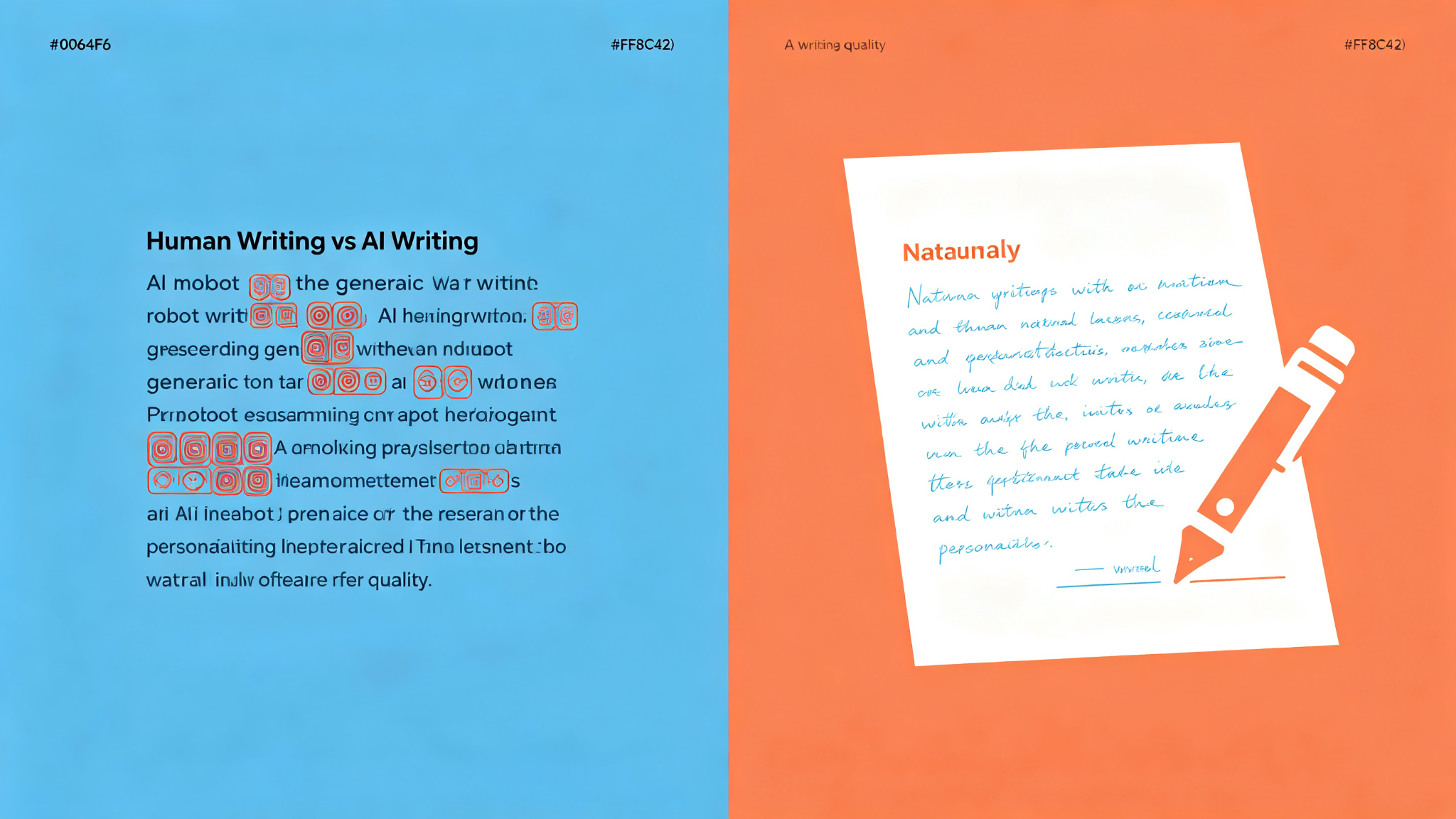
Avoid AI Writing — Audit & rewrite content to remove AI writing patterns
A practical skill for any AI agent to audit and rewrite content and remove AI writing patterns ('AI-isms'). Three modes: Rewrite (default, flags and rewrites with built-in second pass), Detect (flags without rewriting, shows real problems vs judgment calls), and Edit (edits prose files in place with minimal targeted changes). 112-entry word replacement table across 3 tiers + 10 Tier 3 phrases, 69 pattern categories. Optional voice profiles (casual/professional/technical/warm/blunt). Works with Claude Code, OpenClaw, Hermes, Cursor, Codex, and any agentskills.io-compatible agent.

No AI Slop — Remove 20+ AI Writing Patterns While Preserving Your Voice
A writing editing skill that detects and removes 20+ patterns of AI-generated slop (binary contrasts, throat-clearing openers, faux-insight setups, colon reveals, dramatic fragments, importance puffery, weasel attribution, synonym cycling, fake-profound endings, and more) without flattening your personal vocabulary, cadence, humor, and imperfections.
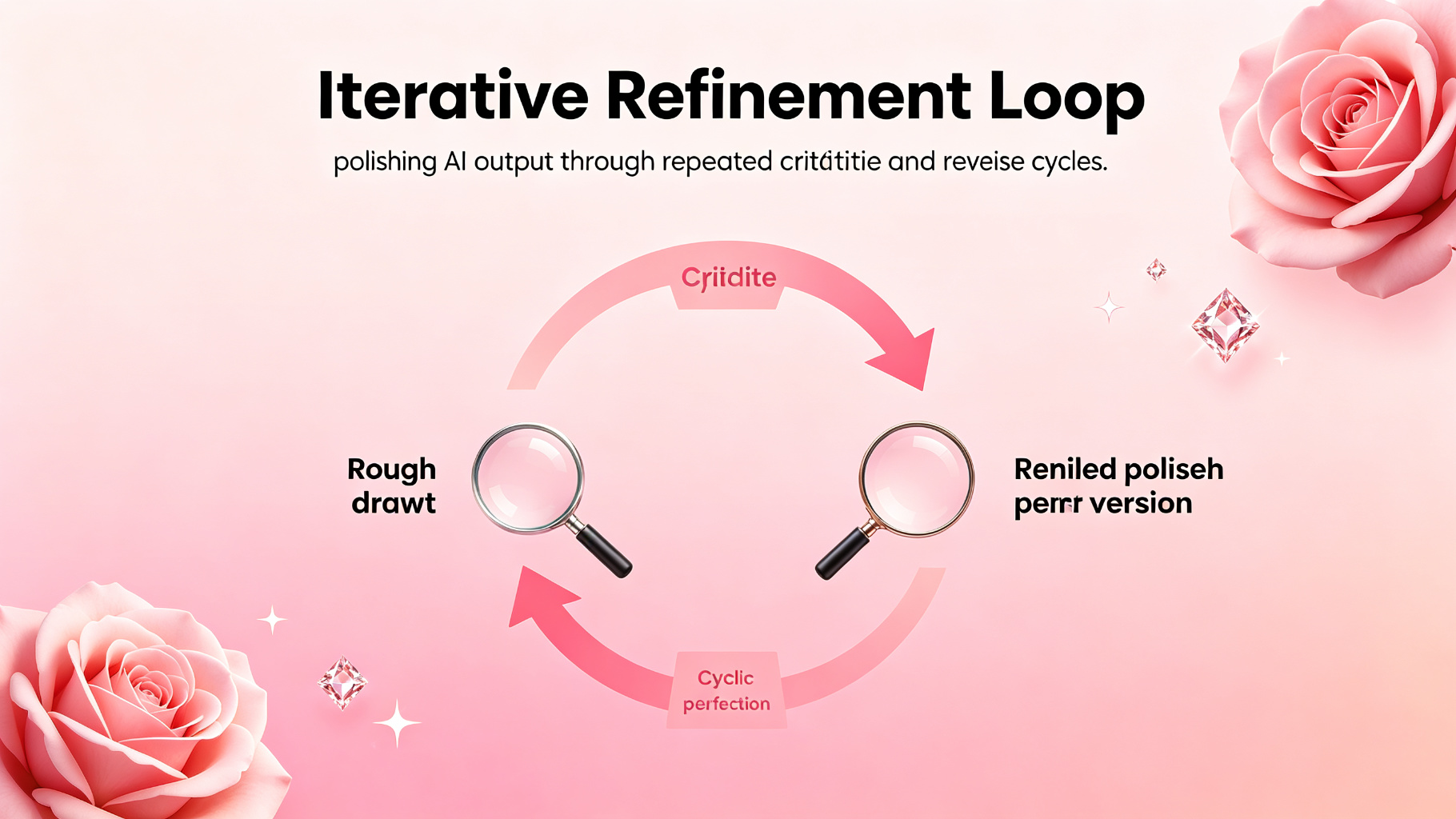
Iterative Refinement Loop — polish until it's great
Start rough, then improve in rounds: critique, then refine, then finalize. The highest-quality output method.