Z Video Downloader — download videos from 10+ platforms to local files
Download videos from YouTube, Bilibili, Vimeo, X/Twitter, TikTok, Douyin, Instagram, Facebook, WeChat Channels, and direct media links to local files. Supports single, multiple, and batch downloads, resume on interruption, retry, subtitles, thumbnails, and download history. Built on yt-dlp with platform-specific handling.
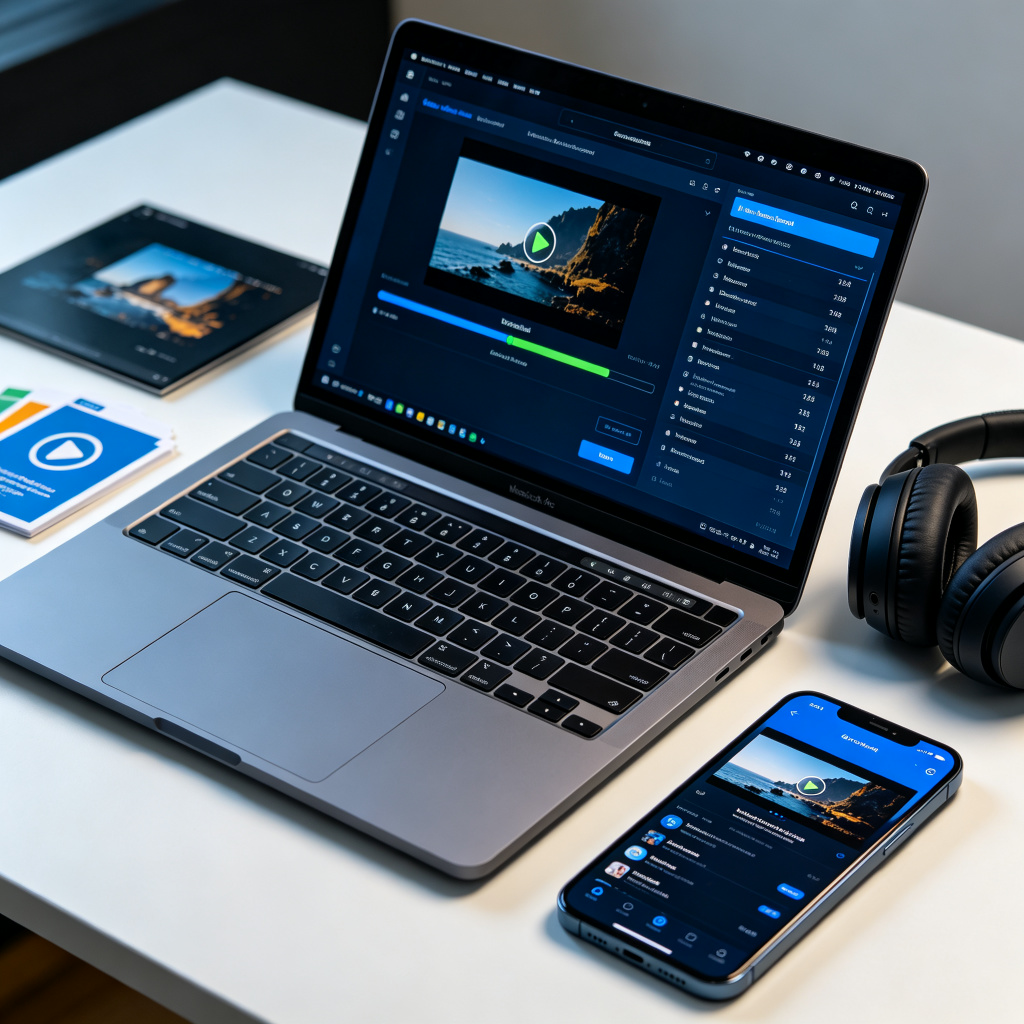
Prompt template
$video-download
Download this video and save it locally: https://www.youtube.com/watch?v=...
How to use
- 1Identify the input: a single video link, a list of links, or a z-web-pack 04-media-inventory.md
- 2Run scripts/download_video.py with --title and the video URL(s)
- 3For batch downloads from a text file, pass --url-file with one link per line (blank lines and # comments are skipped)
- 4If YouTube returns bot verification, login, or captcha errors, the script auto-falls back to an Invidious proxy; or retry with --cookies-file cookies/cookies.txt for official login state
- 5If Bilibili or other platforms return HTTP 412/403/login errors, retry once with --cookies-file cookies/cookies.txt
- 6Only use --playlist when the user explicitly wants a full playlist, channel, or collection downloaded
- 7Use --quality best only when the user requests maximum quality (default capped at 1080p)
- 8After download, read download-report.md and report the output directory, success/failure counts, skipped items, file names/sizes, and any .part files for resume
Pro tips
- WeChat Channels share links (weixin.qq.com/sph/xxx) are resolved via an online parsing service — no local tools or login needed; both H.264 and H.265 versions are saved by default
- Direct media links (.mp4/.webm/.mov/.m4v/.mkv/.flv/.ogv) are streamed directly with Referer and User-Agent preserved
- Default --no-playlist prevents accidentally downloading a whole list from one link
- Default 1080p quality cap avoids unintentional huge downloads; use --quality best explicitly for max quality
- Downloads save to Video/Downloads by default with a dated folder structure including .info.json metadata and download reports
- Use --download-archive to deduplicate across long-running batch tasks
- Resume interrupted direct links by reusing the same output directory with --run-dir
Works best with
Ratings & Reviews
Loading reviews…
Related Skills
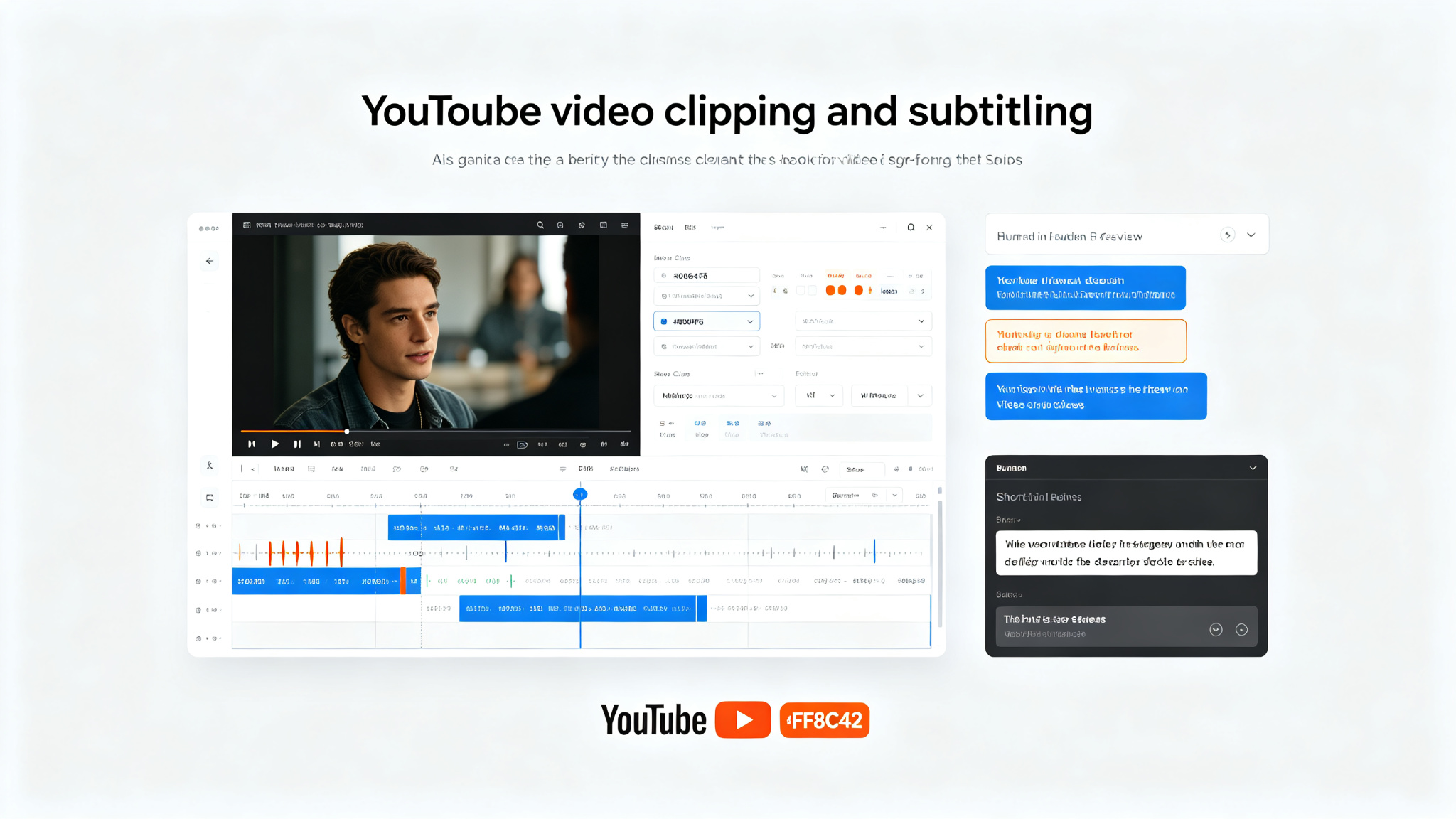
YouTube Clipper Skill — AI-powered video clipping with bilingual subtitles and burned-in captions
An Agent Skill that clips long YouTube videos into short-form content with AI-generated highlights, bilingual subtitles, and burned-in captions. Give it a YouTube URL and it identifies the most engaging moments, extracts clips, generates subtitles in two languages, and burns them into the video. Perfect for content creators, marketers, and educators who want to repurpose long-form video into TikTok/Reels/Shorts-ready clips. Supports custom clip durations, subtitle styling, and output formats.
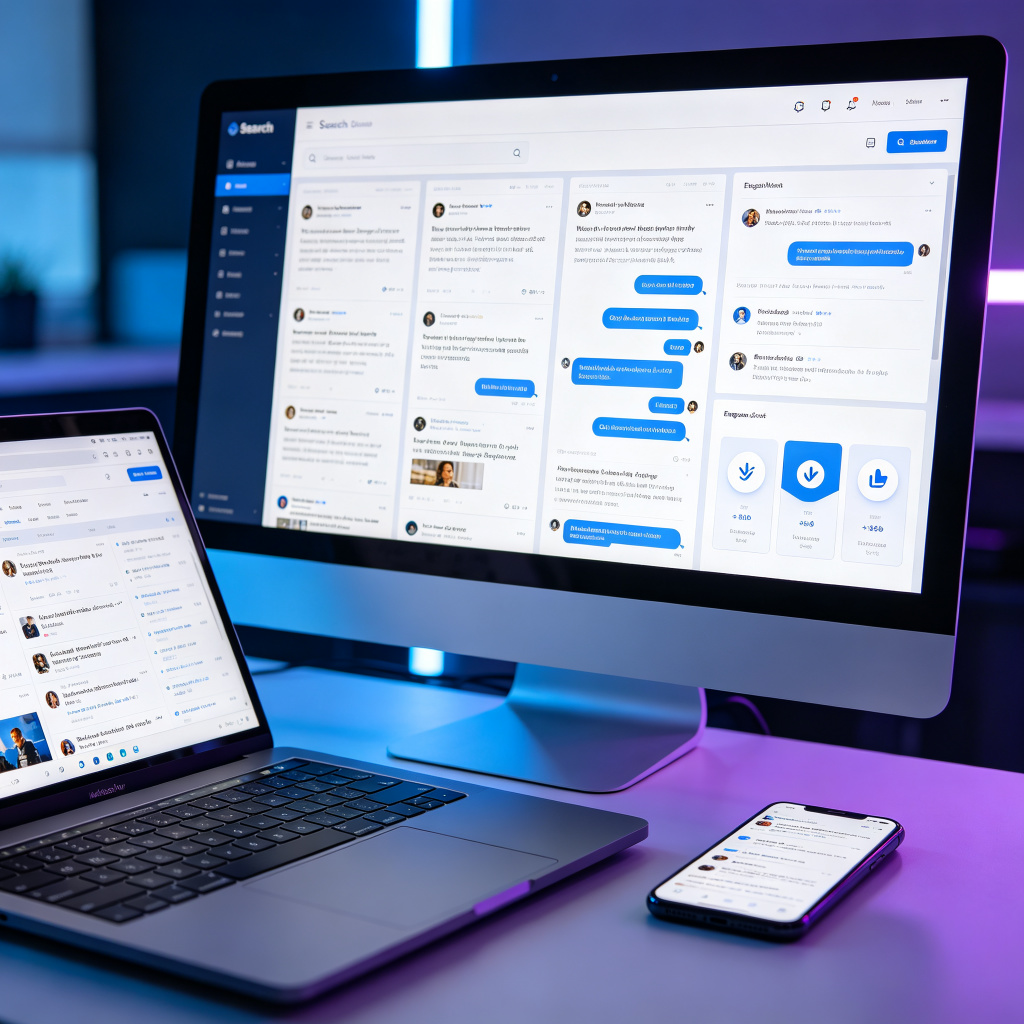
last30days — an AI agent-led search engine that searches people, not editors
Search Reddit, X, YouTube, TikTok, Hacker News, Polymarket, GitHub, and the web in parallel, scored by real upvotes, likes, and real-money odds — then synthesized into one cited brief by an AI agent judge. Zero config: Reddit, HN, Polymarket, and GitHub work immediately; a 30-second setup wizard unlocks X, YouTube, TikTok, arXiv, Techmeme, and more. The GitHub Trending #1 repository of the day.
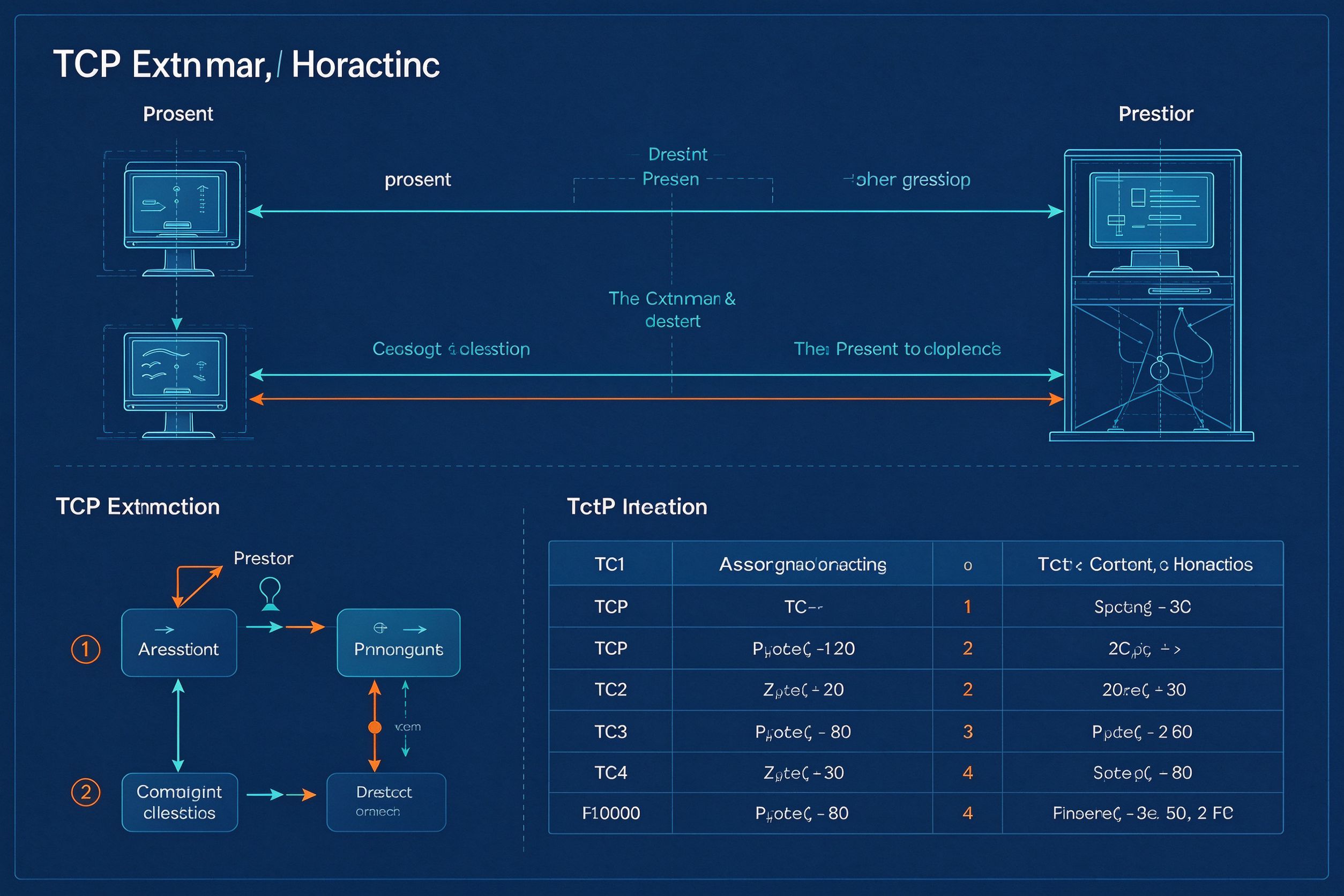
Answer Me With HTML — One-Page Explainers from Your AI Agent
A Claude Code / agent skill that turns hard questions into one readable HTML page with SVG sequence diagrams, flow charts, ER diagrams, timelines and comparison tables. The model writes only a Markdown draft; a CLI handles layout, colors and SVG coordinates — 8x fewer output tokens and 2.6x faster than hand-writing HTML. Supports blueprint, shadcn and paper themes with light/dark mode, plus explainer video generation.