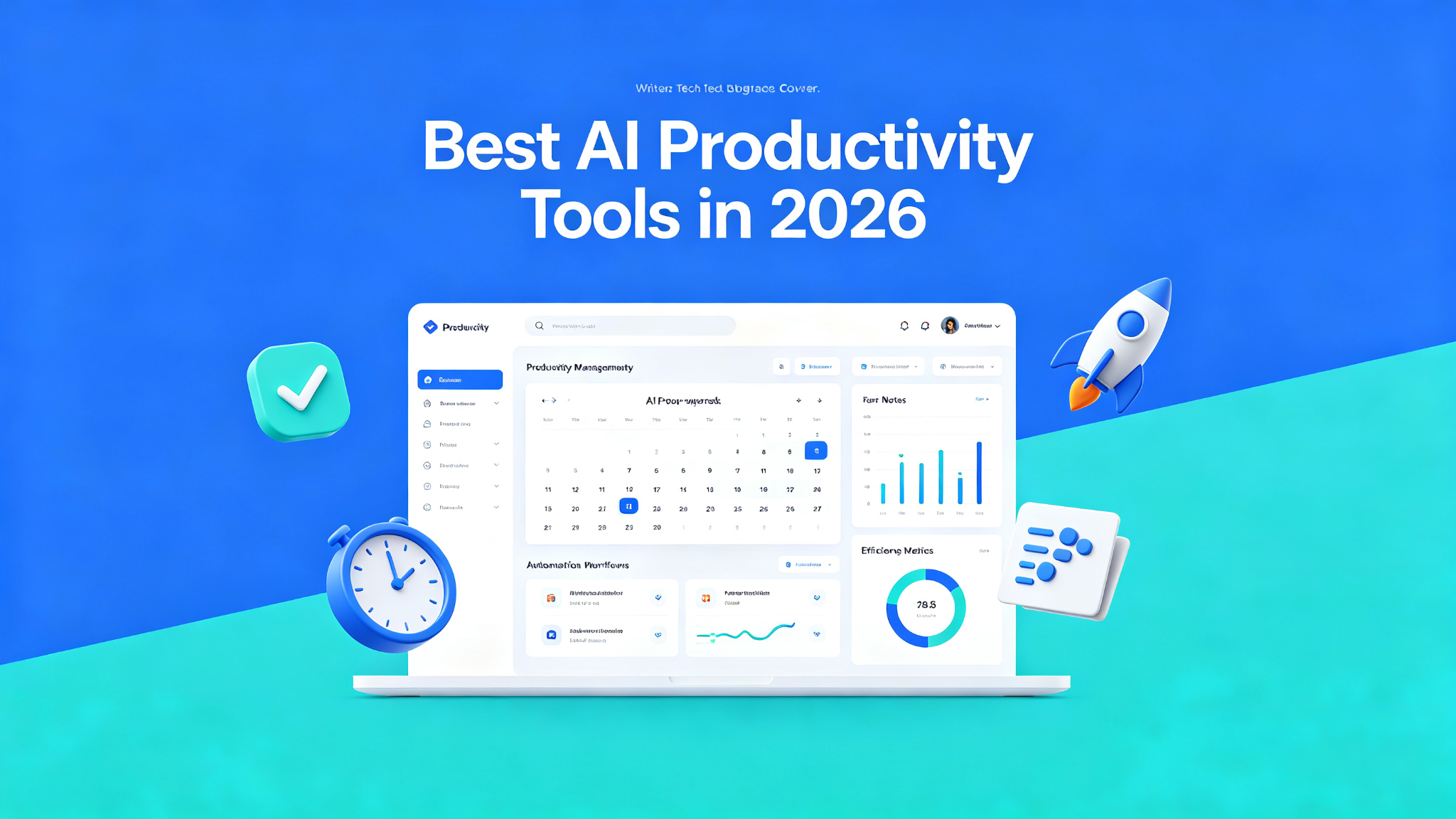
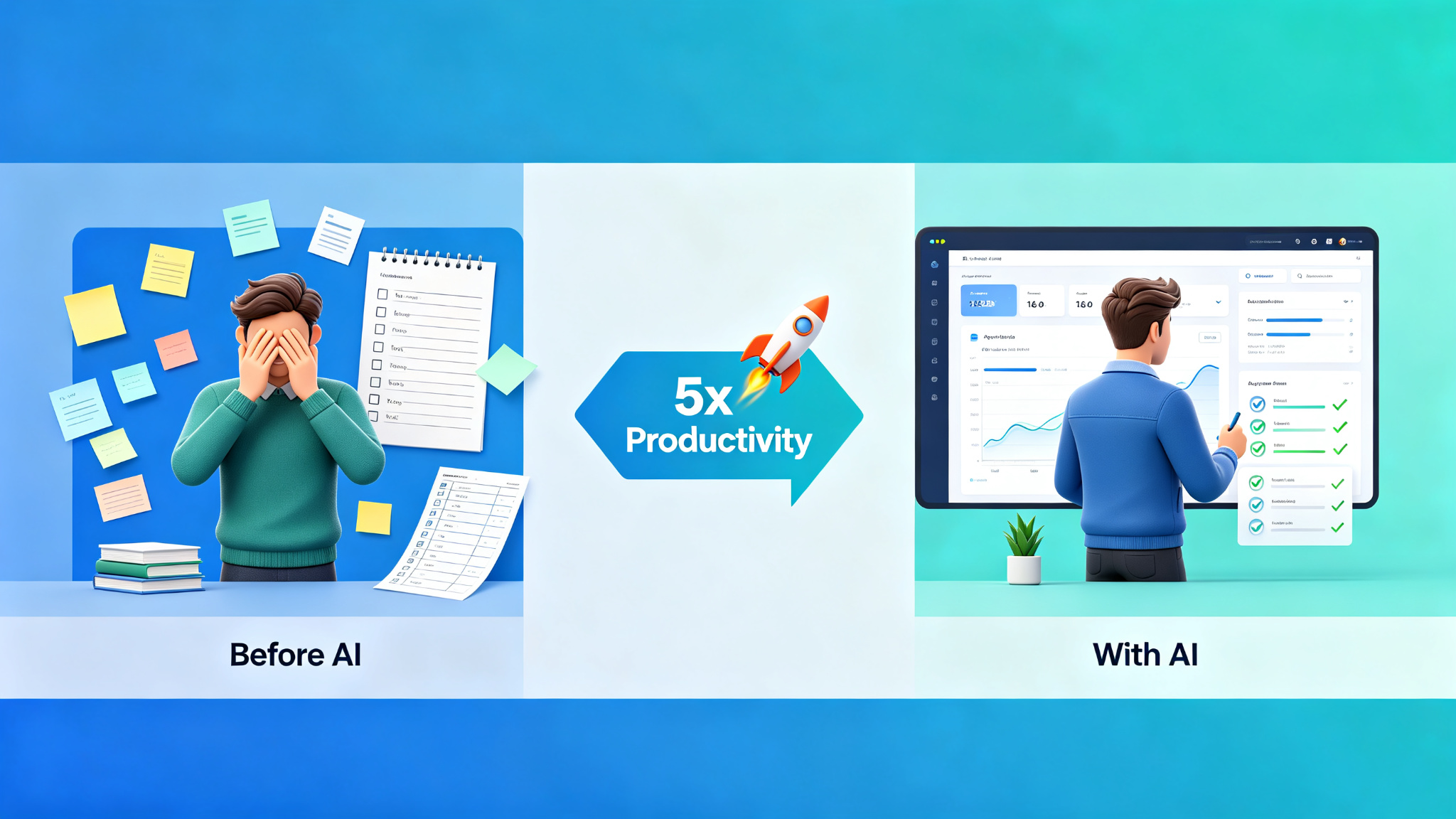
AI productivity tools are transforming how we work, helping us accomplish more in less time by automating repetitive tasks, organizing information, and providing intelligent assistance. From AI-powered note-taking to smart task management and automated scheduling, these tools are becoming essential for professionals who want to work smarter, not harder. In 2026, AI productivity tools have become sophisticated enough to handle complex workflows, making them indispensable for knowledge workers, entrepreneurs, and teams of all sizes.
What to Look for in an AI Productivity Tool
- AI capabilities that actually save time
- Integration with your existing tools and workflow
- Ease of use and minimal learning curve
- Automation features for repetitive tasks
- Collaboration and team features
- Cross-platform availability (web, mobile, desktop)
- Privacy and data security
- Pricing and value for money
Top AI Productivity Tools Compared
| Tool | Best For | Category | Price | Key Feature |
|---|---|---|---|---|
| Notion AI | All-in-one workspace | Notes/Docs | Free/$10/mo | AI in every doc |
| Todoist AI | Task management | Tasks | Free/$4/mo | Smart scheduling |
| Grammarly | Writing assistance | Writing | Free/$12/mo | Real-time suggestions |
| Otter.ai | Meeting notes | Transcription | Free/$16.99/mo | AI meeting summaries |
| Calendly | Scheduling | Calendar | Free/$10/mo | AI scheduling assistant |
1. Notion AI — Best for All-in-One Workspace
Notion AI brings powerful AI capabilities to the all-in-one workspace that millions of people use for notes, documents, project management, and knowledge bases. With Notion AI, you can generate content, summarize long documents, extract action items, translate text, brainstorm ideas, and even create meeting notes — all without leaving your Notion workspace. Its ability to contextually understand your existing documents and generate content based on them makes it particularly powerful. Notion AI is available across all platforms and integrates seamlessly with Notion's existing features. For individuals and teams who already use Notion, adding AI capabilities is a natural and powerful productivity boost.
Best for: Knowledge workers, students, and teams who use Notion as their primary workspace. Not ideal for: Users who don't use Notion or need specialized productivity tools.
2. Todoist AI — Best for Task Management
Todoist, one of the most popular task management apps, has added AI features that make it even more powerful. Its AI can help you break down large projects into actionable tasks, suggest due dates based on your workload and habits, and even generate task descriptions from simple descriptions. Todoist's smart scheduling learns from your behavior and suggests the best times to work on tasks. It also offers natural language input — simply type 'Finish report by next Friday at 3pm' and Todoist automatically parses the due date and time. For anyone who struggles with task overload or procrastination, Todoist AI provides the structure and intelligence to get things done.
3. Grammarly — Best for Writing Assistance
Grammarly has evolved from a simple grammar checker into a comprehensive AI writing assistant that helps you communicate more effectively. Beyond grammar and spelling, GrammarlyGO — its generative AI feature — can rewrite, expand, summarize, and generate content. Its tone detection helps you ensure your writing comes across as intended, while its clarity suggestions make your writing more concise and readable. Grammarly works everywhere you write — in email clients, web browsers, word processors, and social media. For professionals who write frequently and want to communicate with confidence, Grammarly is an indispensable tool.
4. Otter.ai — Best for Meeting Notes
Otter.ai is an AI-powered transcription and note-taking tool that automatically records and transcribes meetings, interviews, and lectures. Its AI generates real-time transcripts with speaker identification, and can even create meeting summaries with key takeaways and action items. Otter integrates with Zoom, Microsoft Teams, and Google Meet, automatically joining and recording your meetings. Its search functionality lets you find specific moments in past recordings by searching for keywords. For professionals who attend many meetings and struggle to keep up with notes, Otter.ai is a lifesaver — it captures everything so you can focus on the conversation.
5. Calendly — Best for Scheduling
Calendly has revolutionized scheduling by eliminating the back-and-forth of finding a meeting time. Its AI scheduling assistant takes this even further by suggesting optimal meeting times based on participants' availability, preferences, and even productivity patterns. Calendly integrates with Google Calendar, Outlook, and iCloud, automatically checking for conflicts and updating your calendar when meetings are scheduled. It also offers features like meeting buffers, daily limits, and automated reminders. For anyone who schedules meetings regularly — salespeople, recruiters, consultants, managers — Calendly saves hours of time every week and makes scheduling effortless.
How to Choose the Right Productivity Tool
- All-in-one notes and docs → Notion AI
- Task management and to-do lists → Todoist AI
- Writing and communication → Grammarly
- Meeting notes and transcription → Otter.ai
- Scheduling and calendar → Calendly
- Complete productivity suite → Combine multiple tools
Tips for Maximizing AI Productivity
- Start with your biggest time wasters — identify tasks that take the most time and find AI tools to automate them
- Don't over-tool — choose a few high-quality tools rather than dozens of mediocre ones
- Integrate tools — the best productivity stack has tools that work together seamlessly
- Review and refine — periodically evaluate which tools are actually helping and which aren't
- Learn the features — most AI tools have powerful features that many users never discover
- Protect your focus — use AI to reduce distractions, not create more
- Measure results — track how much time AI tools save you and adjust accordingly
Final Thoughts
AI productivity tools in 2026 are powerful allies in the quest to work smarter and accomplish more. By automating repetitive tasks, organizing information, and providing intelligent assistance, these tools free up your time and energy for the work that truly matters. The key is to choose tools that fit your workflow, learn to use them effectively, and regularly evaluate whether they're delivering real value. When used thoughtfully, AI productivity tools can transform how you work, helping you achieve more with less stress and greater satisfaction. The future of work is AI-assisted — embrace it and thrive.