Creating a great presentation used to take hours of design work, formatting, and content organization. AI presentation tools have changed all that — now you can generate beautiful, professional slides from a simple text prompt or outline in minutes. These tools handle design, layout, imagery, and even content generation, letting you focus on your message rather than slide formatting. In 2026, AI presentation tools have become essential for professionals, students, and businesses alike.
What to Look for in an AI Presentation Tool
- AI content generation from prompts or outlines
- Design quality and template variety
- Customization and editing flexibility
- Brand consistency features (colors, fonts, logos)
- Collaboration and team features
- Export options (PPTX, PDF, web, video)
- Integration with other tools (Google Slides, PowerPoint)
- Pricing and presentation limits
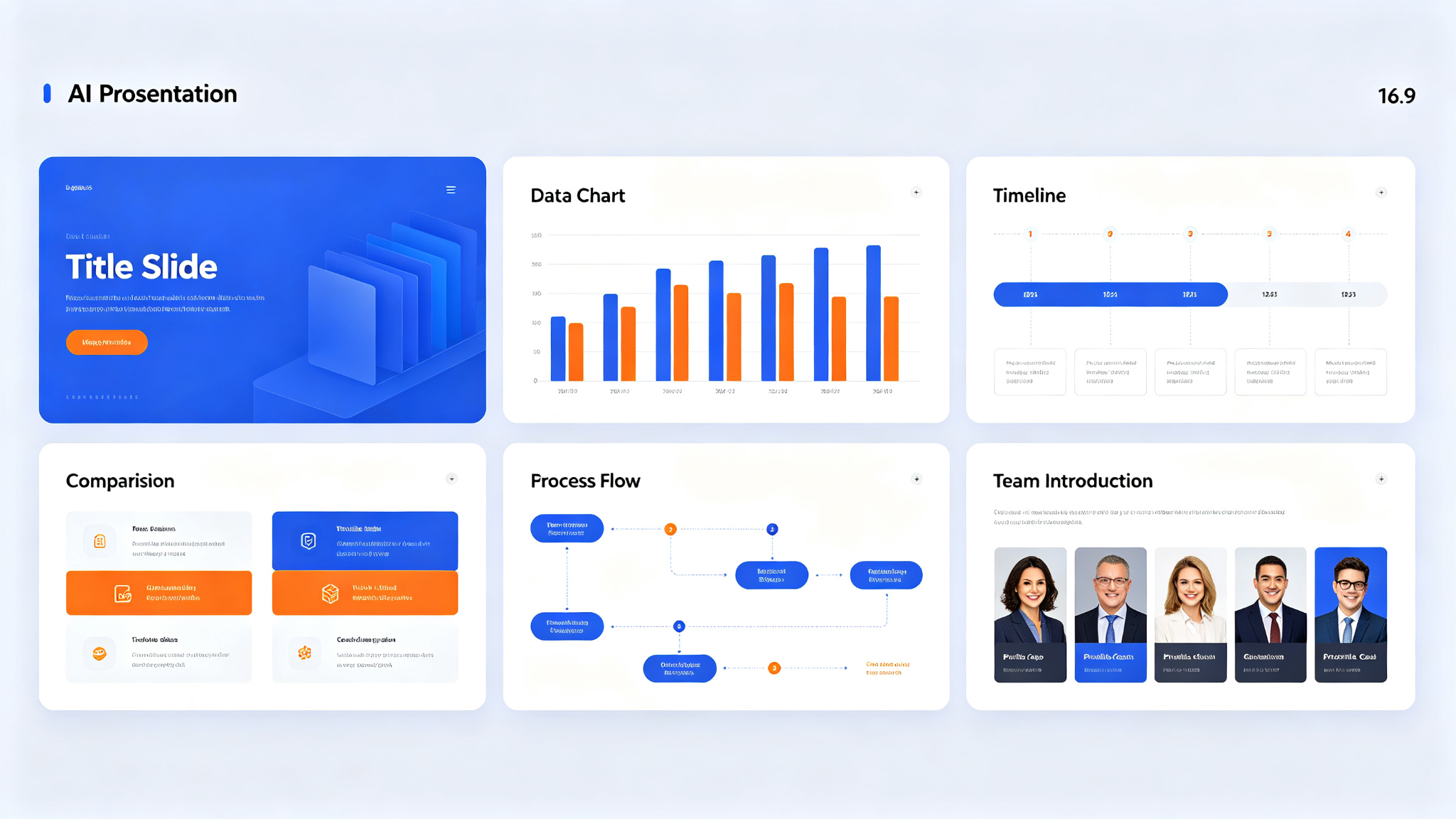
Top AI Presentation Tools Compared
| Tool | Best For | Templates | Price | Key Feature |
|---|---|---|---|---|
| Gamma | Beautiful web decks | 50+ | Free/$10/mo | AI-generated design |
| Tome | Storytelling presentations | 30+ | Free/$10/mo | Narrative AI |
| Beautiful.ai | Smart design | 100+ | $12/mo+ | Auto-formatting |
| Pitch | Team collaboration | 100+ | Free/$15/mo | Real-time collaboration |
| Canva AI | All-in-one design | 1000+ | Free/$12.99/mo | Massive template library |
1. Gamma — Best for Beautiful Web Decks
Gamma creates stunning, web-native presentations that look like professionally designed websites rather than traditional slide decks. Its AI generates complete presentations from a single prompt or topic, including content, layout, imagery, and even interactive elements like cards, tabs, and embeds. Gamma's designs are modern and clean, with beautiful typography and color schemes. Presentations are hosted online and can be shared with a link, making them perfect for sales pitches, product demos, and webinars. For presentations that need to impress, Gamma is the top choice.
Best for: Sales teams, startups, product managers, and anyone who needs visually impressive web-based presentations. Not ideal for: Users who need traditional PPTX export with full PowerPoint compatibility.
2. Tome — Best for Storytelling Presentations
Tome approaches presentations as storytelling, using AI to help you craft compelling narratives rather than just slides. Its AI can generate complete stories from a prompt, with each page flowing naturally into the next. Tome also excels at multimedia integration — you can easily embed videos, 3D models, prototypes, and live data into your presentations. The design aesthetic is editorial and sophisticated, with a focus on typography and whitespace. For keynote speeches, brand stories, and thought leadership presentations, Tome is excellent.
3. Beautiful.ai — Best for Smart Design
Beautiful.ai pioneered the concept of smart slide design — its AI automatically formats and arranges content on each slide, ensuring professional results every time. You simply add your content (text, images, charts, icons) and Beautiful.ai handles the layout, alignment, and design. Its template library covers every business use case, from pitch decks to quarterly reports. Beautiful.ai also offers brand management features, ensuring all team presentations maintain consistent colors, fonts, and logos. For teams that need consistent, professional presentations without design expertise, Beautiful.ai is ideal.
4. Pitch — Best for Team Collaboration
Pitch combines AI presentation generation with powerful collaboration features designed for modern teams. Multiple people can edit a presentation simultaneously, with real-time cursors, comments, and reactions. Pitch's AI can generate slides from prompts, suggest design improvements, and even create data visualizations from your numbers. It also offers video recording — you can record yourself presenting alongside your slides and share the video with stakeholders. Pitch's template gallery is curated by professional designers, and its interface is fast and intuitive. For remote and hybrid teams, Pitch is the best collaborative presentation tool.
5. Canva AI — Best for All-in-One Design
Canva has integrated AI throughout its massive design platform, making it one of the most versatile presentation tools available. Its AI presentation generator can create complete slide decks from a prompt, with access to Canva's enormous library of templates, images, icons, and illustrations. Beyond presentations, Canva AI can generate images, remove backgrounds, enhance photos, write copy, and even create videos. If you need a single tool that handles presentations plus all your other design needs, Canva AI is the obvious choice. Its free tier is also surprisingly generous.
How to Choose the Right Presentation Tool
- Web-based, visually impressive decks → Gamma
- Storytelling and keynote presentations → Tome
- Smart auto-formatting and brand consistency → Beautiful.ai
- Team collaboration and video recording → Pitch
- All-in-one design beyond presentations → Canva AI
- PowerPoint compatibility → Beautiful.ai or Pitch
Tips for Creating Better AI Presentations
- Start with a clear outline — the better your outline, the better the AI output
- Be specific about audience, tone, and purpose in your prompt
- Use the AI as a first draft, then refine with your own insights
- Keep slides simple — one key idea per slide, minimal text
- Use high-quality visuals — AI-generated images can enhance your slides
- Practice your delivery — great slides are only half the presentation
- Get feedback and iterate — use collaboration features to review with your team
Final Thoughts
AI presentation tools have transformed how we create slides, making professional-quality presentations accessible to everyone. Whether you're pitching to investors, teaching a class, or updating your team, these tools save hours of design work while producing better results. The key is to use AI as a creative partner — let it handle the heavy lifting of design and initial content, then add your unique insights, examples, and personality. With the right tool and approach, you can create presentations that inform, persuade, and inspire your audience.