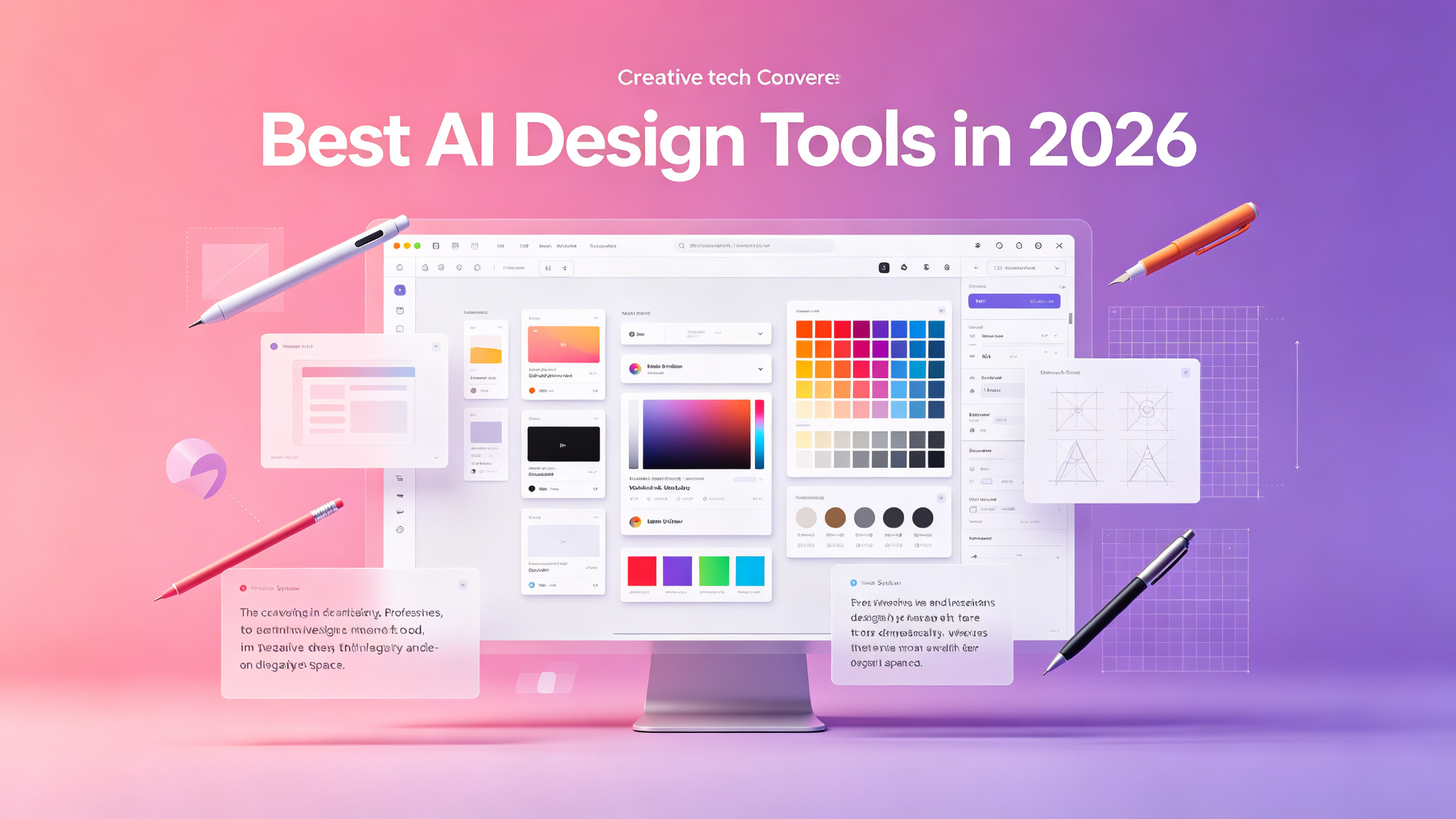
AI is transforming the design industry, empowering designers to work faster, explore more ideas, and push creative boundaries. From AI-powered UI/UX design tools to generative image creation and automated layout, these tools are becoming essential in every designer's toolkit. In 2026, AI design tools have matured from experimental novelties to professional-grade applications that integrate seamlessly into existing workflows. Whether you're a UI designer, graphic designer, or creative professional, there's an AI tool that can supercharge your work.
What to Look for in an AI Design Tool
- Design quality and professional output
- Integration with existing design tools (Figma, Adobe, Sketch)
- AI capabilities (generation, editing, automation)
- Customization and control over AI output
- Collaboration and team features
- Export formats and developer handoff
- Pricing and usage limits
- Learning curve and ease of use
Top AI Design Tools Compared
| Tool | Best For | Category | Price | Key Feature |
|---|---|---|---|---|
| Figma AI | UI/UX design | Interface | Free/$15/mo | AI in design files |
| Adobe Firefly | Creative professionals | Image/Video | $9.99/mo+ | Commercial-safe AI |
| Midjourney | Concept & visual | Image Gen | $10/mo+ | Artistic quality |
| Canva AI | All-in-one design | Graphic | Free/$12.99/mo | Massive library |
| Uizard | Rapid prototyping | UI/UX | Free/$19/mo | Text-to-design |
1. Figma AI — Best for UI/UX Design
Figma has integrated AI directly into the world's most popular design tool, creating a powerful environment for UI/UX designers. Figma AI can generate design variations, auto-layout components, suggest color palettes, create placeholder content, and even convert wireframes into polished designs. Its AI-powered naming and organization features help keep design files tidy. Because it's built into Figma, there's no need to switch between tools — AI assistance is available right where you work. For UI/UX designers who already use Figma, the AI features are a natural and powerful enhancement.
Best for: UI/UX designers, product designers, and design teams who use Figma as their primary tool. Not ideal for: Users who don't use Figma or need standalone AI design tools.
2. Adobe Firefly — Best for Creative Professionals
Adobe Firefly is Adobe's answer to generative AI, built specifically for creative professionals and integrated into the entire Creative Cloud ecosystem. Firefly can generate images, vectors, text effects, and even video from text prompts, with the critical advantage that all generated content is commercially safe — trained on Adobe's own licensed content and public domain material. Firefly integrates seamlessly with Photoshop, Illustrator, Premiere Pro, and Express, allowing you to use AI without leaving your familiar workflow. For designers who rely on Adobe tools, Firefly is the most natural and commercially safe AI option.
3. Midjourney — Best for Concept and Visual Design
Midjourney remains the gold standard for AI image generation, particularly for concept design, mood boards, and visual exploration. Its artistic quality is unmatched, with a signature aesthetic that blends painterly textures with photographic realism. Designers use Midjourney to quickly explore visual directions, generate reference imagery, create concept art, and even produce final assets for marketing materials. The recent web interface has made Midjourney more accessible than ever, while its Discord community remains a source of inspiration and technique sharing. For visual designers who need the highest quality AI imagery, Midjourney is essential.
4. Canva AI — Best for All-in-One Design
Canva AI has evolved into a comprehensive design platform that handles everything from social media graphics to full presentations, with AI woven throughout. Its Magic Design feature can generate complete designs from a single image or prompt. Magic Write helps with copywriting, Magic Edit modifies images with text instructions, and Magic Resize automatically adapts designs to different formats. Canva's massive template library and asset collection make it easy to create professional designs without any design training. For small business owners, marketers, and non-designers who need versatile design capabilities, Canva AI is the best all-in-one solution.
5. Uizard — Best for Rapid Prototyping
Uizard is an AI-powered design tool that transforms text, sketches, and screenshots into interactive UI prototypes in minutes. Its most impressive feature is text-to-design — simply describe your app or website in plain language, and Uizard generates a complete, editable UI design. It can also convert hand-drawn sketches into digital designs and turn screenshots of existing apps into editable Figma-like files. Uizard is perfect for rapid prototyping, idea validation, and creating design mockups without spending hours in a design tool. For product managers, entrepreneurs, and developers who need to quickly visualize ideas, Uizard is a game-changer.
How to Choose the Right Design Tool
- UI/UX design in Figma → Figma AI
- Adobe Creative Cloud users → Adobe Firefly
- Concept art and visual exploration → Midjourney
- All-in-one design for non-designers → Canva AI
- Rapid prototyping and idea validation → Uizard
- Professional graphic design → Adobe Firefly + Figma AI
Tips for Using AI in Design
- Use AI for ideation and exploration, not just final output
- Generate multiple variations and pick the best elements from each
- Maintain your design system — AI should work within your brand guidelines
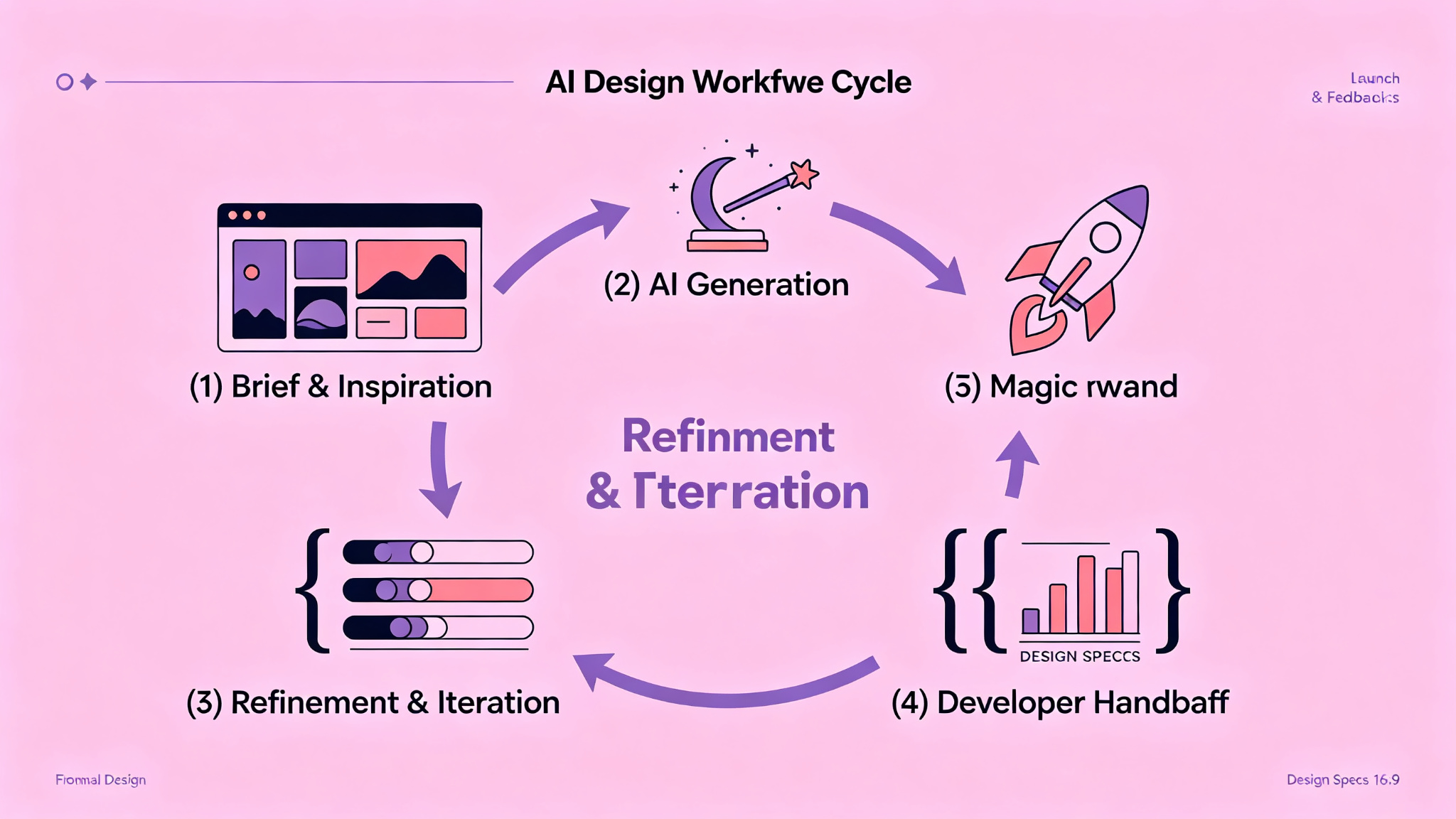
- Iterate with AI — use the output as a starting point, then refine manually
- Combine tools — use Midjourney for visuals, Figma for layout, Canva for social assets
- Stay updated — AI design tools improve rapidly, with new features every month
- Keep learning — the best designers use AI to enhance their skills, not replace them
Final Thoughts
AI design tools in 2026 are powerful assistants that can dramatically accelerate your creative workflow. They handle the tedious parts of design — generating variations, resizing assets, creating placeholder content — freeing you to focus on the strategic and creative aspects of design. The most successful designers are those who embrace AI as a collaborator, using it to explore more ideas, iterate faster, and push creative boundaries. Whether you're a seasoned professional or just starting out, incorporating AI design tools into your workflow will help you create better work in less time.