XXD Panel 107 — Image-as-Word Visual Poetry
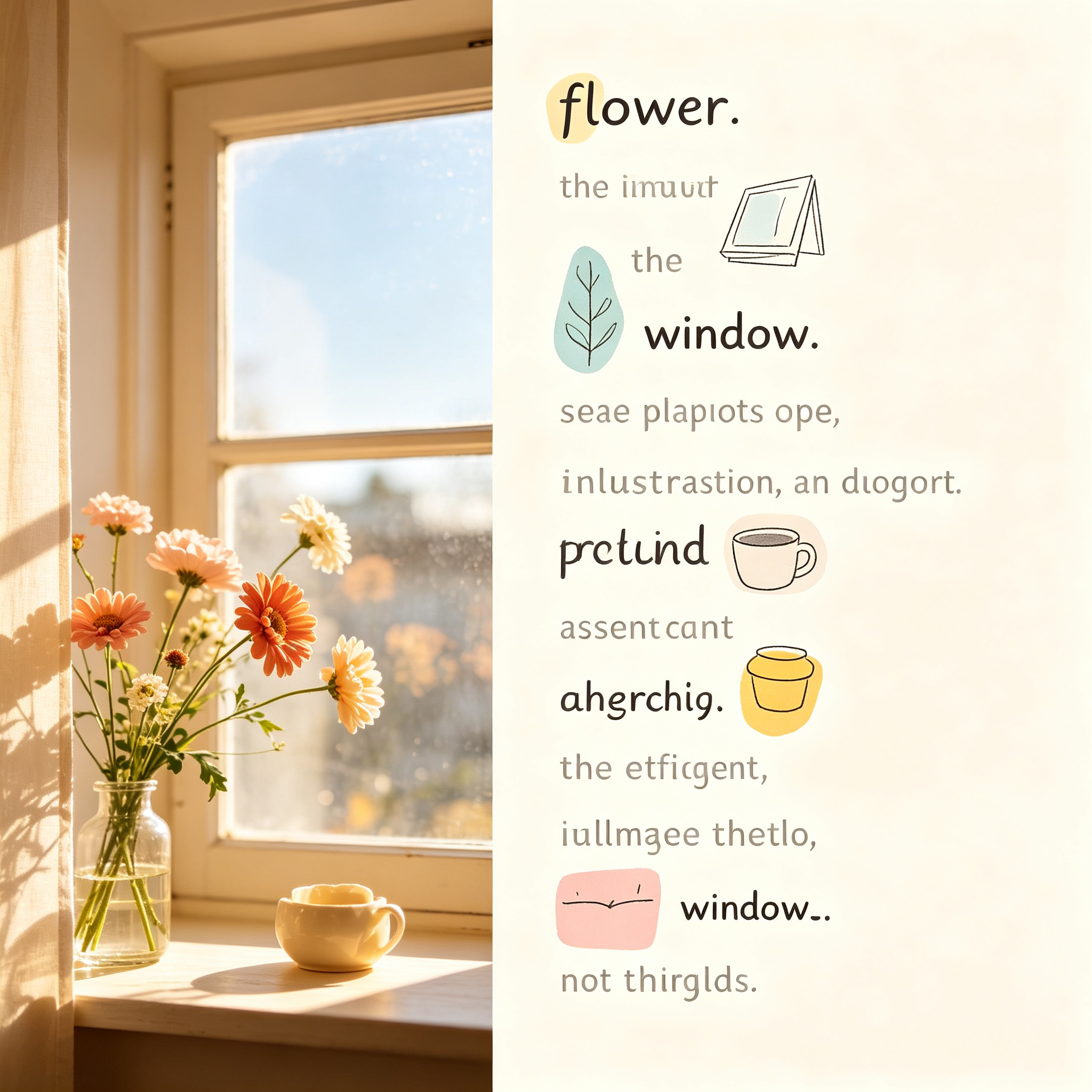
Transform photos into readable visual poems where image elements replace words in the sentence. A unique rebus-style poetry experience with modern hand-drawn illustrations, bright soft color blocks, and generous whitespace.
Prompt template
Use this photograph to create an image-as-word visual poem. Place the original photo on one side and a readable short poem on the other. Replace key words in the sentence (flower, window, road, wind, etc.) with modern hand-drawn illustrations of those objects. Use bright soft color blocks, generous whitespace, and a light, airy aesthetic. The sentence must remain readable with both text and image-words working together.
How to use
- 1Upload or select a photo with clear emotional elements (flowers, windows, roads, wind, nature)
- 2Choose output mode: top-bottom, left-right, design-only, or wallpaper-pack
- 3Select aspect ratio(s) — supports 1:1, 3:4, 4:5, 9:16, 16:9, 21:9 and custom pixels
- 4Set text language: zh-CN, en-GB, ja-JP, ko-KR, or ar-SA
- 5AI generates a short poem from the photo mood, replacing key words with hand-drawn illustrations
- 6Review the 50:50 split composition and adjust if needed
Pro tips
- Works best with photos that have clear, recognizable subjects and strong mood
- Try design-only mode for pure visual poetry without the original photo side-by-side
- Use wallpaper-pack mode to create cohesive wallpapers across phone, tablet, desktop, and watch
- Batch process entire photo directories for consistent visual poetry styling
- Default model is GPT Image 2, with fallback to Seedance 5.0 Pro and Nano Banana Pro
Ratings & Reviews
Loading reviews…
Related Skills
Grade Images
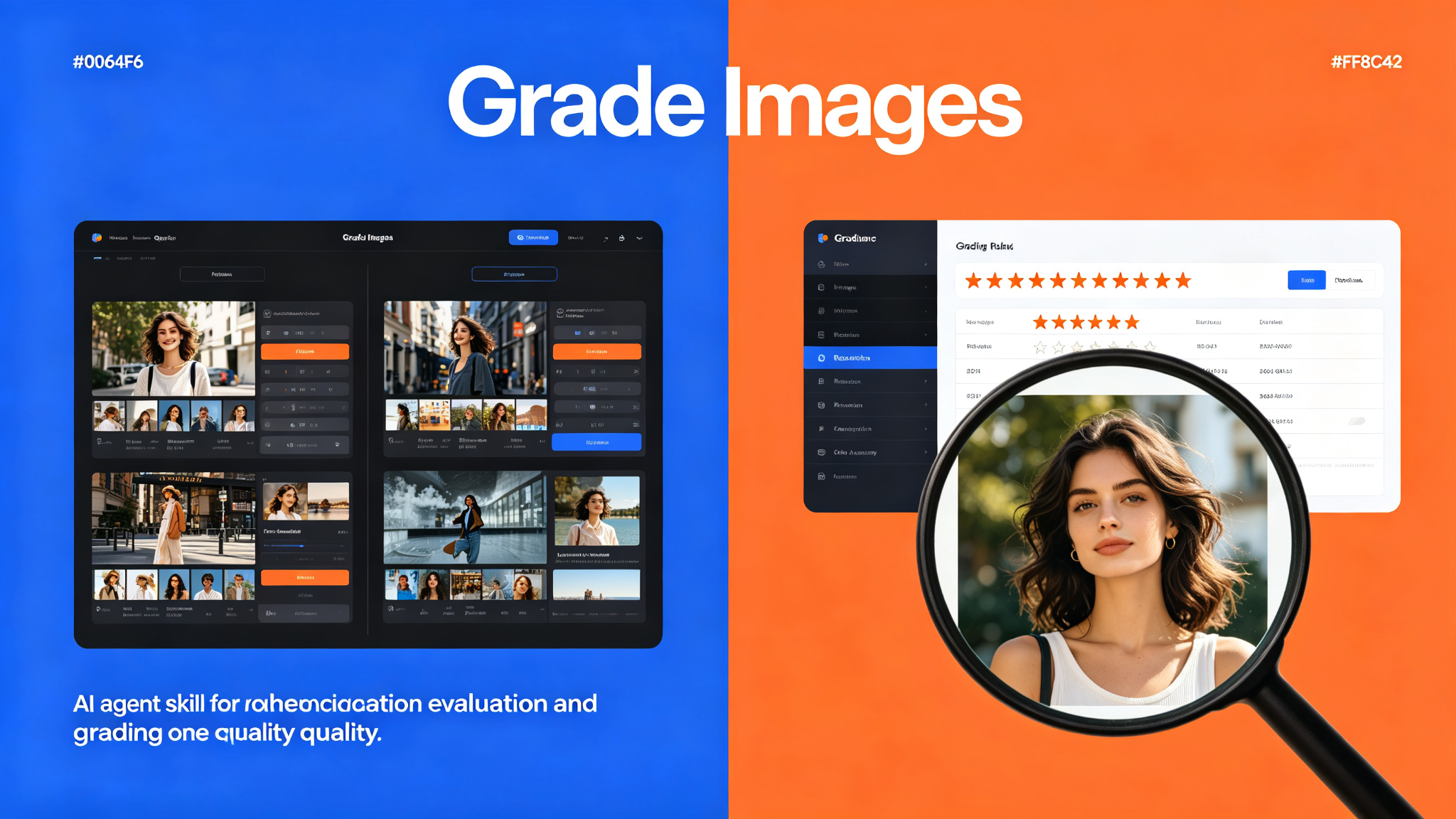
AI agent skill for evaluating and grading image quality across multiple dimensions including composition, color accuracy, resolution, and technical merit.
Punk Cover — generate article cover images from 32 curated visual styles
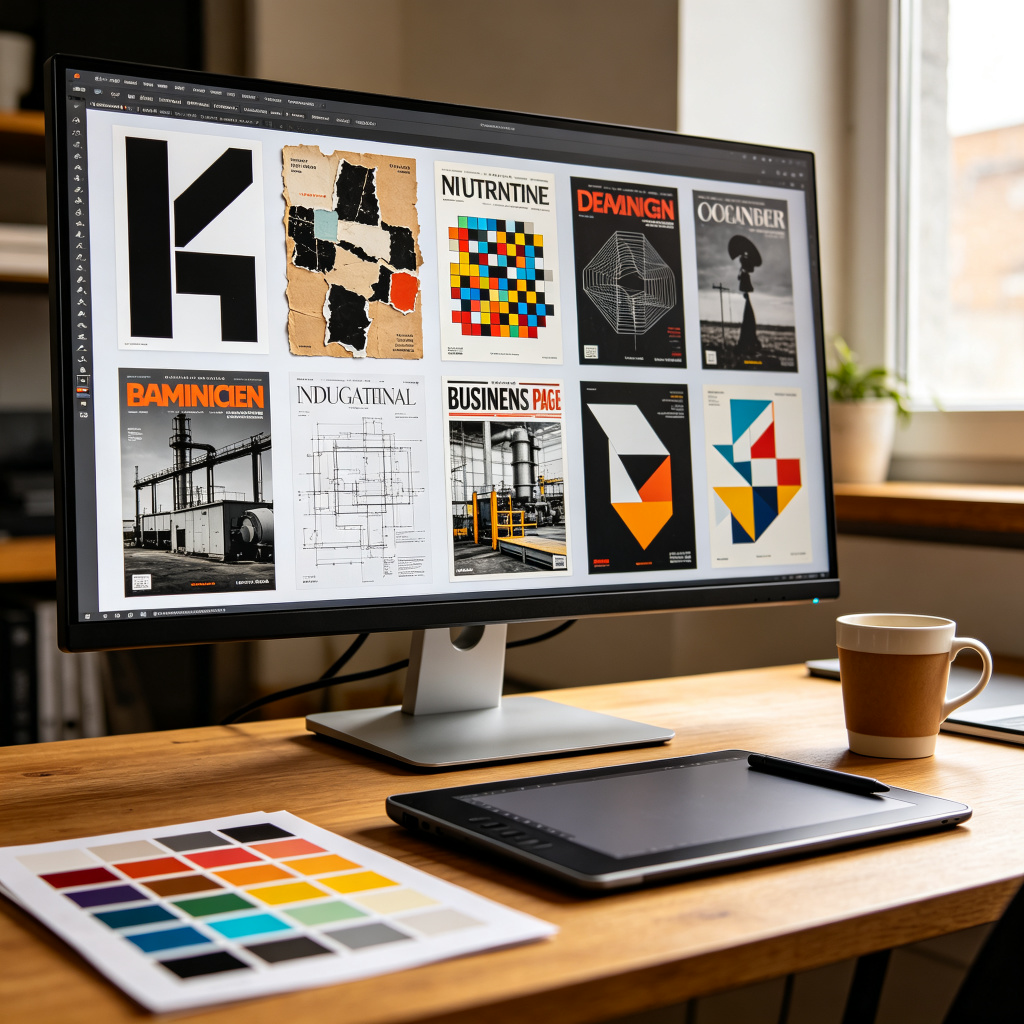
Turn articles, notes, tweets, and topic drafts into polished cover images for Xiaohongshu, WeChat public accounts, X/Twitter, and more. Selects exactly one reusable style from a shared library of 32 curated visual styles — including minimalist black-and-white, retro torn collage, pixel art metaphor, industrial OSB blueprint, business magazine front page, avant-garde geometry, layered paper-cut concept, and more — then fuses the style atom into a complete cover-specific prompt. Supports custom aspect ratios, multi-size suites, and prompt-only output mode.
Midjourney Character Consistency with --cref
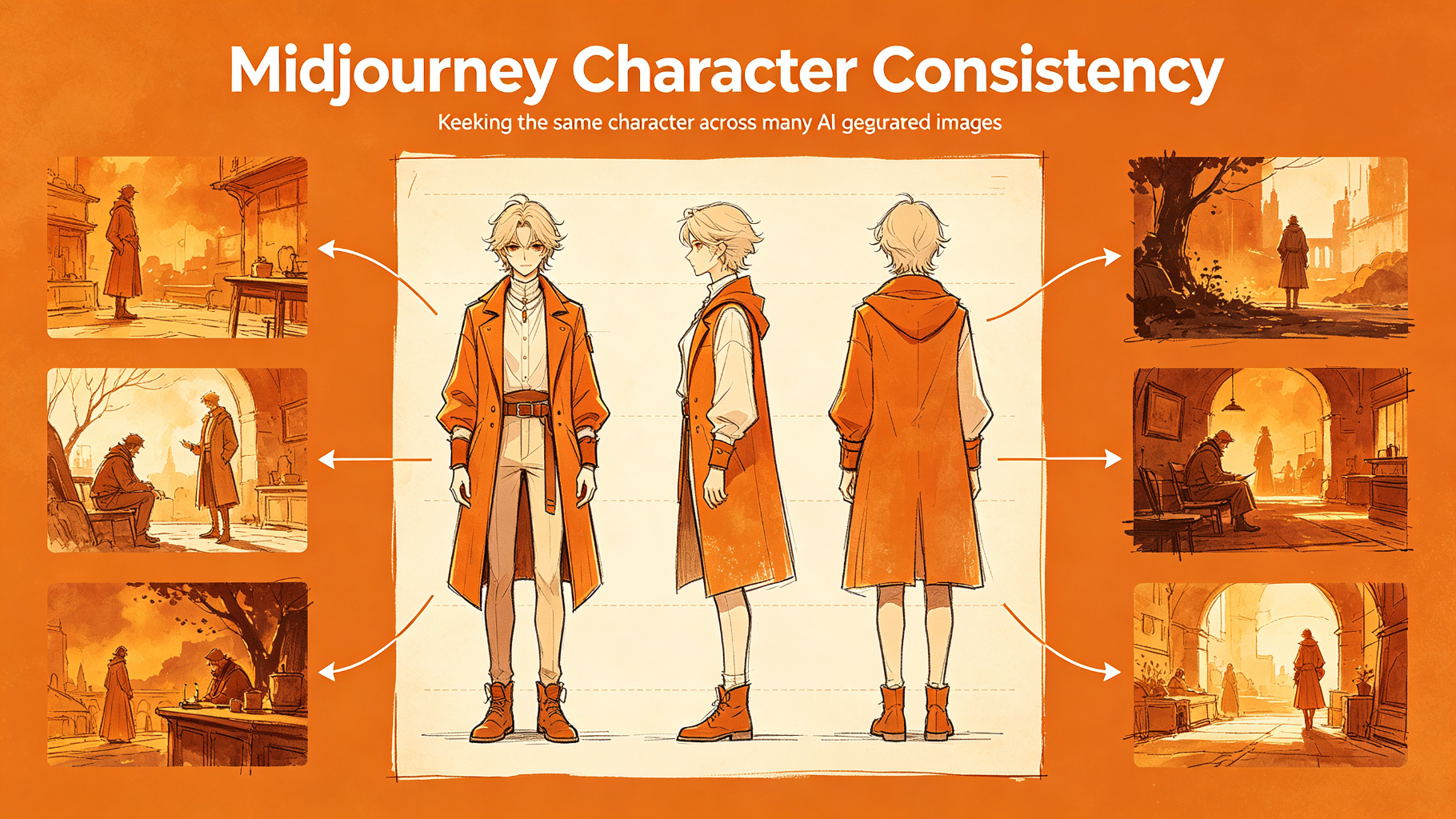
Keep the same character across many images using Midjourney's character reference parameter.