Grade Images
AI agent skill for evaluating and grading image quality across multiple dimensions including composition, color accuracy, resolution, and technical merit.
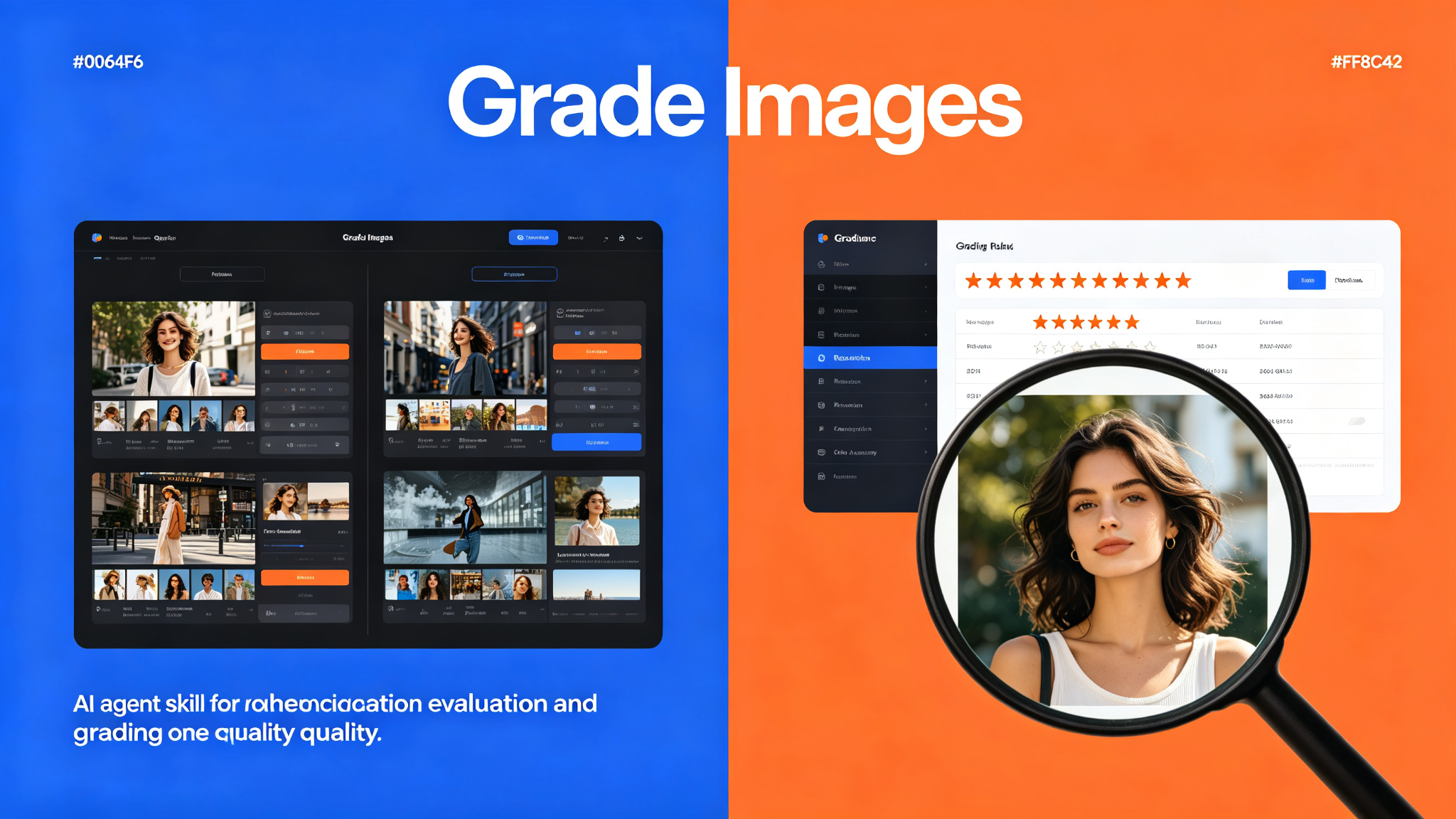
Prompt template
You are an expert image quality evaluator. Analyze the provided image and grade it across multiple dimensions: composition, color accuracy, exposure, sharpness, resolution, and overall technical merit. Provide a detailed breakdown with scores and actionable improvement suggestions.
How to use
- 1Input the image or image URL to be evaluated
- 2Analyze composition (rule of thirds, leading lines, balance, framing)
- 3Evaluate color accuracy (white balance, color cast, saturation, vibrancy)
- 4Assess technical quality (exposure, sharpness, noise, resolution, artifacts)
- 5Grade each dimension on a 1-10 scale with detailed justification
- 6Calculate overall weighted score and generate improvement recommendations
- 7Output structured grading report with visual annotations where applicable
Pro tips
- Use consistent lighting reference images for color accuracy calibration
- Consider the intended use case (web, print, social media) when grading resolution
- Always provide specific, actionable feedback rather than vague comments
- Compare against industry standards and reference images for objective grading
- Document the evaluation criteria clearly so results are reproducible
Use cases
Examples
E-commerce Product Photo Grading
Input: Folder of 50 product images + quality threshold 7/10
Output: Structured grading report with scores per image, flagged items, and specific improvement suggestions
AI-Generated Image Selection
Input: 20 AI-generated images + brand guidelines
Output: Ranked list with detailed scores and rationale for top 5 selections
Key parameters
grading_dimensions (array, default: ['composition', 'color', 'exposure', 'sharpness', 'resolution']) - Dimensions to evaluatescoring_scale (string, default: 1-10) - Scoring scale to useoutput_format (string, default: structured_report) - Output format (report, json, csv)include_annotations (boolean, default: True) - Whether to include visual annotationsNot this
- This skill is for image quality evaluation and grading only. It does not edit or retouch images, generate new images, or perform image manipulation. For image editing, use a dedicated photo editing tool.
Ratings & Reviews
Loading reviews…
Related Skills
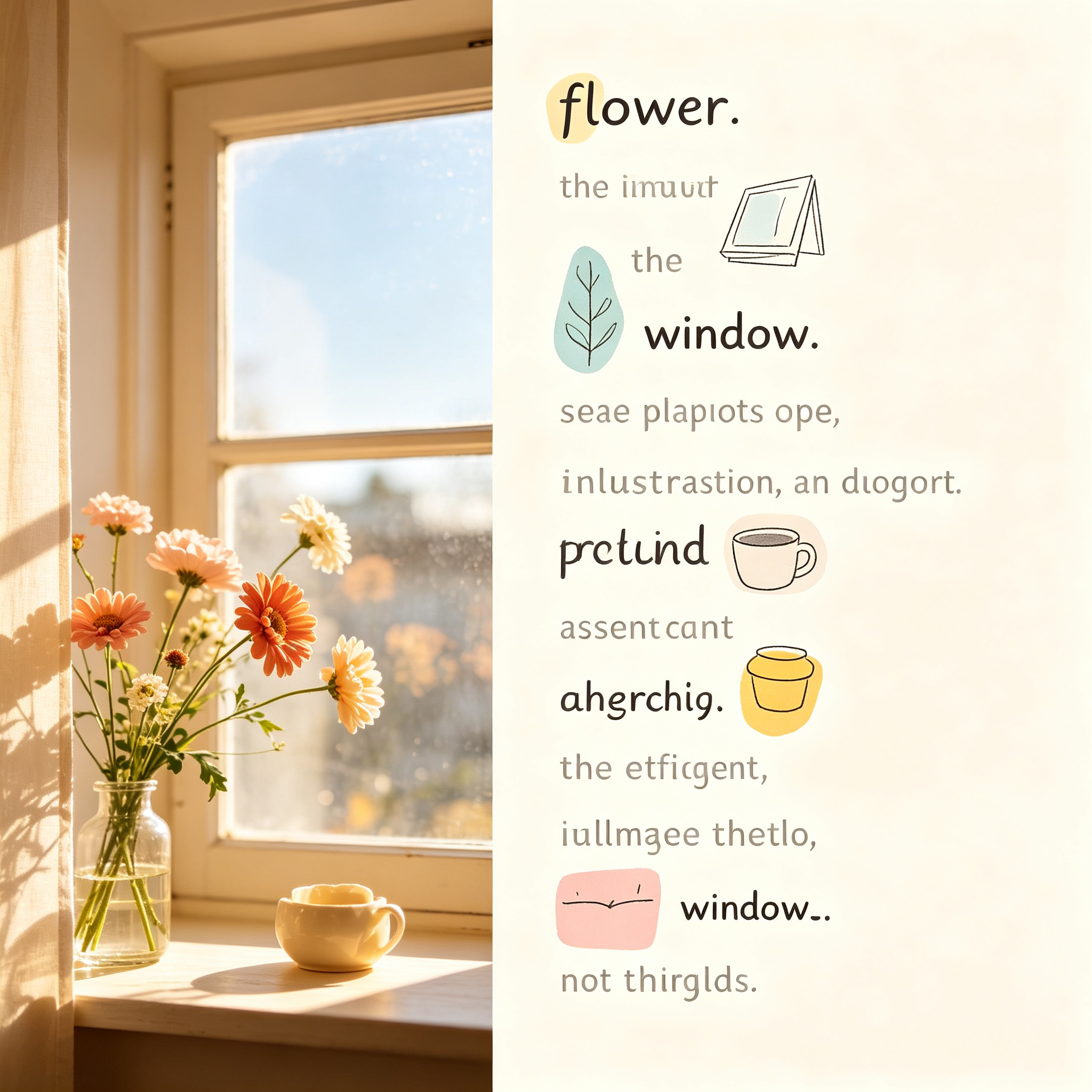
XXD Panel 107 — Image-as-Word Visual Poetry
Transform photos into readable visual poems where image elements replace words in the sentence. A unique rebus-style poetry experience with modern hand-drawn illustrations, bright soft color blocks, and generous whitespace.
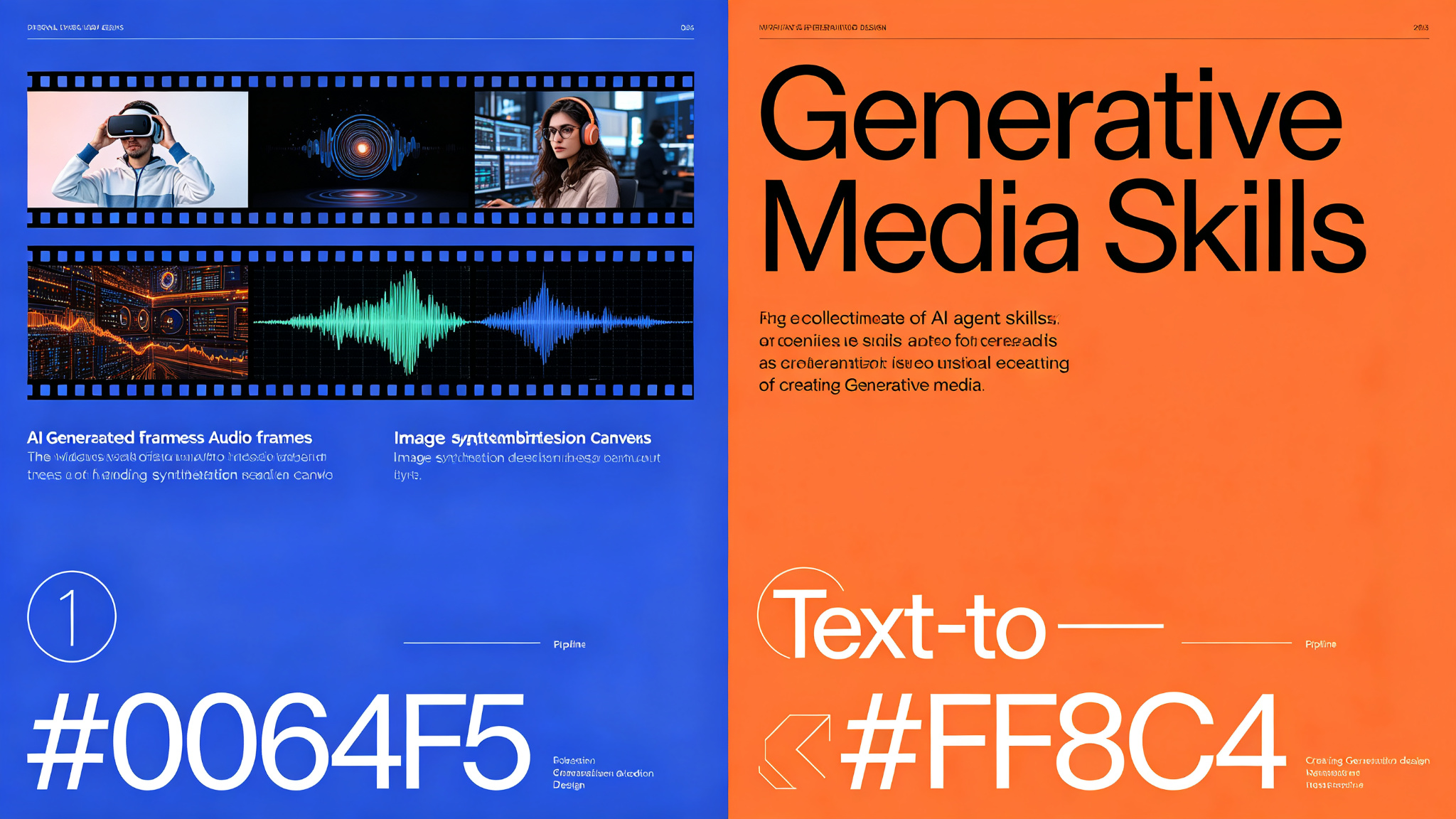
Generative Media Skills — 41+ agent recipes for images, video, and audio
A high-performance, schema-driven collection of 41 AI agent recipes for generating, editing, and displaying professional-grade images, videos, and audio. Powered by muapi-cli with 100+ models including Midjourney, Flux, Seedance, Kling, and Veo.
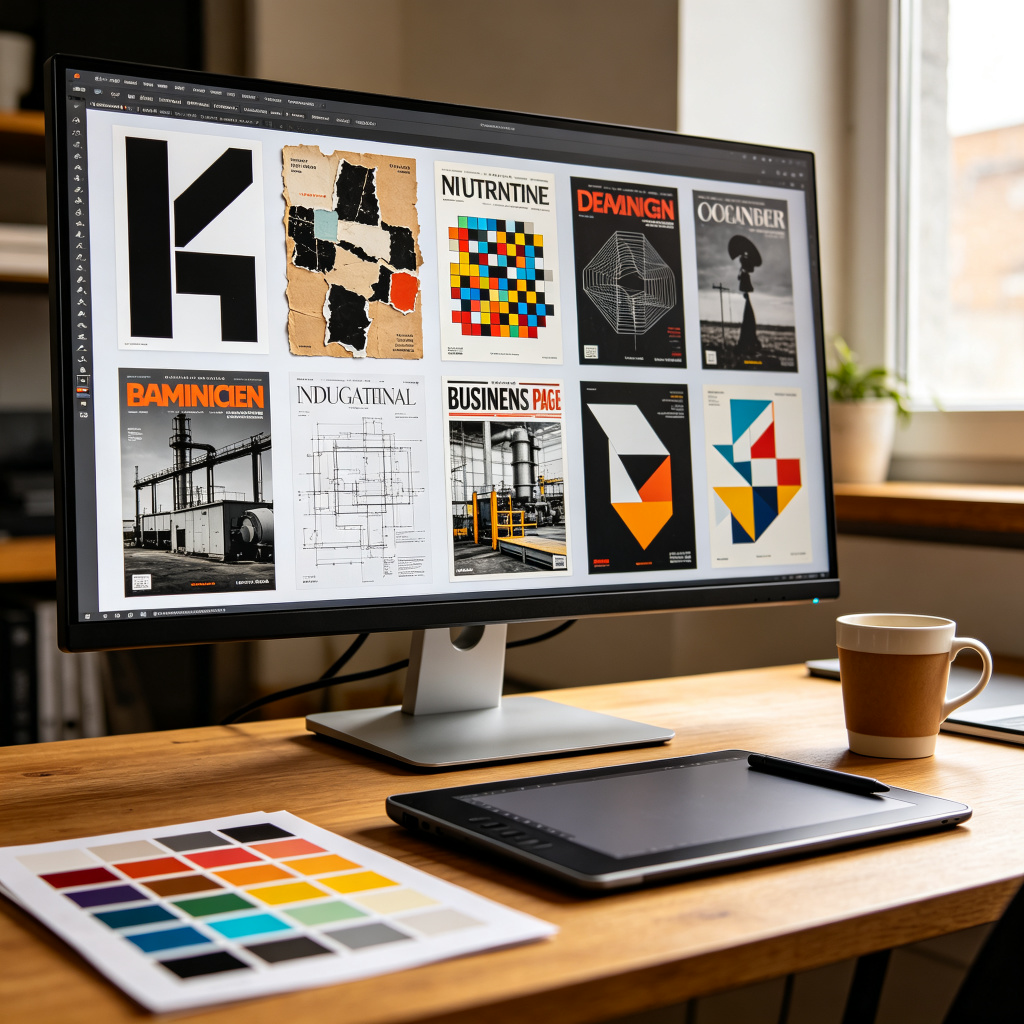
Punk Cover — generate article cover images from 32 curated visual styles
Turn articles, notes, tweets, and topic drafts into polished cover images for Xiaohongshu, WeChat public accounts, X/Twitter, and more. Selects exactly one reusable style from a shared library of 32 curated visual styles — including minimalist black-and-white, retro torn collage, pixel art metaphor, industrial OSB blueprint, business magazine front page, avant-garde geometry, layered paper-cut concept, and more — then fuses the style atom into a complete cover-specific prompt. Supports custom aspect ratios, multi-size suites, and prompt-only output mode.