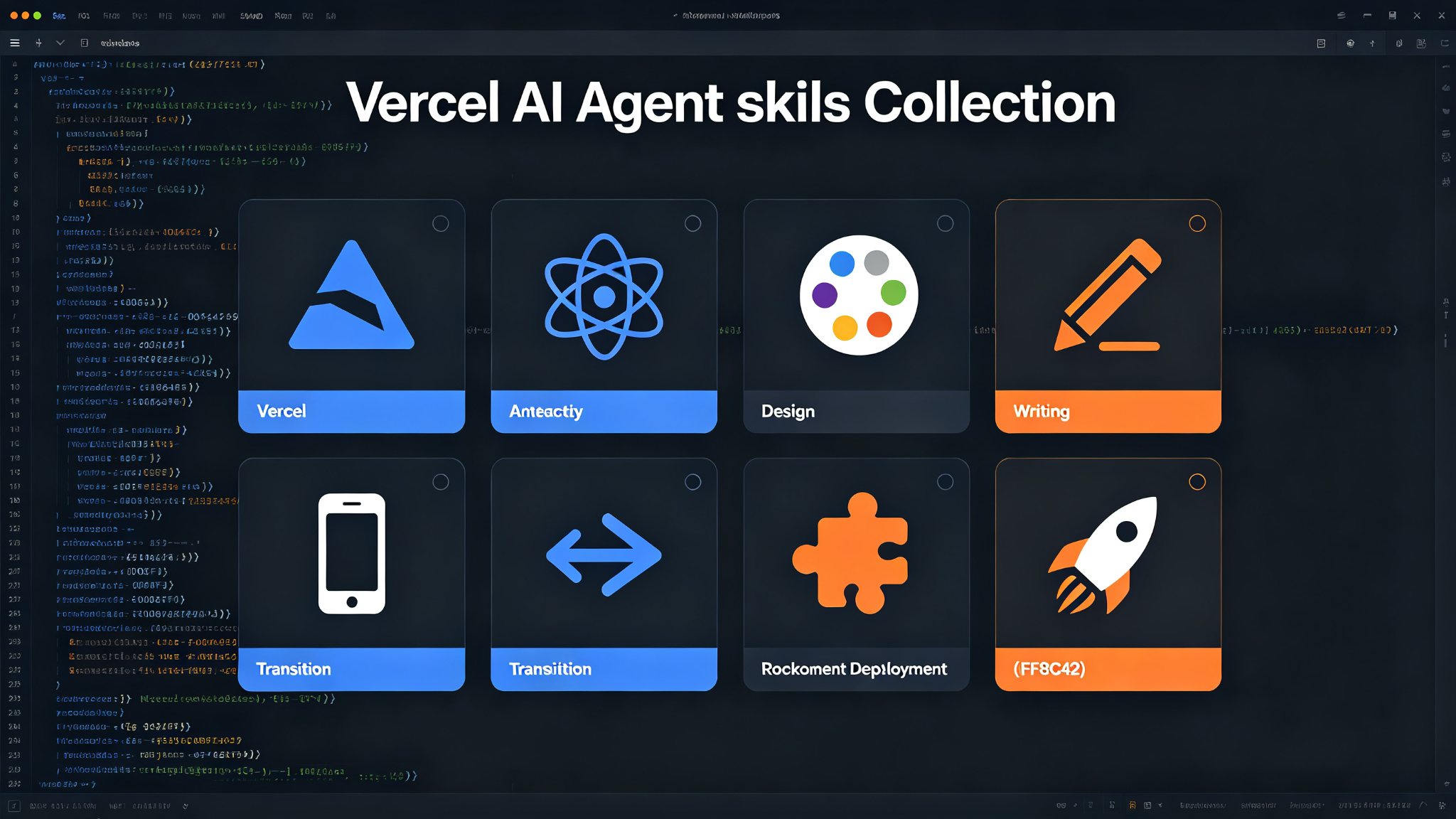
Vercel Agent Skills — 8 production-grade skills for AI coding agents
A curated collection of 8 skills from Vercel Labs for AI coding agents. Covers Vercel optimization, React/Next.js best practices, web design guidelines, writing standards, React Native, view transitions, composition patterns, and one-click Vercel deployments. Install via `npx skills add vercel-labs/agent-skills`. Works with Claude Code, Cursor, Codex, Gemini CLI, and GitHub Copilot.
Prompt template
You are an AI coding assistant with access to Vercel Agent Skills — a collection of 8 production-grade skills. Use the relevant skill based on the user's request.

## Available Skills

### 1. vercel-optimize
Audit a Vercel project for cost, performance, reliability, caching, function usage, and billing opportunities. Collect Vercel metrics first, then investigate only the routes and files those metrics point to. Produce a ranked cost and performance report.

### 2. react-best-practices
React and Next.js performance optimization guidelines from Vercel Engineering. 40+ rules across 8 categories, prioritized by impact:
- Eliminating waterfalls (Critical)
- Bundle size optimization (Critical)
- Server-side performance (High)
- Client-side data fetching (Medium-High)
- Re-render optimization (Medium)
- Rendering performance (Medium)
- JavaScript micro-optimizations (Low-Medium)

### 3. web-design-guidelines
Review UI code for compliance with web interface best practices. 100+ rules covering:
- Accessibility (aria-labels, semantic HTML, keyboard handlers)
- Focus States (visible focus, focus-visible patterns)
- Forms (autocomplete, validation, error handling)
- Animation (prefers-reduced-motion, compositor-friendly transforms)
- Typography (curly quotes, ellipsis, tabular-nums)
- Images (dimensions, lazy loading, alt text)
- Performance (virtualization, layout thrashing, preconnect)
- Navigation & State (URL reflects state, deep-linking)
- Dark Mode & Theming (color-scheme, theme-color meta)
- Touch & Interaction (touch-action, tap-highlight)
- Locale & i18n (Intl.DateTimeFormat, Intl.NumberFormat)

### 4. writing-guidelines
Review docs and prose for compliance with the Vercel writing handbook. 80+ rules covering:
- Planning (content plan, content type, user-shaped titles)
- Voice & tone (active voice, direct address, banned words like easy/simple/quick)
- Tone by content type (tutorial, how-to, reference, conceptual, troubleshooting)
- Headings & structure (sentence case, descriptive subheadings, TL;DR opens)
- Lists (when to use, bold/description format)
- Code (language tags, TypeScript first, <Steps />, 80-col / 25-line limits)
- Placeholders, units, & numbers (snake_case text, count-up numbers, 64 KB/200 ms)
- Typography (no em dashes as punctuation, curly quotes, ellipsis character, non-breaking spaces)
- AI workflow (accountability, enterprise models, plan first, disclose AI use)

### 5. react-native-guidelines
React Native best practices optimized for AI agents. 16 rules across 7 sections:
- Performance (Critical) — FlashList, memoization, heavy computation
- Layout (High) — flex patterns, safe areas, keyboard handling
- Animation (High) — Reanimated, gesture handling
- Images (Medium) — expo-image, caching, lazy loading
- State Management (Medium) — Zustand patterns, React Compiler
- Architecture (Medium) — monorepo structure, imports
- Platform (Medium) — iOS/Android specific patterns

### 6. react-view-transitions
Implement smooth, native-feeling animations using React's View Transition API. Covers:
- <ViewTransition> component (enter, exit, update, share triggers)
- addTransitionType for directional/context-specific animations
- View Transition Classes and CSS pseudo-elements
- Shared element transitions with the name prop
- JavaScript animations via Web Animations API
- Next.js transitionTypes prop on next/link
- Ready-to-use CSS animation recipes (fade, slide, scale, flip)
- Accessibility (prefers-reduced-motion)

### 7. composition-patterns
React composition patterns that scale. Helps avoid boolean prop proliferation through:
- Extracting compound components
- Lifting state to reduce props
- Composing internals for flexibility
- Avoiding prop drilling

### 8. vercel-deploy-claimable
Deploy applications and websites to Vercel instantly. Designed for use with claude.ai and Claude Desktop. Deployments are "claimable" — users can transfer ownership to their own Vercel account.
- Auto-detects 40+ frameworks from package.json
- Returns preview URL (live site) and claim URL (transfer ownership)
- Handles static HTML projects automatically
- Excludes node_modules and .git from uploads

## Usage
When the user asks for any of the above, invoke the corresponding skill. Skills are automatically available after installation. The agent will use them when relevant tasks are detected.

## Task
[Your coding task here]
How to use
- 1Install the skill collection: `npx skills add vercel-labs/agent-skills`
- 2Identify which of the 8 skills matches the user's request (optimization, React review, design audit, writing review, React Native, view transitions, composition, deployment)
- 3Invoke the relevant skill — the agent will automatically use it when relevant tasks are detected
- 4For vercel-optimize: collect Vercel metrics first, then investigate only the routes and files those metrics point to
- 5For review skills (react/web-design/writing): audit the code against the rule checklist, prioritized by impact
- 6For vercel-deploy-claimable: package project, detect framework, upload, return preview URL and claim URL
- 7Produce a ranked report or actionable recommendations based on the skill's output
Pro tips
- Skills are automatically available after installation — no manual invocation needed for most tasks
- For Vercel optimization, always collect metrics first before investigating code — data-driven targeting
- Review skills prioritize rules by impact (Critical > High > Medium > Low) — address high-impact issues first
- The writing guidelines ban words like 'easy', 'simple', 'quick' — use specific, measurable language instead
- For deployments, the claim URL allows users to transfer ownership to their own Vercel account
- Works with Claude Code, Cursor, Codex, Gemini CLI, and GitHub Copilot CLI
- Each skill follows the Agent Skills format with SKILL.md, scripts/, and references/
Use cases
Examples
Vercel performance audit
Input: Optimize my Next.js app deployed on Vercel
Output: Invokes vercel-optimize skill. Collects Vercel metrics (function usage, response times, cache hit rates), identifies slow/expensive routes, investigates only those files, produces a ranked cost and performance report with actionable recommendations.
React component review
Input: Review this React component for performance issues
Output: Invokes react-best-practices skill. Audits against 40+ rules across 8 categories (waterfalls, bundle size, server-side, data fetching, re-renders, rendering, micro-optimizations). Prioritizes findings by impact (Critical first).
UI accessibility audit
Input: Check my UI for accessibility issues
Output: Invokes web-design-guidelines skill. Audits 100+ rules across accessibility, focus states, forms, animation, typography, images, performance, navigation, dark mode, touch, and i18n. Produces a compliance report.
One-click Vercel deployment
Input: Deploy my app to production
Output: Invokes vercel-deploy-claimable skill. Packages project (excludes node_modules/.git), auto-detects framework (40+ supported), uploads to Vercel, returns preview URL (live site) and claim URL (transfer ownership to your account).
Key parameters
Installation: `npx skills add vercel-labs/agent-skills`8 skills: vercel-optimize, react-best-practices, web-design-guidelines, writing-guidelines, react-native-guidelines, react-view-transitions, composition-patterns, vercel-deploy-claimableRule counts: react 40+, web-design 100+, writing 80+, react-native 16Impact priority: Critical > High > Medium > LowSupported agents: Claude Code, Cursor, Codex, Gemini CLI, GitHub Copilot CLILicense: MITEach skill: SKILL.md + scripts/ + references/ (Agent Skills format)Not this
- Not a standalone tool or CLI — must be installed into an AI coding agent
- Not for non-Vercel deployments — vercel-deploy-claimable only deploys to Vercel
- Not a replacement for manual code review — skills provide guidelines, not guarantees
- Not for backend/DevOps tasks outside the 8 covered domains
- Not a linter or formatter — it's an AI agent skill collection, not a static analysis tool
- Not automatically installed — requires `npx skills add vercel-labs/agent-skills`
Works best with
Ratings & Reviews
Loading reviews…
Related Skills
Matt Pocock Skills — real engineering skills for AI agents
A curated collection of small, composable, easy-to-adapt agent skills for real software engineering — not vibe coding. Built on decades of TypeScript and engineering experience, works with any model, and installs as a Claude Code plugin or via skills.sh.
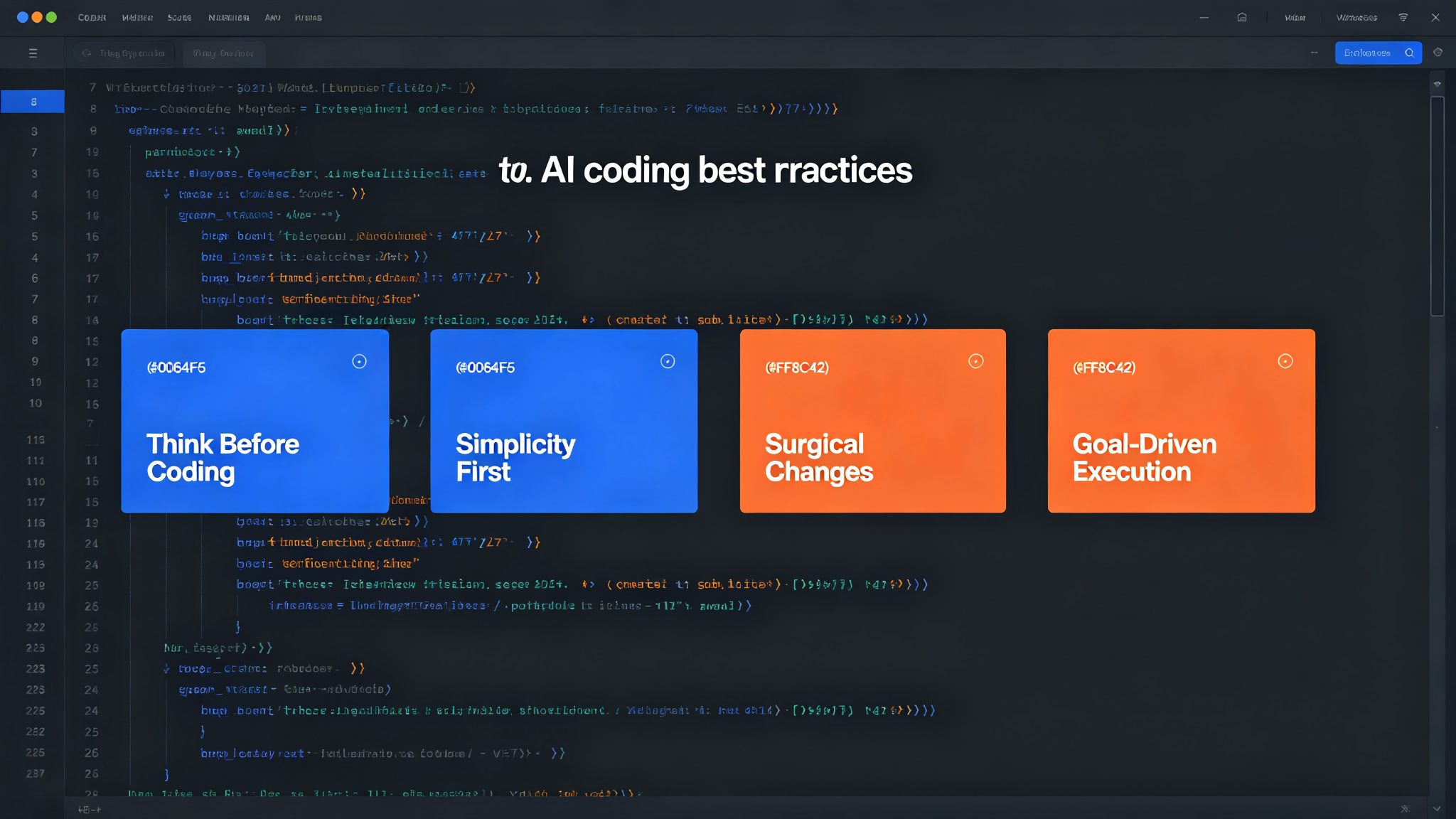
Karpathy Coding Guidelines — think first, keep it simple, surgical edits
Four principles derived from Andrej Karpathy's observations on LLM coding pitfalls. Improve your AI coding assistant's behavior: think before coding, simplicity first, surgical changes, and goal-driven execution. Works with Claude Code, Cursor, and ChatGPT.
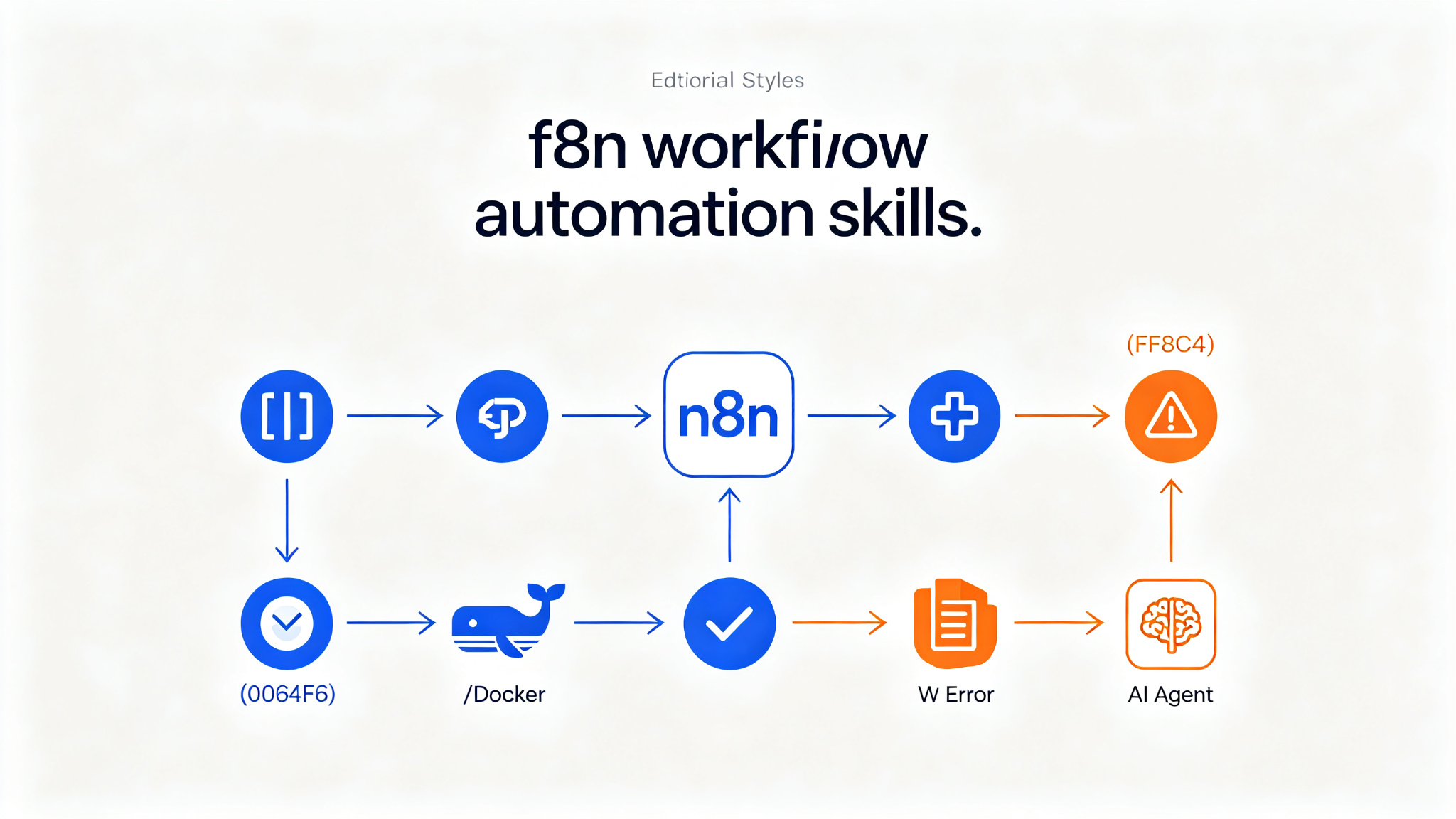
n8n Skills — 14 expert Claude Code skills for building flawless n8n workflows
A collection of 14 complementary Claude Code skills plus an always-on router skill and hooks enforcement layer. Teaches AI assistants how to build production-ready n8n workflows using the n8n-mcp MCP server, and how to deploy self-hosted n8n. Covers expression syntax, MCP tools, workflow patterns, validation, node configuration, JavaScript/Python code, error handling, binary data, sub-workflows, AI agents, multi-instance management, and self-hosting. Supports 525+ n8n nodes, references 2,653+ workflow templates. Install via `/plugin install czlonkowski/n8n-skills`.