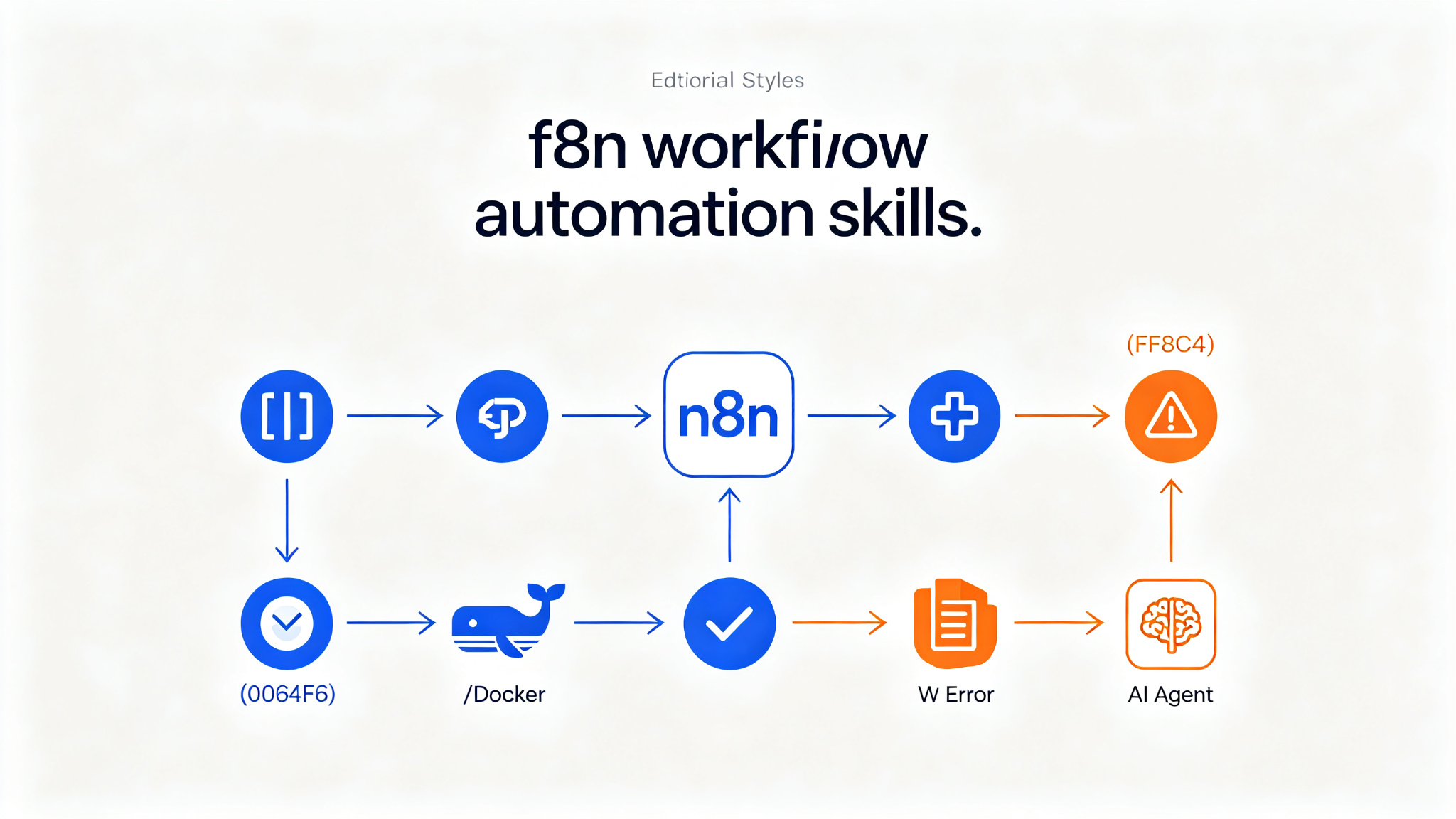
n8n Skills — 14 expert Claude Code skills for building flawless n8n workflows
A collection of 14 complementary Claude Code skills plus an always-on router skill and hooks enforcement layer. Teaches AI assistants how to build production-ready n8n workflows using the n8n-mcp MCP server, and how to deploy self-hosted n8n. Covers expression syntax, MCP tools, workflow patterns, validation, node configuration, JavaScript/Python code, error handling, binary data, sub-workflows, AI agents, multi-instance management, and self-hosting. Supports 525+ n8n nodes, references 2,653+ workflow templates. Install via `/plugin install czlonkowski/n8n-skills`.
Prompt template
You are an AI coding assistant with access to n8n Skills — a collection of 14 expert skills for building flawless n8n workflows using the n8n-mcp MCP server. Use the relevant skill based on the user's request.

## Available Skills

### 1. n8n Expression Syntax
Teaches correct n8n expression syntax and common patterns.
- Core variables: $json, $node, $now, $env
- Critical gotcha: Webhook data is under $json.body
- Common mistakes catalog with fixes
- When NOT to use expressions (Code nodes!)

### 2. n8n MCP Tools Expert (HIGHEST PRIORITY)
Expert guide for using n8n-mcp MCP tools effectively.
- Tool selection guide (which tool for which task)
- nodeType format differences (nodes-base.* vs n8n-nodes-base.*)
- Validation profiles (minimal/runtime/ai-friendly/strict)
- Smart parameters (branch="true" for IF nodes)
- Auto-sanitization system explained

### 3. n8n Workflow Patterns
Build workflows using 5 proven architectural patterns.
- 5 proven patterns: webhook processing, HTTP API, database, AI, scheduled
- Workflow creation checklist
- Real examples from 2,653+ n8n templates
- Connection best practices
- Pattern selection guide

### 4. n8n Validation Expert
Interpret validation errors and guide fixing.
- Validation loop workflow
- Real error catalog
- Auto-sanitization behavior explained
- False positives guide
- Profile selection for different stages

### 5. n8n Node Configuration
Operation-aware node configuration guidance.
- Property dependency rules (e.g., sendBody -> contentType)
- Operation-specific requirements
- AI connection types (8 types for AI Agent workflows)
- Common configuration patterns

### 6. n8n Code JavaScript
Write effective JavaScript code in n8n Code nodes.
- Data access patterns: $input.all(), $input.first(), $input.item
- Critical gotcha: Webhook data under $json.body
- Correct return format: [{json: {...}}]
- Built-in functions: this.helpers.httpRequest(), DateTime, $jmespath()
- Top 5 error patterns with solutions (covering 62%+ of failures)
- 10 production-tested patterns

### 7. n8n Code Python
Write Python code in n8n Code nodes with proper limitations awareness.
- Important: Use JavaScript for 95% of use cases
- Python data access: _input, _json, _node
- Critical limitation: No external libraries (requests, pandas, numpy)
- Standard library reference: json, datetime, re, etc.
- Workarounds for missing libraries

### 8. n8n Code Tool
Write code for the AI-agent-callable Custom Code Tool (@n8n/n8n-nodes-langchain.toolCode).
- Critical distinction: Code Tool != Code node (different node type, different return format)
- Return format: a string (use JSON.stringify() for structured output) — NOT [{json:{...}}]
- Input binding: query (JS) / _query (Python) — $fromAI() does NOT work here
- Unstructured vs structured input modes (specifyInputSchema -> DynamicStructuredTool)
- Sandbox limits: no $input, $helpers, $json, no state across calls

### 9. n8n Error Handling
Make failures loud, structured, and recoverable.
- Per-node error output: two-step onError: continueErrorOutput + wire main[1] trap
- retryOnFail self-healing for flaky network calls
- 4xx/5xx response-shape mapping (and responseCode-defaults-to-200 gotcha)
- Error Trigger workflows for unattended runs

### 10. n8n Binary & Data
Handle files, images, and binary data correctly.
- $binary vs $json — file contents never live in $json
- Keeping binary alive across JSON transforms with Merge
- The agent-tool binary boundary (pre-stage to storage, pass keys/URLs)
- CDN/URL requirement for showing images in chat surfaces

### 11. n8n Sub-workflows
Build reusable, composable sub-workflows.
- Execute Workflow Trigger with "Define Below" typed inputs (not passthrough)
- mode: all vs each and waitForSubWorkflow (the only true parallelization)
- Verb-first prefix naming for discovery (MCP can't filter by tags)
- Stateless vs stateful design; N+1 split-by-input-shape

### 12. n8n AI Agents
Design n8n AI agents the right way.
- Agent vs LLM Chain vs Text Classifier; model/memory/tools/outputParser slots
- Tool names & descriptions ARE the prompt; $fromAI parameter anatomy
- Structured output with autoFix; memory + sessionId; human-in-the-loop review
- Chat shell+core+sub-agent topology with anti-loop filtering

### 13. n8n Multi-Instance
Target the right n8n instance when an account has more than one.
- n8n_instances list/switch shapes and real error envelope (UNKNOWN_INSTANCE, MULTI_INSTANCE_DISABLED)
- Switching in its own turn; per-session binding persists across reconnects/deploys
- Verifying current before credential writes — server fail-closes only ambiguous case
- Recovering from misroute (NOT_FOUND ~= wrong instance) and copying objects between instances

### 14. n8n Self-Hosting (deployment/ops)
Deploy a production self-hosted n8n end-to-end to a fresh Linux VM.
- Docker Compose behind Caddy with automatic HTTPS; asks single vs queue mode first
- Single (SQLite) and queue (main + Redis + Postgres + workers) templates
- Generates fresh secrets on the box; secure defaults (encryption key, no internal ports, telemetry off)
- DNS/ports preflight, end-to-end verify, and Day-2 (update / backup / restore)

## Enforcement Layer
- Router skill (using-n8n-mcp-skills) — loaded into every session by SessionStart hook
- PreToolUse hooks — before high-impact n8n-mcp calls, short reminder points at relevant skill
- PostToolUse hook — after validate_workflow, inspects node types and routes to remaining risk skills
- Hooks run only in Claude Code / Codex plugin install; degrade gracefully on Claude.ai

## Task
[Your n8n workflow task here]How to use
- 1Install the skill collection: `/plugin install czlonkowski/n8n-skills` (Claude Code plugin)
- 2Ensure n8n-mcp MCP server is installed and configured in .mcp.json
- 3Router skill auto-loads on session start — it routes to the right skill based on your request
- 4For expression questions: n8n Expression Syntax skill activates (remember: webhook data under $json.body)
- 5For node search/configuration: n8n MCP Tools Expert + Node Configuration skills activate
- 6For workflow design: n8n Workflow Patterns skill identifies the right pattern (webhook/HTTP/database/AI/scheduled)
- 7For code nodes: JavaScript skill for 95% of cases; Python skill only when necessary (no external libs)
- 8For validation errors: n8n Validation Expert interprets errors and guides fixing (validation passing is necessary, not sufficient)
- 9For deployment: n8n Self-Hosting skill deploys Docker Compose + Caddy to a Linux VM
- 10Hooks provide proactive reminders before high-impact MCP calls — no manual invocation needed
Pro tips
- The MCP Tools Expert skill is HIGHEST PRIORITY — always use correct tool selection and parameter formats
- Critical gotcha: webhook data is under $json.body, not $json directly — this trips up most beginners
- Use JavaScript for 95% of Code node use cases; Python has no external libraries (no requests/pandas/numpy)
- Code Tool != Code node — different return format (string vs [{json:{...}}]), different sandbox
- Validation passing is necessary but not sufficient — PostToolUse hook routes you to remaining risk skills
- For self-hosting, always choose single vs queue mode first — queue mode needs Redis + Postgres + workers
- Multi-instance: always verify current instance before credential writes — server only fail-closes ambiguous cases
- Sub-workflows: use verb-first prefix naming for discovery, since MCP can't filter by tags
- Error handling: use onError: continueErrorOutput + wire main[1] trap for per-node error output
- Binary data: file contents never live in $json — always use $binary and keep binary alive with Merge
Use cases
Examples
Build a webhook to Slack workflow
Input: Build and validate a webhook to Slack workflow
Output: Multiple skills compose: Workflow Patterns identifies webhook processing pattern -> MCP Tools Expert searches for webhook and Slack nodes -> Node Configuration guides setup -> Code JavaScript helps process webhook data with proper .body access -> Expression Syntax helps with data mapping -> Validation Expert validates the final workflow.
Fix expression error
Input: Why is my expression $json.name returning undefined for webhook data?
Output: Expression Syntax skill activates. Critical gotcha: webhook data is under $json.body, not $json directly. Correct expression: $json.body.name. Also reminds when NOT to use expressions (use Code nodes instead for complex logic).
Debug Code Tool error
Input: Why does my Code Tool throw 'Wrong output type returned'?
Output: Code Tool skill activates. Critical distinction: Code Tool != Code node. Code Tool must return a string (use JSON.stringify() for structured output), NOT [{json:{...}}] format. Input binding is query (JS) / _query (Python), $fromAI() does NOT work here.
Deploy self-hosted n8n
Input: Deploy n8n to a fresh Hetzner VM
Output: Self-Hosting skill activates. Asks single vs queue mode first. Generates Docker Compose behind Caddy with automatic HTTPS. Single mode: SQLite. Queue mode: main + Redis + Postgres + workers. Generates fresh secrets on the box. Secure defaults: encryption key, no published internal ports, telemetry off. DNS/ports preflight, end-to-end verify, Day-2 operations.
Key parameters
Installation: `/plugin install czlonkowski/n8n-skills` (Claude Code plugin)14 skills + 1 router skill + hooks enforcement layer (PreToolUse + PostToolUse)Prerequisite: n8n-mcp MCP server installed and configured in .mcp.jsonSupported agents: Claude Code (plugin), Claude.ai (individual skill uploads), Codex525+ n8n nodes supported, 2,653+ workflow templates referencedEach skill includes 3+ evaluations for quality assuranceLicense: MITAuthor: Romuald Członkowski (AiAdvisors, n8n-mcp project team)Not this
- Not a standalone tool or n8n replacement — must be installed into Claude Code with n8n-mcp
- Not for n8n Cloud users — Self-Hosting skill is for deploying your own n8n instance
- Not a visual workflow builder — it's an AI agent skill collection for programmatic workflow building
- Not for non-n8n workflow tools (Zapier, Make, etc.) — n8n-specific
- Not automatically installed — requires `/plugin install czlonkowski/n8n-skills` and n8n-mcp configuration
- Hooks only work in Claude Code / Codex plugin install — degrade to description-based activation on Claude.ai
Works best with
Ratings & Reviews
Loading reviews…
Related Skills
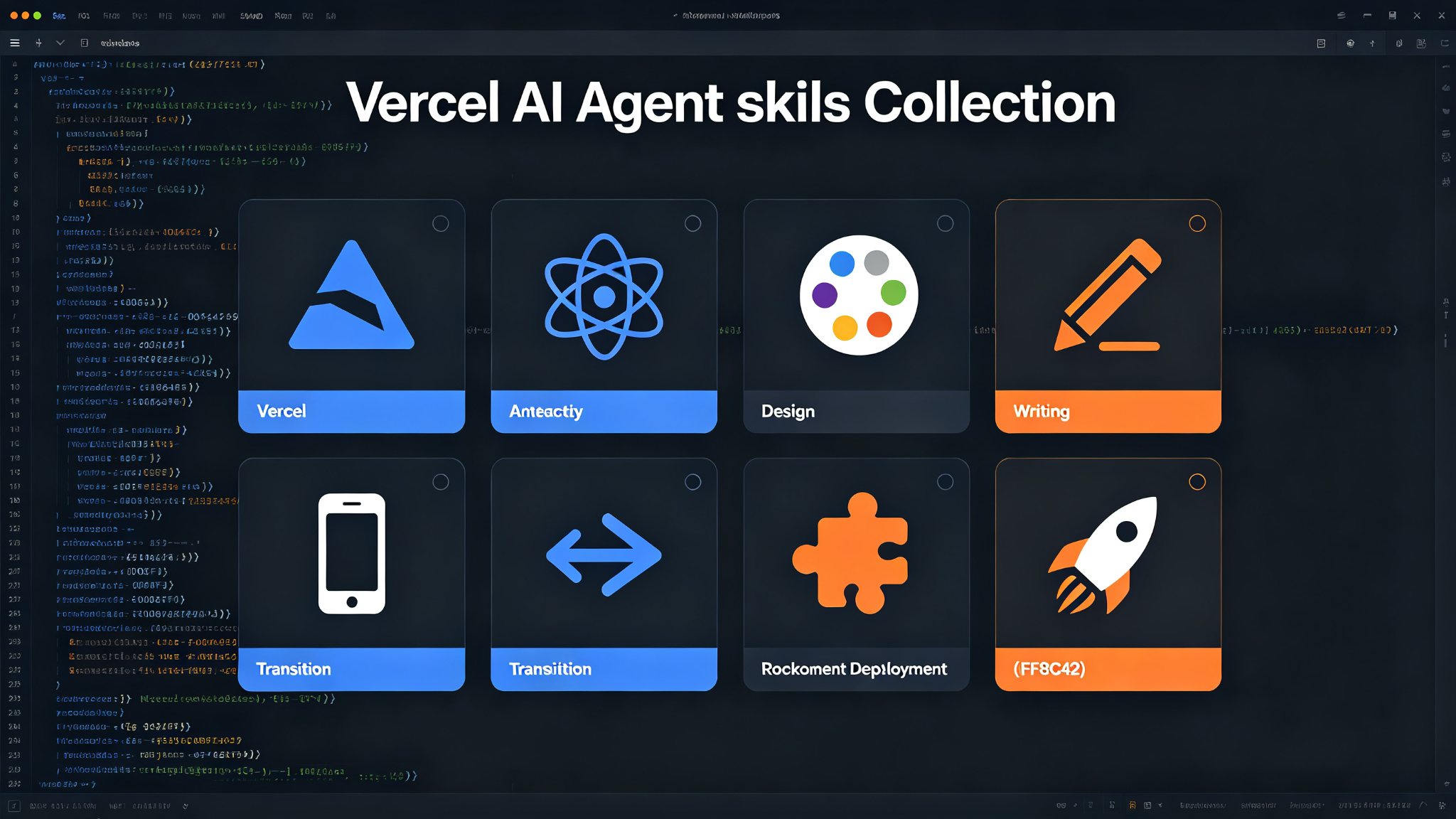
Vercel Agent Skills — 8 production-grade skills for AI coding agents
A curated collection of 8 skills from Vercel Labs for AI coding agents. Covers Vercel optimization, React/Next.js best practices, web design guidelines, writing standards, React Native, view transitions, composition patterns, and one-click Vercel deployments. Install via `npx skills add vercel-labs/agent-skills`. Works with Claude Code, Cursor, Codex, Gemini CLI, and GitHub Copilot.
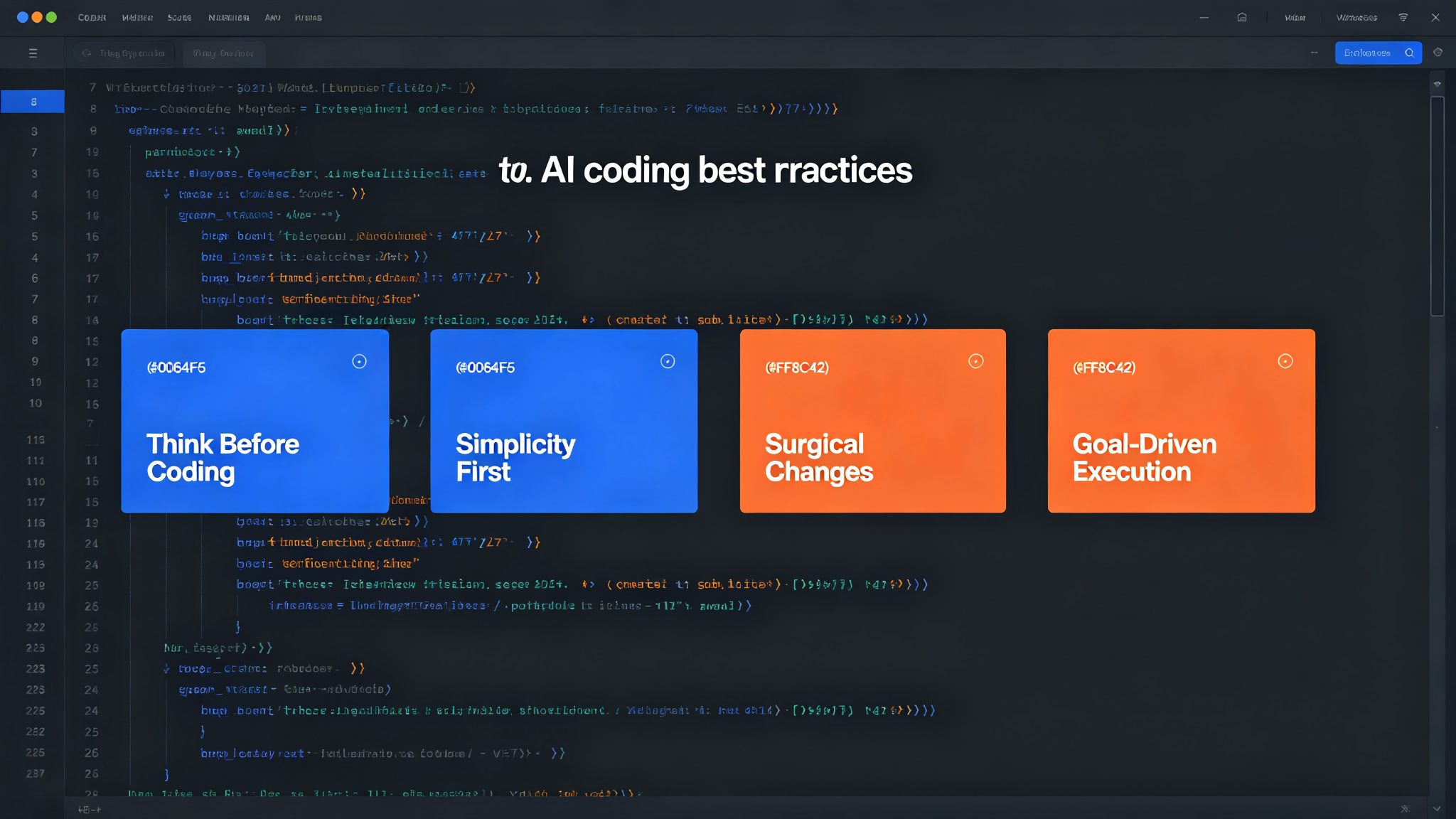
Karpathy Coding Guidelines — think first, keep it simple, surgical edits
Four principles derived from Andrej Karpathy's observations on LLM coding pitfalls. Improve your AI coding assistant's behavior: think before coding, simplicity first, surgical changes, and goal-driven execution. Works with Claude Code, Cursor, and ChatGPT.
Matt Pocock Skills — real engineering skills for AI agents
A curated collection of small, composable, easy-to-adapt agent skills for real software engineering — not vibe coding. Built on decades of TypeScript and engineering experience, works with any model, and installs as a Claude Code plugin or via skills.sh.