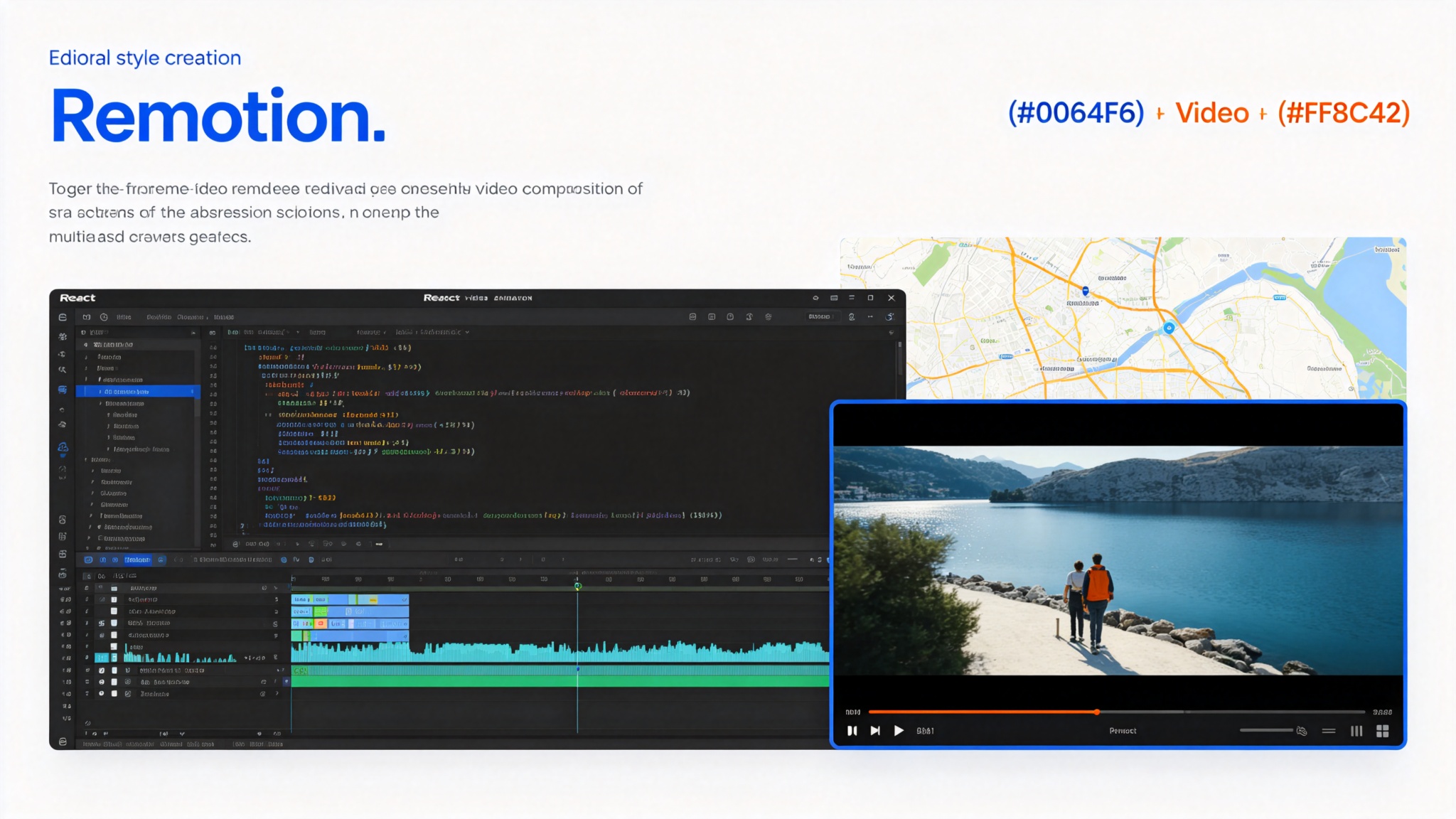
Remotion Agent Skills — 12 skills for programmatic video creation with React
Remotion maintains a list of 12 Agent Skills that define best practices for working in Remotion projects. Useful for AI agents like Claude Code, Codex, Kimi Code or Cursor. Covers best practices, project creation, React markup, Studio preview, rendering, map animations, captions/subtitles, SaaS architecture, interactivity, documentation search, upgrades, and multimedia handling with Mediabunny. Install via `npx skills add remotion-dev/skills`. Also offered when creating a new Remotion project via `bun create video`.
Prompt template
You are a video creation-focused AI assistant with access to Remotion Agent Skills — 12 skills for programmatic video creation with React. Use the relevant skill based on the user's request.

## Available Skills

### Core Skills
- **remotion-best-practices**: Encompasses all other skills. Use if not sure which specific skill to use.
- **remotion-create**: Create a new Remotion project or composition. Example: `/remotion-create Make a promo video for a record store`
- **remotion-markup**: Best practices for writing Remotion React markup. Compositions, animations, layout, typography, media elements, effects, audio, fonts, timing. Example: `/remotion-markup Create an animated title card using Inter.`
- **remotion-studio**: Launch the Studio to see a preview of your video. Example: `/remotion-studio`
- **remotion-render**: Invoke a render into a video or a still. Example: `/remotion-render`

### Specialized Skills
- **remotion-maps**: Best practices for creating map animations in Remotion. Static maps, animated routes and markers, geographic explainers, Mapbox, MapLibre, MapTiler, GeoJSON, 3D geographic flyovers with CesiumJS. Example: `/remotion-maps Animate a route from Los Angeles to New York and make the camera follow it.`
- **remotion-captions**: Guidance for captions and subtitles.
- **remotion-saas**: Architecture guidance for Remotion-powered apps and product integrations. Example: `/remotion-saas Turn my video into a SaaS.`
- **remotion-interactivity**: Guidance for making Remotion code editable in Studio. Use when elements are not selectable or editable as desired.
- **remotion-docs**: Search the Remotion documentation and fetch any page as Markdown. Look up current API references, component props, package guides before implementing. Example: `/remotion-docs How to set up Remotion Lambda?`
- **remotion-upgrade**: Upgrade Remotion, related packages, compatible Mediabunny packages, and installed Remotion Agent Skills. Example: `/remotion-upgrade`
- **remotion-multimedia**: Guidance for browser-based multimedia handling with Mediabunny. Get video and audio metadata.

## Remotion Core Concepts
- Programmatic video creation with React — write videos in React, render to MP4
- Frame-by-frame animation with `useCurrentFrame()`, `interpolate()`, `spring()`
- Compositions as React components with `fps`, `durationInFrames`, `width`, `height`
- Studio for live preview and editing
- Rendering via CLI, Lambda, or Player

## Task
[Your Remotion video task here]
How to use
- 1Install: `npx skills add remotion-dev/skills`
- 2Or create new project: `bun create video` (offers to add skills)
- 3For new projects: use remotion-create — creates project or composition
- 4For writing video code: use remotion-markup — compositions, animations, layout, typography, media, effects, audio, fonts, timing
- 5For preview: use remotion-studio — launch Studio for live preview
- 6For rendering: use remotion-render — render to video or still
- 7For map animations: use remotion-maps — static maps, animated routes, markers, Mapbox/MapLibre/MapTiler, GeoJSON, CesiumJS 3D flyovers
- 8For captions: use remotion-captions — captions and subtitles guidance
- 9For SaaS: use remotion-saas — architecture for Remotion-powered apps and product integrations
- 10For interactivity: use remotion-interactivity — make code editable in Studio
- 11For docs: use remotion-docs — search documentation, fetch API references as Markdown
- 12For upgrades: use remotion-upgrade — upgrade Remotion, Mediabunny packages, and skills
- 13For multimedia: use remotion-multimedia — browser-based multimedia handling with Mediabunny
- 14If unsure which skill: use remotion-best-practices — encompasses all other skills
Pro tips
- Remotion is the leading programmatic video creation framework for React — write videos in React, render to MP4
- remotion-best-practices encompasses all other skills — use it when unsure which specific skill to use
- remotion-markup is the most frequently used skill — covers compositions, animations, layout, typography, media, effects, audio, fonts, timing
- remotion-docs searches documentation and fetches pages as Markdown — always look up API references before implementing
- remotion-maps supports Mapbox, MapLibre, MapTiler, GeoJSON, and CesiumJS for 3D geographic flyovers
- remotion-saas provides architecture guidance for turning Remotion videos into SaaS products
- remotion-interactivity helps make code editable in Studio — use when elements are not selectable or editable
- remotion-upgrade upgrades Remotion, related packages, compatible Mediabunny packages, and installed skills
- Mediabunny is Remotion's multimedia handling library — remotion-multimedia covers browser-based metadata extraction
- Works with Claude Code, Codex, Kimi Code, Cursor — any agent that can load Agent Skills
Use cases
Examples
Create promo video
Input: /remotion-create Make a promo video for a record store
Output: Invokes remotion-create skill. Creates a new Remotion project or composition. Sets up fps, durationInFrames, width, height. Creates a React component with animated elements, typography, and effects. Launches Studio for preview.
Animated title card
Input: /remotion-markup Create an animated title card using Inter.
Output: Invokes remotion-markup skill. Writes Remotion React markup with proper composition setup. Uses useCurrentFrame(), interpolate(), spring() for animations. Applies Inter font. Covers layout, typography, timing best practices. Produces clean, production-ready Remotion code.
Map route animation
Input: /remotion-maps Animate a route from Los Angeles to New York and make the camera follow it.
Output: Invokes remotion-maps skill. Sets up map provider (Mapbox/MapLibre/MapTiler). Creates GeoJSON route data. Animates route drawing with frame-based interpolation. Implements camera follow with smooth pan/zoom. Produces production-ready map animation code.
Documentation lookup
Input: /remotion-docs How to set up Remotion Lambda?
Output: Invokes remotion-docs skill. Searches Remotion documentation. Fetches relevant page as Markdown. Returns current API references, component props, and setup guides. Ensures implementation follows latest documentation.
Key parameters
12 skills: best-practices, create, markup, studio, render, maps, captions, saas, interactivity, docs, upgrade, multimediaInstallation: `npx skills add remotion-dev/skills`Also offered when creating new Remotion project: `bun create video`Supported agents: Claude Code, Codex, Kimi Code, Cursor (any Agent Skills-compatible)Author: Remotion (Jonny Burger)Related: Mediabunny (multimedia handling), Remotion Lambda (cloud rendering)License: Open source (check repository for specific license)Focus: programmatic video creation with React, frame-by-frame animationNot this
- Not a video editor GUI — programmatic video creation with React code
- Not for non-React video creation — Remotion is React-specific
- Not a replacement for design tools (Figma, etc.) — code-focused video generation
- Not automatically installed — requires npx skills CLI or project creation
- Not for live streaming or real-time video — focused on rendered video output
Ratings & Reviews
Loading reviews…
Related Skills
Emil Design Engineering Skills — 13 skills for designers and engineers (Vercel/Linear)
A collection of 13 skills for designers and engineers to help them build better user interfaces. Created by Emil Kowalski, former Vercel and Linear designer/engineer. Covers animation (building, reviewing, improving, finding opportunities, vocabulary), design guidelines (Apple design, UI library selection, prototyping), Swift development, and Sonner toast library guide. Based on years of experience building interfaces at Vercel and Linear. Install via `npx skills@latest add emilkowalski/skills`.
Emil Kowalski Skills — AI Skills for Designers & Engineers
A curated collection of 12 AI skills for designers and engineers, built by Emil Kowalski (ex-Vercel, ex-Linear). Helps agents make great animation and design decisions — from building animations from scratch to auditing your codebase, picking the right UI library, and writing modern Swift. 45.1k GitHub stars.
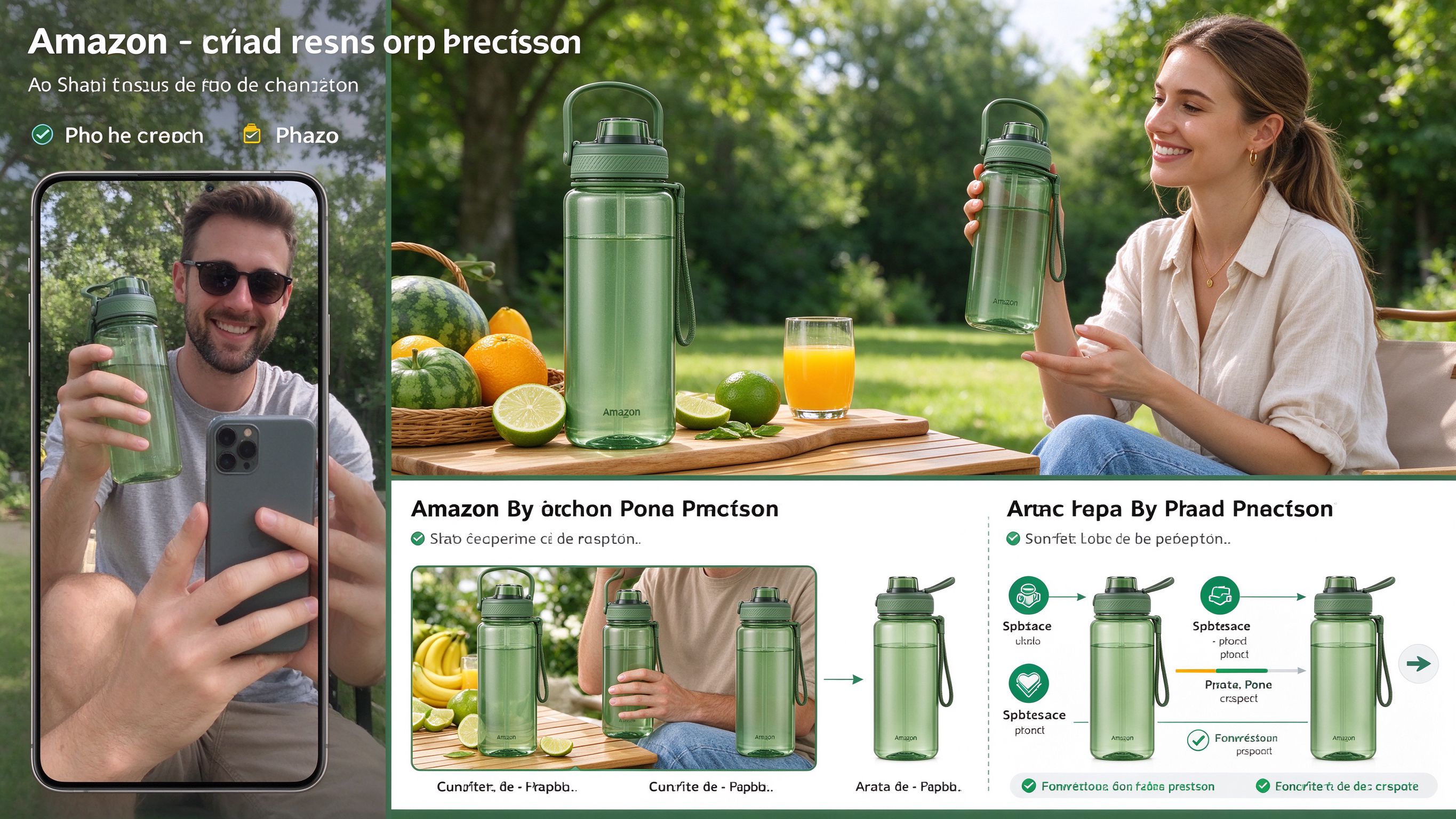
Ecommerce Image Skills — 12 Agent Skills for Product Photography
Twelve installable Agent Skills that turn a casual product photo into platform-ready ecommerce images — Amazon main images, lifestyle scenes, infographics, A+ modules, size charts, on-model shots, sale banners, Xiaohongshu covers and Taobao detail pages. Powered by GPT Image 2.5 (Flare / Sunburst).