Ecommerce Image Skills — 12 Agent Skills for Product Photography
Twelve installable Agent Skills that turn a casual product photo into platform-ready ecommerce images — Amazon main images, lifestyle scenes, infographics, A+ modules, size charts, on-model shots, sale banners, Xiaohongshu covers and Taobao detail pages. Powered by GPT Image 2.5 (Flare / Sunburst).
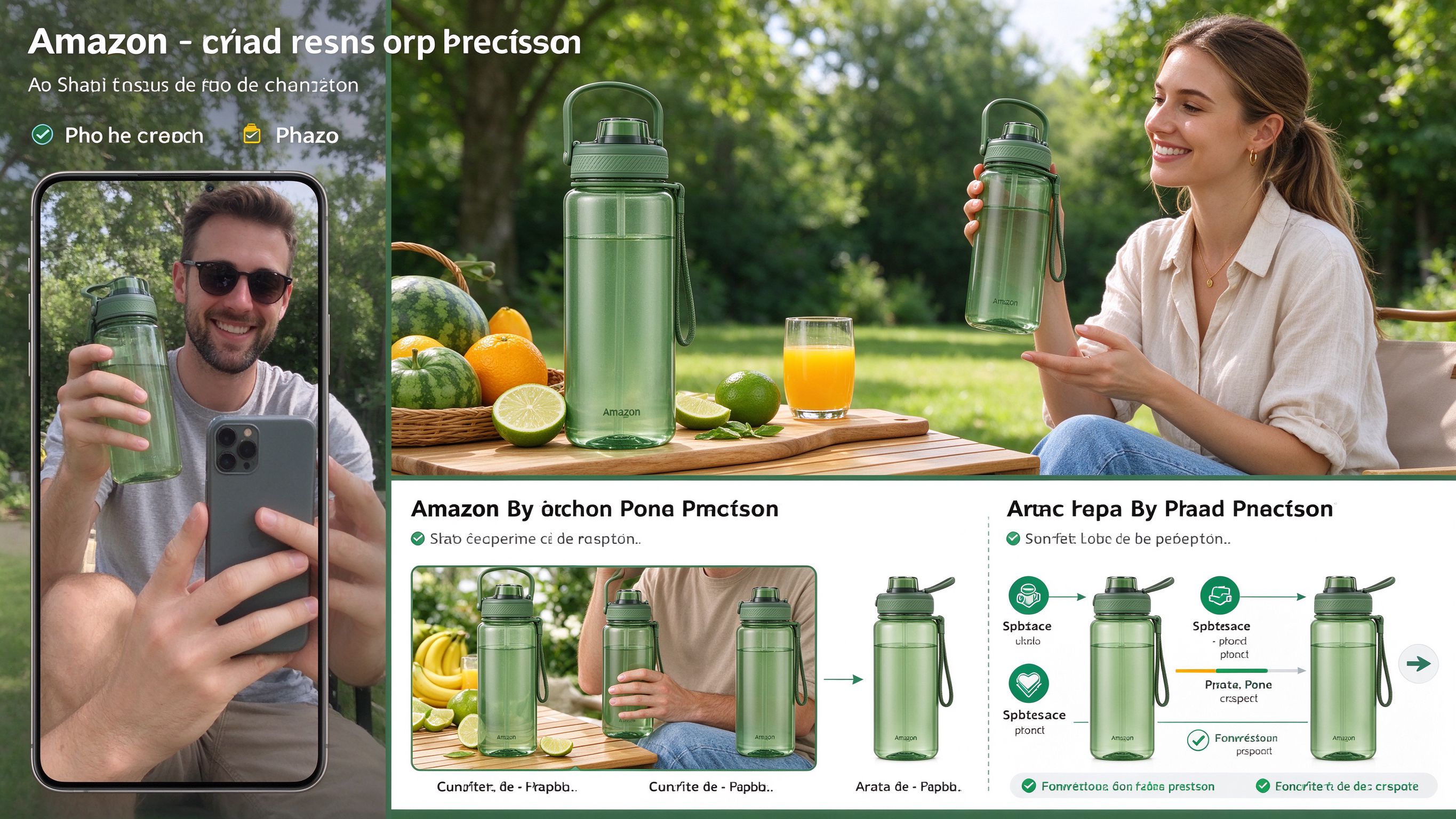
Prompt template
Use amazon-white-background on ./photos/bottle.jpg and run the check script. Plan a full 7-image Amazon set with ecommerce-listing-suite.
How to use
- 1Install the skill set — clone the repo and copy skills/* to ~/.claude/skills/, ~/.codex/skills/, or .cursor/skills/; or use npx skills add xianyu110/ecommerce-image-skills
- 2Lock product identity — every skill first locks shape, color, logo, and text, then carries that identity block into every prompt to prevent the product from being altered
- 3Choose the right skill — amazon-white-background for pure #FFFFFF main images (≥85% coverage), lifestyle-scene for in-use scenes, model-try-on for apparel, selling-point-infographic for feature callouts
- 4Use platform-specific skills — amazon-a-plus for A+ Content modules (970×600, 970×300, 300×300, 1464×600), size-chart for dimension charts, multi-angle-set for gallery sets, sale-banner for campaign banners
- 5Generate social and marketplace content — xiaohongshu-cover for 3:4 RED covers (6 proven layouts), taobao-detail-long-image for 750px detail pages with stitch script, batch-background-swap for bulk edits with resume and budget cap
- 6Orchestrate full listings — use ecommerce-listing-suite to plan a complete image set per platform (Amazon 7 images, Taobao 5+detail, Xiaohongshu), which calls the 11 individual skills and QA-checks every output
- 7Model routing — Flare by default for fast scene generation and multiple versions; switch to Sunburst when preserving logos, labels, small text, or doing local edits like background swap and recoloring
- 8Run validation scripts — execute check_main_image.py --fix to unify near-white pixels to #FFFFFF, use A+ crop scripts, grid assemblers, and long-image stitching scripts for deterministic post-processing
- 9Three generation routes — (a) agent's built-in image tool, (b) GPTIMAGE_API_KEY with any OpenAI-compatible GPTIMAGE_BASE_URL via scripts/generate.py, (c) no key? skill outputs final prompt plus a one-click link to run online at gptimage2.asia
Pro tips
- Each skill folder is self-contained with its own scripts — copy only the ones you need, e.g. cp -r skills/amazon-white-background ~/.claude/skills/
- Amazon main image rule: pure #FFFFFF background, product occupies ≥85% of frame, no text or watermarks — the check script validates and auto-fixes
- Flare vs Sunburst: use Flare for new scenes, backgrounds, layouts, and quick multi-version drafts; use Sunburst for final main images, text-heavy infographics, and local edits that must preserve logos
- Batch operations support resume, retries, budget caps, and CSV logging — ideal for processing hundreds of SKU images without manual oversight
- No API key needed — the skill falls back to outputting the final prompt plus a pre-filled online link at gptimage2.asia where you can upload the product photo and generate
- Install via Claude Code plugin marketplace: /plugin marketplace add xianyu110/ecommerce-image-skills
- Platform rules change — always double-check current seller-center guidelines before uploading generated images
- MIT licensed, open to contributions for new platform specs and better templates
Ratings & Reviews
Loading reviews…
Related Skills

Image Blaster — Image-to-3D World Skillset for Claude
Creates 3D environments, SFX, and meshes from a single image using Claude skills, World Labs, and FAL. Takes you from an image to a fully meshed 3D environment in under 5 minutes — generates 3D models (.glb, .obj), Gaussian splats (.spz), and ambient sound effects (.mp3).
Emil Kowalski Skills — AI Skills for Designers & Engineers
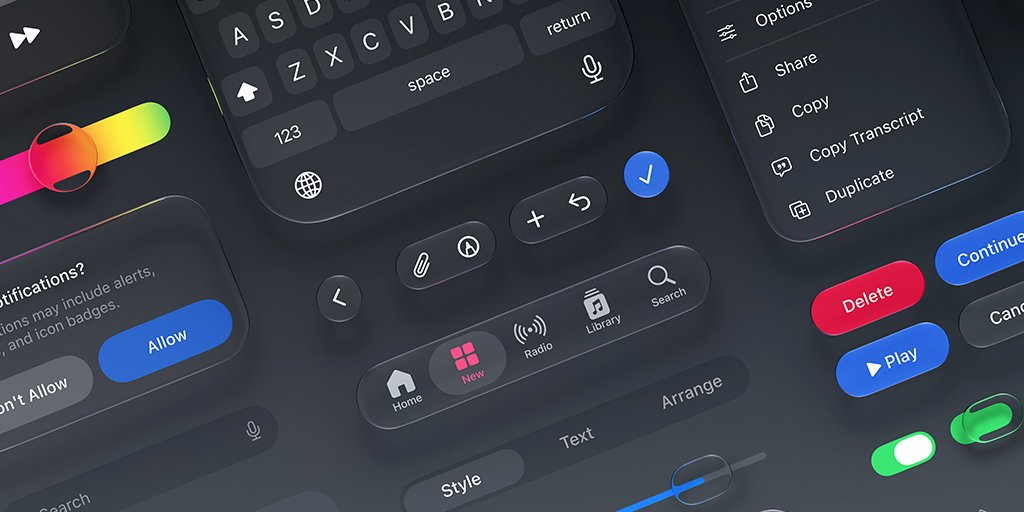
A curated collection of 12 AI skills for designers and engineers, built by Emil Kowalski (ex-Vercel, ex-Linear). Helps agents make great animation and design decisions — from building animations from scratch to auditing your codebase, picking the right UI library, and writing modern Swift. 45.1k GitHub stars.
Avoid AI Writing — Audit & rewrite content to remove AI writing patterns
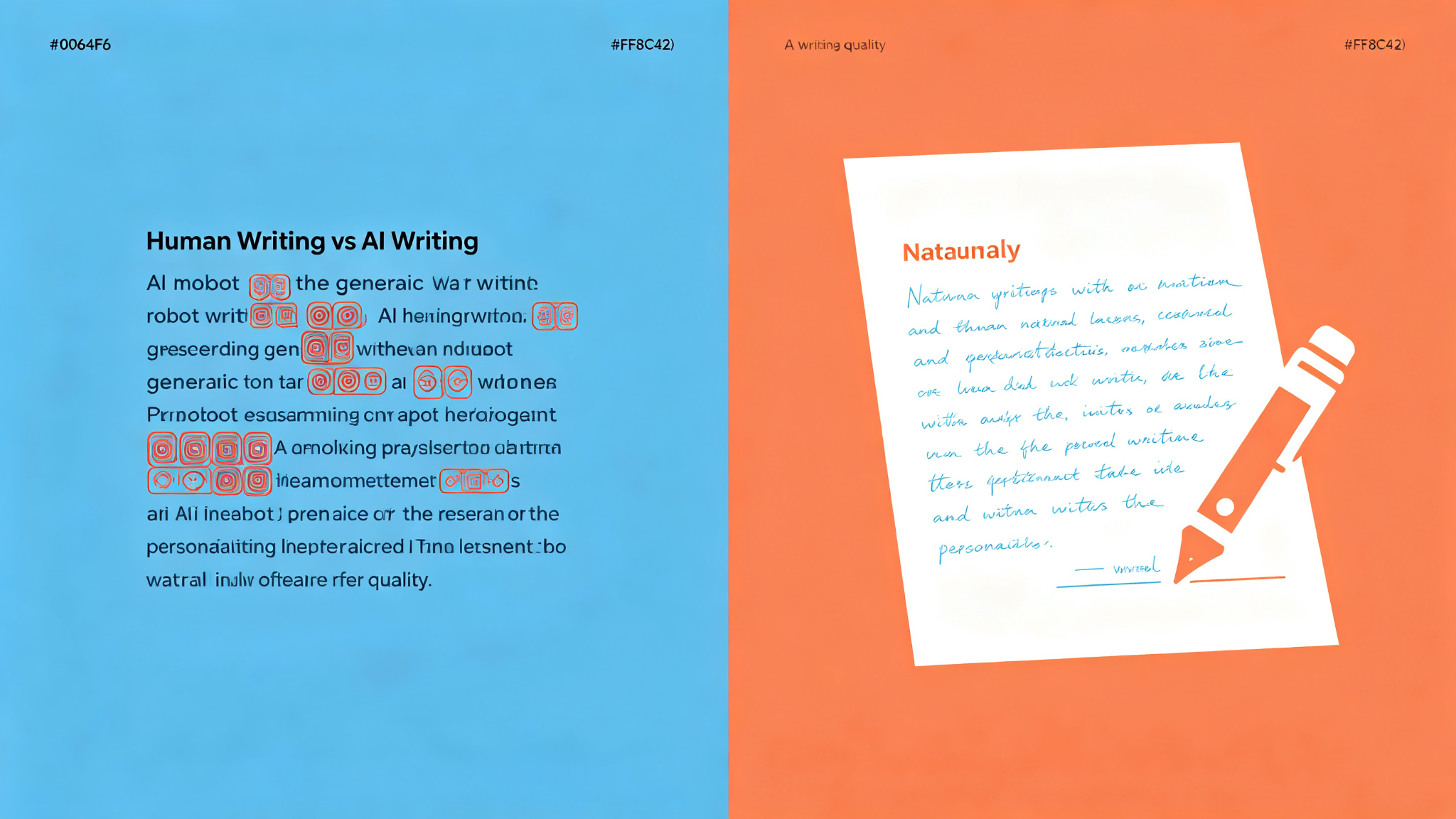
A practical skill for any AI agent to audit and rewrite content and remove AI writing patterns ('AI-isms'). Three modes: Rewrite (default, flags and rewrites with built-in second pass), Detect (flags without rewriting, shows real problems vs judgment calls), and Edit (edits prose files in place with minimal targeted changes). 112-entry word replacement table across 3 tiers + 10 Tier 3 phrases, 69 pattern categories. Optional voice profiles (casual/professional/technical/warm/blunt). Works with Claude Code, OpenClaw, Hermes, Cursor, Codex, and any agentskills.io-compatible agent.