Oil UI — Push AI's UI Design Capability to the Limit
A structured AI UI design skill framework with an 8-step design methodology, style comparison pages, independent review, and automatic updates. Generate multiple distinct design directions, compare them side by side, and polish interfaces to production quality.
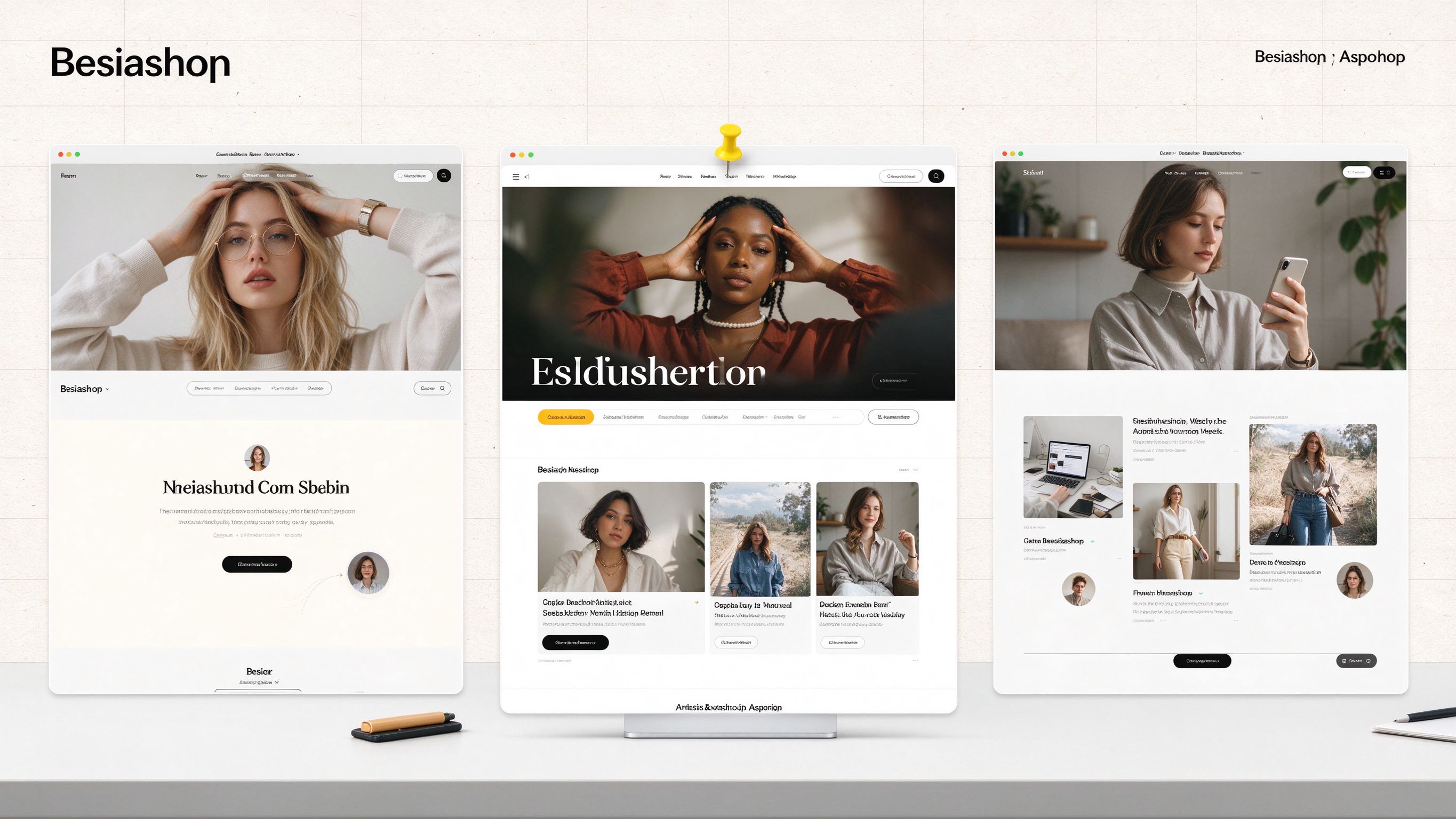
Prompt template
Use oil-ui to explore several design directions for this product, create previewable pages, and put them in a comparison page for me to choose from.
How to use
- 1Identify the category and study the best competitors — Name what kind of product this is, find 2-3 competitors with the most distinctive styles, analyze how and why they design the way they do, then decide what to keep and what to change.
- 2Define the design tone — Derive five scales from the subject, audience, and brand voice: energy, finish, density, weight, and seriousness. Translate vague words like 'premium' or 'minimal' into visible decisions: typography, whitespace, color proportions.
- 3Start from something concrete — Each direction starts from a specific engine: a material plus an environment, a scene, a character, or an entire visual language from another field. Find content from the product itself, not from adjectives like 'simple' or 'grand'.
- 4Design the first screen for the right audience — For content, browsing, or work pages, the first screen IS the first row of content itself. For persuasive pages, choose a first-screen skeleton, wireframe, then write copy. Skeletons must differ across directions; left-right split appears at most once.
- 5Check differentiation between directions — Across skeleton, typography, color, and key visual, any two directions share at most one element. After making mockups, view them side by side and squint at the light-dark blocks of the first screen — if too similar, reselect the skeleton.
- 6Leave one memorable moment — Don't try to make the whole page impressive — push just one or two moments to the extreme: a tap feedback, the payment success moment, the AI working process, a 404 page. Keep everything else quiet.
- 7You decide the taste — Put mockups in the same comparison page, you pick, then explain specifically what you like and dislike.
- 8Judge by the actual screen — Open the page at desktop and mobile sizes, screenshot and inspect. Have an independent reviewer who hasn't seen the process take a look. Finally, subtract: one page has one protagonist; delete text that doesn't affect understanding, redundant lines, and unnecessary containers.
Pro tips
- Install via: npx skills add oil-oil/oil-ui (requires Node.js 18+)
- Works with Claude, ChatGPT, Codex, Gemini and any agent that supports Skills
- No extra configuration needed after installation
- Oil UI Pro (69 RMB, one-time purchase) adds interaction states, layout systems, shader effects, and up to 3 review rounds
- Pair with draw-ui for image-first design, or oil-motion for scroll-driven animations
- Automatic version check runs at most every 10 minutes, skips if no response within 2 seconds
- Set OIL_NO_AUTO_UPDATE=1 to only notify without auto-updating
Ratings & Reviews
Loading reviews…
Related Skills
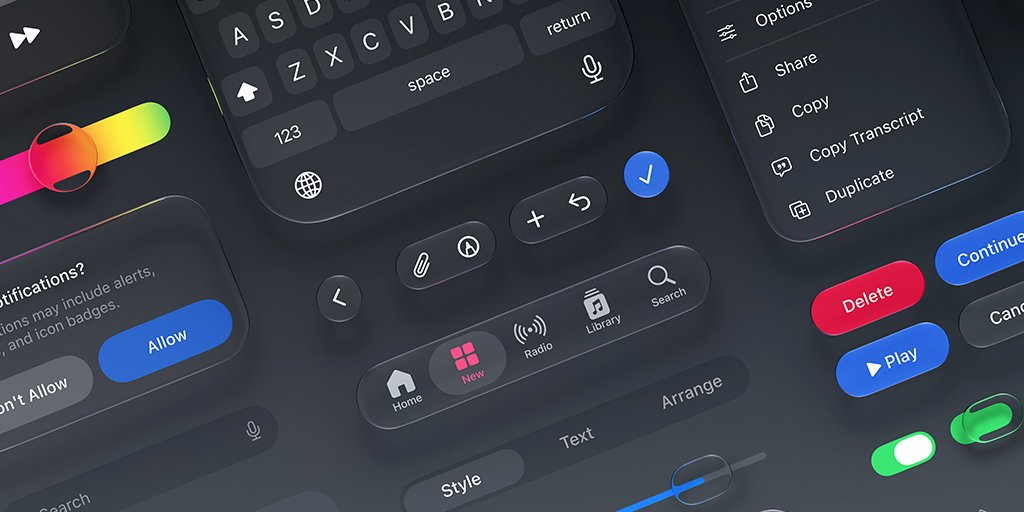
Emil Kowalski Skills — AI Skills for Designers & Engineers
A curated collection of 12 AI skills for designers and engineers, built by Emil Kowalski (ex-Vercel, ex-Linear). Helps agents make great animation and design decisions — from building animations from scratch to auditing your codebase, picking the right UI library, and writing modern Swift. 45.1k GitHub stars.
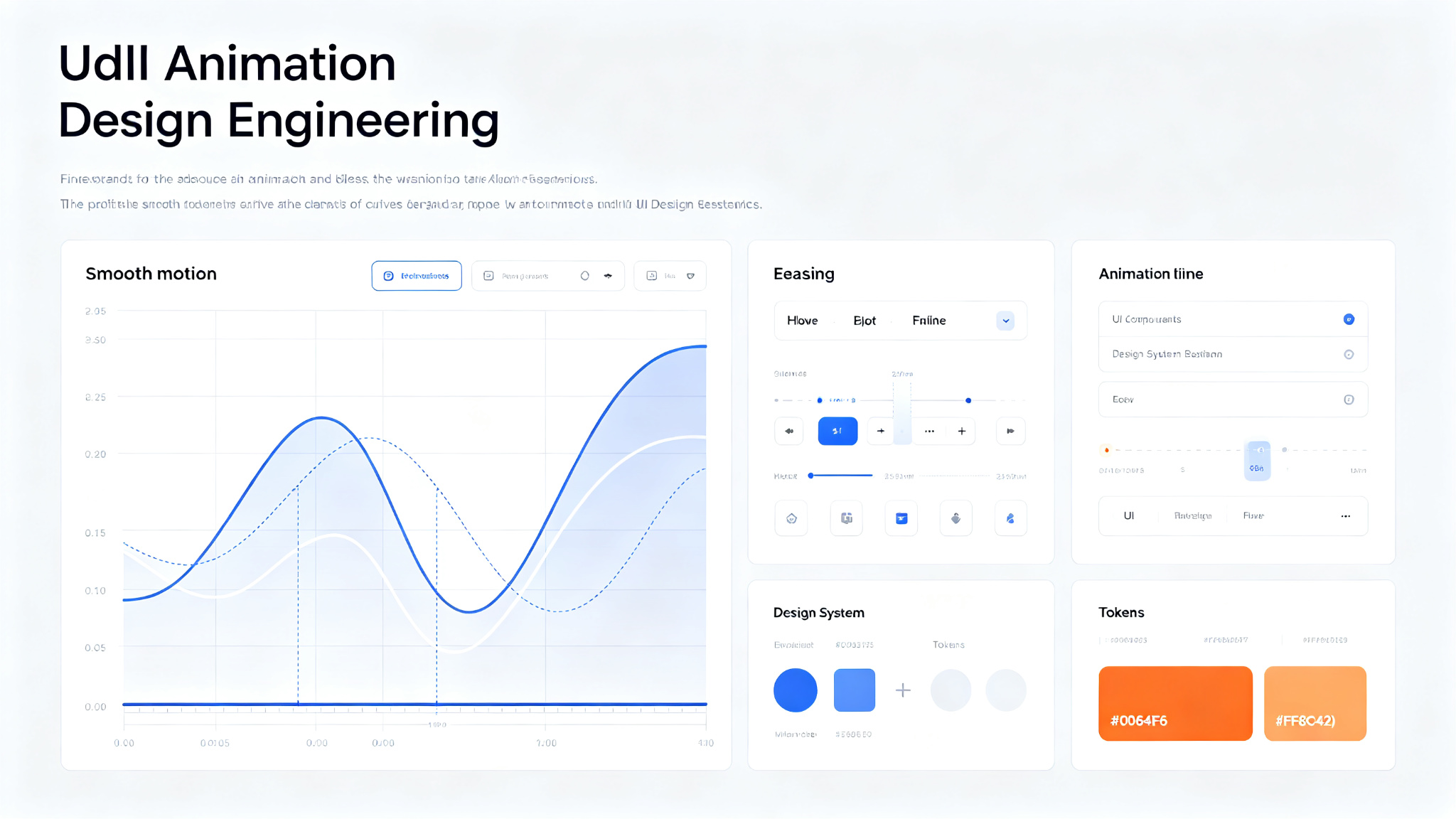
Emil Design Engineering Skills — 13 skills for designers and engineers (Vercel/Linear)
A collection of 13 skills for designers and engineers to help them build better user interfaces. Created by Emil Kowalski, former Vercel and Linear designer/engineer. Covers animation (building, reviewing, improving, finding opportunities, vocabulary), design guidelines (Apple design, UI library selection, prototyping), Swift development, and Sonner toast library guide. Based on years of experience building interfaces at Vercel and Linear. Install via `npx skills@latest add emilkowalski/skills`.
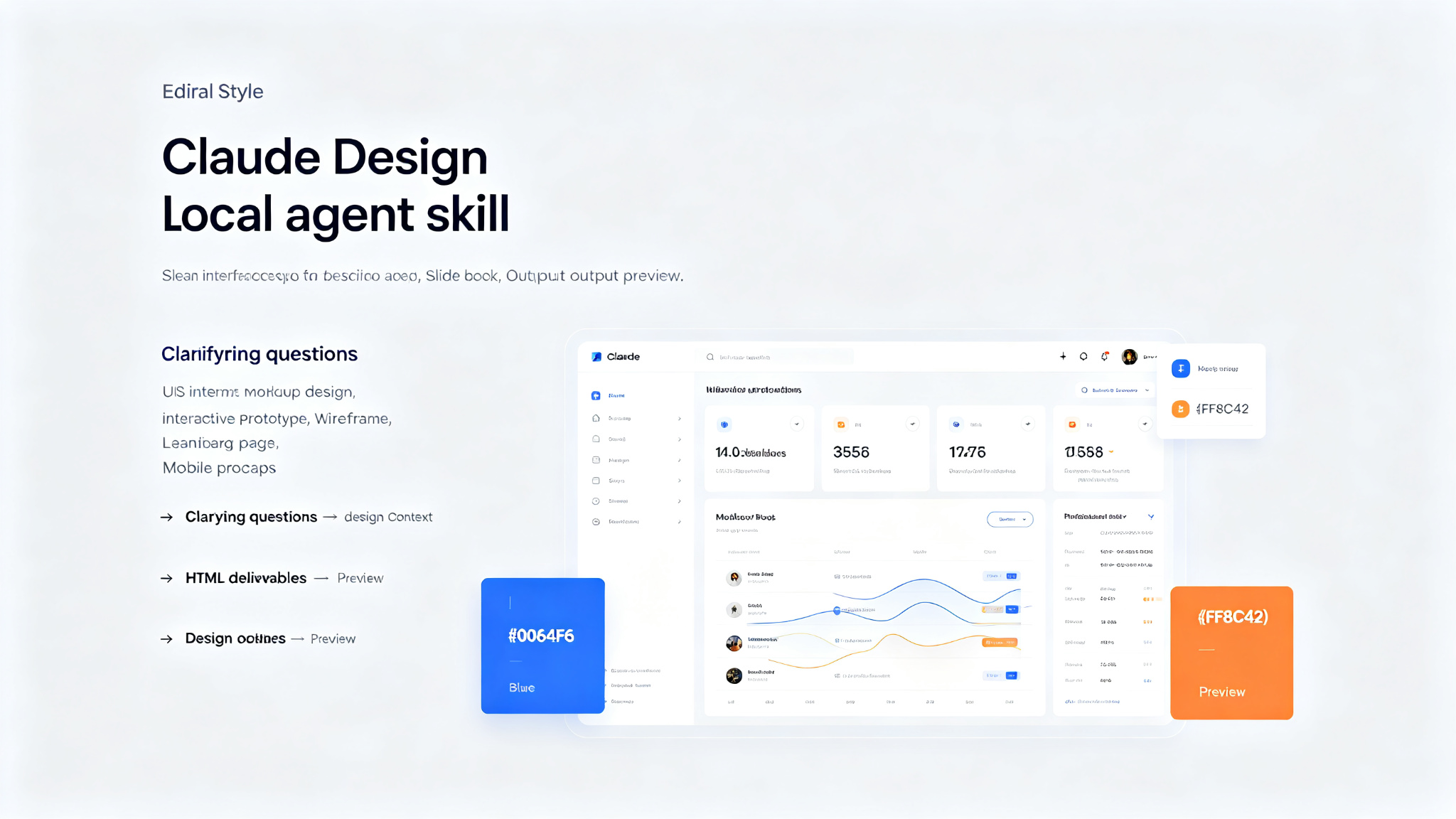
Baoyu Design — Claude Design as a portable local Agent Skill
Packages Claude Design — the design engine behind claude.ai/design — as a portable Agent Skill. Drop it into a local agent (Cursor, Claude Code, Claude Desktop, or any file-capable coding agent) and you get most of what the website does, right inside your editor: polished UI mockups, interactive prototypes, wireframes, landing pages, dashboards, mobile apps, and slide decks — all produced as self-contained HTML. No website, no separate subscription, no upload step. The agent already on your machine does the work, and every artifact stays in your repo.