Baoyu Design — Claude Design as a portable local Agent Skill
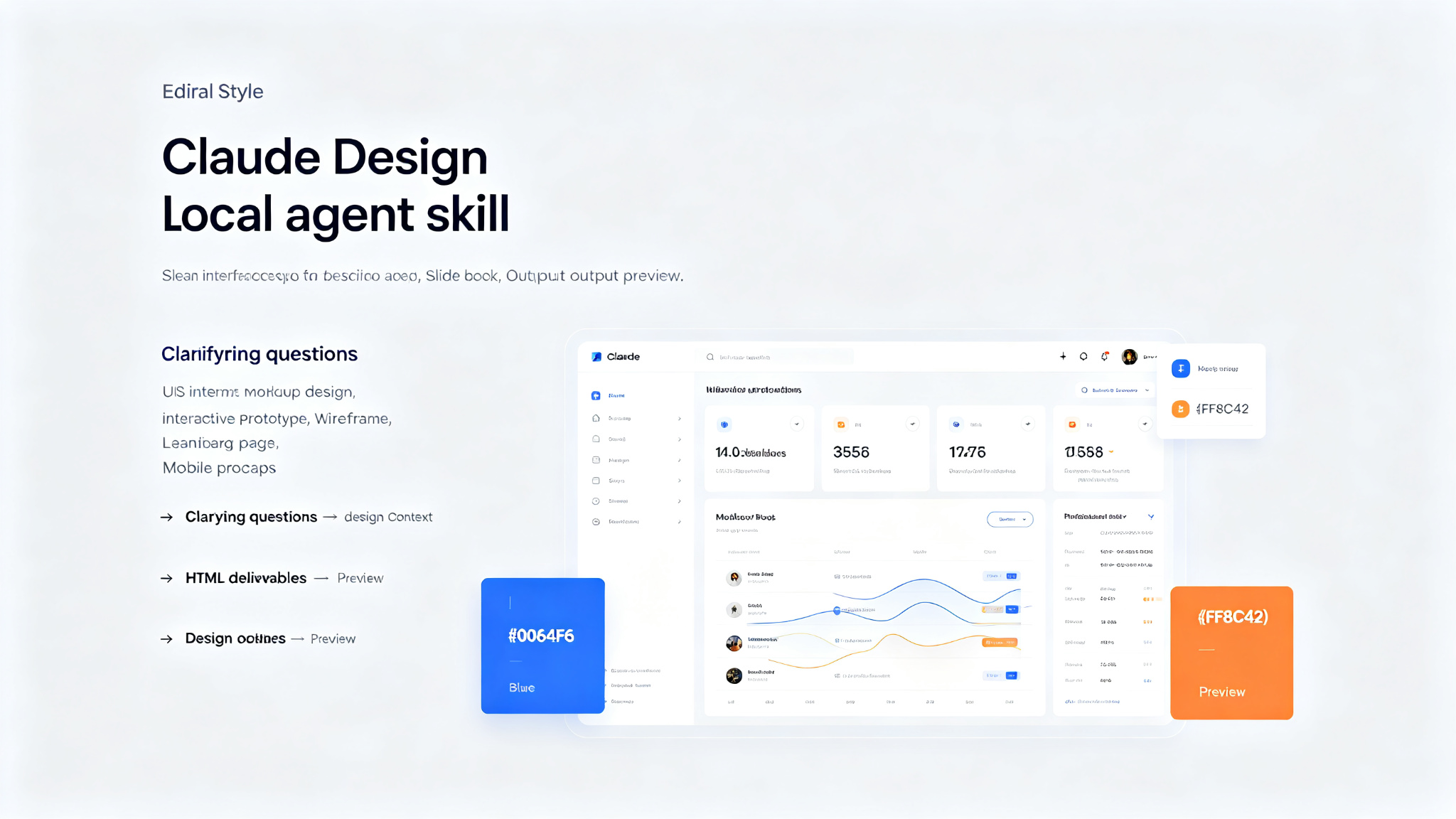
Packages Claude Design — the design engine behind claude.ai/design — as a portable Agent Skill. Drop it into a local agent (Cursor, Claude Code, Claude Desktop, or any file-capable coding agent) and you get most of what the website does, right inside your editor: polished UI mockups, interactive prototypes, wireframes, landing pages, dashboards, mobile apps, and slide decks — all produced as self-contained HTML. No website, no separate subscription, no upload step. The agent already on your machine does the work, and every artifact stays in your repo.
Prompt template
You are a design-focused AI assistant with access to Baoyu Design — Claude Design packaged as a portable local Agent Skill. Produce polished UI mockups, interactive prototypes, wireframes, landing pages, dashboards, mobile apps, and slide decks as self-contained HTML.

## What Baoyu Design Can Make

### Core Design (built-in skills)
- Hi-fi design — polished, high-fidelity UI mockups
- Interactive prototype — clickable, interactive HTML prototypes
- Wireframe — low-fidelity structural wireframes
- Frontend aesthetic direction — visual style and aesthetic guidance

### Decks
- Make a deck — presentation slides as HTML
- Speaker notes — presentation speaker notes

### Mobile & Motion
- Mobile prototype — mobile app UI prototypes
- Animated video — animated video from designs
- Sound effects — audio for animations

### Web & Campaigns
- Website & landing page — full website and landing page designs
- Social media content — social media posts and graphics
- HTML email — email templates
- Flier — print fliers
- Trifold brochure — tri-fold brochures

### Data & Research
- Web research — research and data gathering
- Data science — data analysis and visualization
- Data visualization — charts and graphs
- Maps & geography — map-based visualizations
- Experiment workflow — A/B test and experiment design

### Documents, 3D & Illustration
- Make a doc — document creation
- 3D object — 3D models and objects
- Watercolor illustration — watercolor style illustrations

### Design Systems
- Create design system — build a complete design system
- Use design system — apply an existing design system
- Design system preview — preview and inspect design systems
- Design Components (.dc.html) — reusable component files
- Make tweakable — create adjustable design components

### Import Sources
- Figma .fig (offline decode) — import from Figma files
- GitHub repo — import from GitHub repositories
- Existing HTML/CSS — import from existing code

### Export & Handoff
- Standalone HTML — self-contained HTML files
- PDF — PDF export
- PPTX (editable) — editable PowerPoint files
- PPTX (screenshots) — PowerPoint with screenshots
- Video (MP4) — video export
- Send to Figma — export to Figma
- Send to Canva — export to Canva
- Handoff to Claude Code — hand off to Claude Code for development

### AI Assets & Integration
- Gemini image generation — AI image generation
- Call Claude from prototypes — interactive Claude integration
- Read PDF — PDF reading and analysis

## Design Process
1. Clarifying questions — ask about goals, audience, brand, constraints
2. Gathering design context — collect references, brand assets, existing designs
3. Producing HTML deliverables — create self-contained HTML files
4. Previewing and verifying — serve on localhost, verify in browser
5. Iteration — point at elements in live preview, request changes

## Starter Components
- Device, browser, and social-media shells
- Pan-zoom design canvas
- Slide, animation, chart, document, file, and 3D stages
- Tweaks panel
- Fillable image slot

## Task
[Your design task here]
How to use
- 1Install: `npx skills add JimLiu/baoyu-design` (auto-detects agent) or `--agent claude-code/cursor/codex`
- 2Global install: `npx skills add JimLiu/baoyu-design -g` (available in every project)
- 3Project install: `npx skills add JimLiu/baoyu-design` (available in current project only)
- 4Describe a design task in plain language — skill auto-activates from description
- 5Example: 'Design 3 hi-fi variations of a settings screen for a meditation app'
- 6Explicit trigger: `/baoyu-design` in Claude Code, `$baoyu-design` in Codex
- 7Agent asks clarifying questions (goals, audience, brand, constraints)
- 8Gathers design context (references, brand assets, existing designs, Figma imports)
- 9Produces HTML deliverables in `designs/<project>/` — self-contained HTML files
- 10Starts preview server: `python3 -m http.server 4311 --directory designs`
- 11Point at any element in live preview and say what to change — agent edits underlying source
- 12Export as needed: standalone HTML, PDF, PPTX (editable/screenshots), Video (MP4), Figma, Canva
- 13Best with Claude Opus 4.8 — the skill is a long, demanding design brief; stronger model = better result
- 14Update: `npx skills update baoyu-design` (project: `-p`, global: `-g`)
Pro tips
- Baoyu Design packages Claude Design (the design engine behind claude.ai/design) as a portable local Agent Skill — get most of what the website does inside your editor
- No website, no separate subscription, no upload step — the agent already on your machine does the work, every artifact stays in your repo
- Best with Claude Opus 4.8 — the skill is a long, demanding design brief; the stronger the model, the better the result. Still works well on other capable models.
- Iterate by pointing, not describing — because the deliverable is plain HTML served on localhost, you can lean on your agent's built-in browser preview and element-annotation tools. Point at a button in the live preview, say what you want changed, and the agent edits the underlying source — a tight, visual second-pass editing loop that's hard to get on a website.
- Everything is yours — output lands in `designs/<project>/` as self-contained HTML you can version, fork, export, or ship
- The skill drives a full design process — clarifying questions → gathering design context → producing one or more HTML deliverables → previewing and verifying
- Starter components save the agent from hand-rolling the basics: device, browser, and social-media shells; pan-zoom design canvas; slide, animation, chart, document, file, and 3D stages; tweaks panel; fillable image slot
- Design systems: create, use, preview, and import from Figma .fig (offline decode). Systems live under `designs/` and sync version-pinned copies into projects at `_ds/<slug>/`
- Import sources: Figma .fig (offline decode), GitHub repo, existing HTML/CSS
- Export targets: standalone HTML, PDF, PPTX (editable and screenshots), Video (MP4), Send to Figma, Send to Canva, Handoff to Claude Code
- Works with Cursor, Claude Code, Codex, and 70+ agents the installer supports (Cline, Roo Code, GitHub Copilot…). Cursor, Claude Code, and Codex have first-class tool references inside the skill.
- The skill is plain Markdown plus a few JSX/JS scaffolds — no build step, no runtime
Use cases
Examples
Hi-fi UI variations
Input: Design 3 hi-fi variations of a settings screen for a meditation app
Output: Invokes Baoyu Design skill. Asks clarifying questions (target users, brand style, key settings). Produces 3 hi-fi HTML variations in `designs/settings-screen/`. Serves on localhost for preview. Each variation includes different layout approaches, color schemes, and interaction patterns. User points at elements in live preview to request changes.
Interactive prototype
Input: Build an interactive prototype of a food delivery app checkout flow
Output: Invokes Baoyu Design skill (interactive prototype built-in skill). Creates multi-screen interactive HTML prototype with clickable navigation between cart → shipping → payment → confirmation. Includes form interactions, state management, and micro-animations. Serves on localhost for live testing. Exports as standalone HTML.
Landing page
Input: Design a landing page for my SaaS analytics product
Output: Invokes Baoyu Design skill (website & landing page built-in skill). Asks about target audience, value proposition, brand style. Creates complete landing page with hero section, features, social proof, pricing, FAQ, and CTA. Produces self-contained HTML with responsive design, animations, and modern aesthetics. Serves on localhost for preview and iteration.
Design system
Input: Create a design system for our fintech app
Output: Invokes Baoyu Design skill (create design system built-in skill. Asks about brand personality, primary colors, typography preferences. Creates complete design system with color tokens, typography scale, spacing system, component library (buttons, inputs, cards, modals, navigation), and UI kit. Saves under `designs/fintech-design-system/`. Can be imported into any future project via 'Use design system' flow.
Key parameters
Installation: `npx skills add JimLiu/baoyu-design` (auto-detects agent) or `--agent claude-code/cursor/codex`Global: `-g` flag for all projects; Project: no flag for current project onlyUpdate: `npx skills update baoyu-design` (project: `-p -y`, global: `-g -y`)Supported agents: Cursor, Claude Code, Codex, and 70+ agents (Cline, Roo Code, GitHub Copilot…)Best model: Claude Opus 4.8 (long, demanding design brief — stronger model = better result)Output: self-contained HTML files in `designs/<project>/`Preview: `python3 -m http.server 4311 --directory designs` → http://localhost:4311/<project>/<file>.htmlBuilt-in skills: 30+ specialized skills across core design, decks, mobile/motion, web/campaigns, data/research, documents/3D/illustration, design systemsImport: Figma .fig (offline decode), GitHub repo, existing HTML/CSSExport: standalone HTML, PDF, PPTX (editable/screenshots), Video (MP4), Figma, Canva, Claude Code handoffStarter components: device/browser/social shells, pan-zoom canvas, slide/animation/chart/document/file/3D stages, tweaks panel, fillable image slotLicense: Open source (check repository for specific license)Author: JimLiuNot this
- Not a replacement for Figma or professional design tools — AI-assisted design generation, not pixel-perfect design software
- Not a guarantee of design quality — depends on model capability (best with Claude Opus 4.8)
- Not for backend or full-stack development — focused on frontend UI/UX design as HTML
- Not automatically installed — requires npx skills CLI
- Not a design system by itself — can create and use design systems, but doesn't include one by default
Ratings & Reviews
Loading reviews…
Related Skills
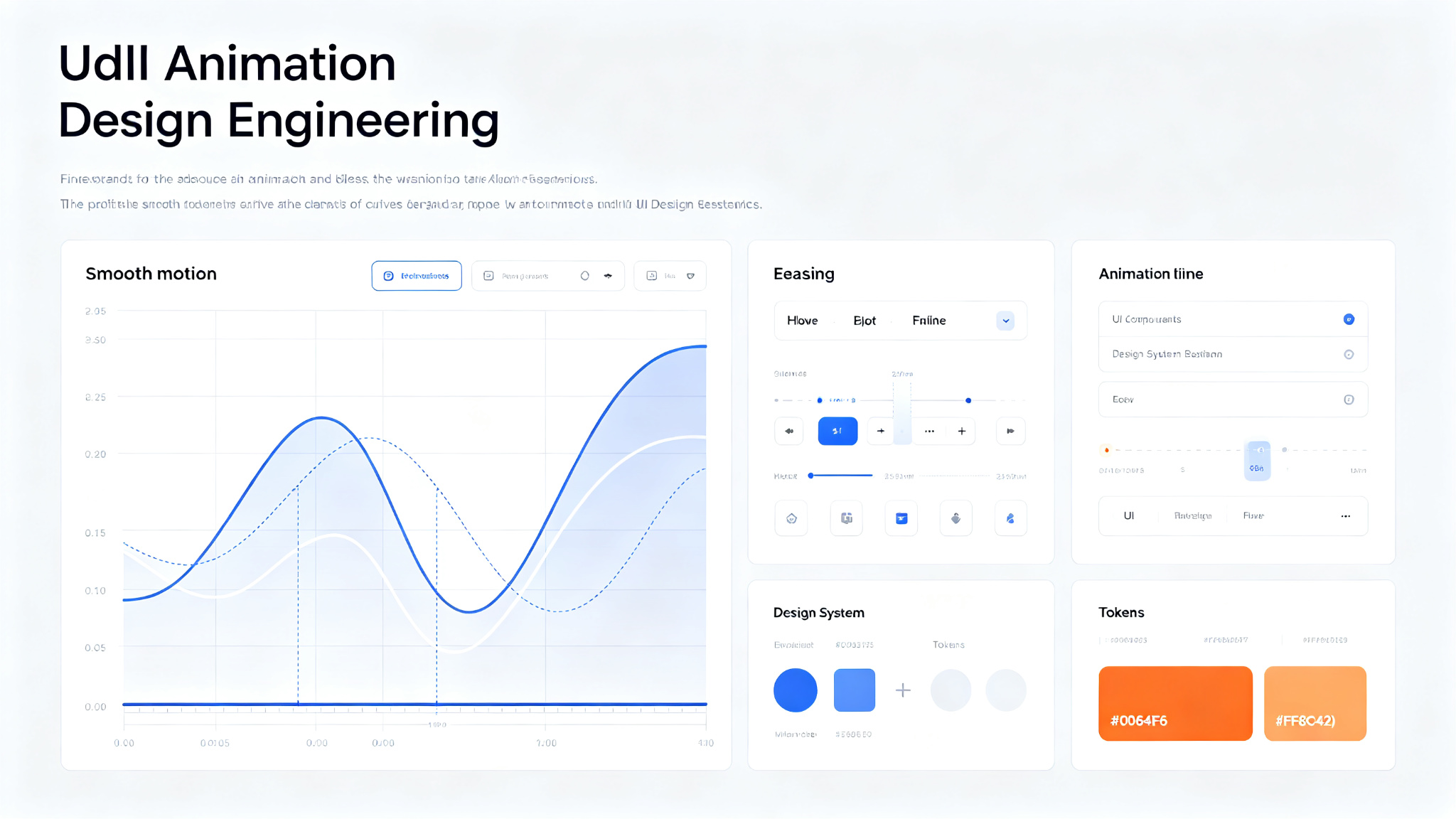
Emil Design Engineering Skills — 13 skills for designers and engineers (Vercel/Linear)
A collection of 13 skills for designers and engineers to help them build better user interfaces. Created by Emil Kowalski, former Vercel and Linear designer/engineer. Covers animation (building, reviewing, improving, finding opportunities, vocabulary), design guidelines (Apple design, UI library selection, prototyping), Swift development, and Sonner toast library guide. Based on years of experience building interfaces at Vercel and Linear. Install via `npx skills@latest add emilkowalski/skills`.
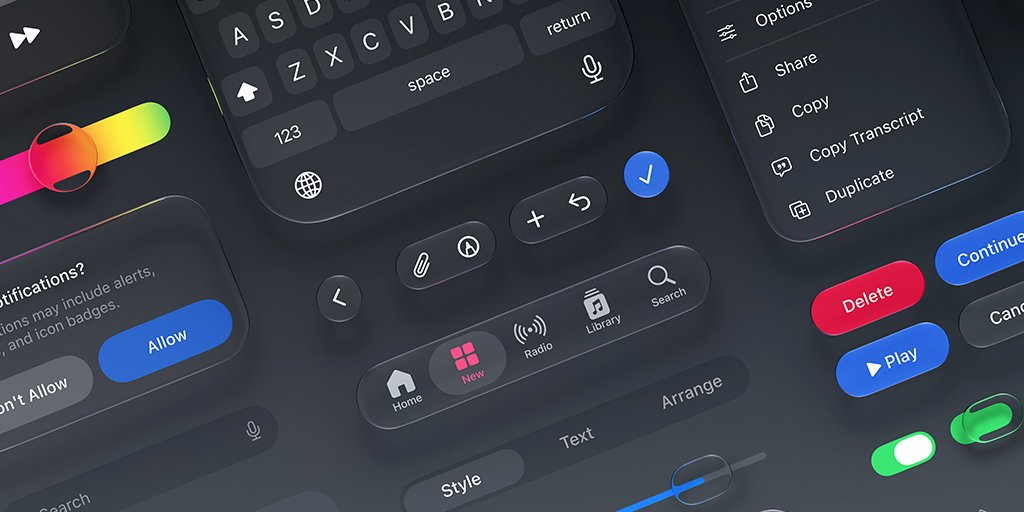
Emil Kowalski Skills — AI Skills for Designers & Engineers
A curated collection of 12 AI skills for designers and engineers, built by Emil Kowalski (ex-Vercel, ex-Linear). Helps agents make great animation and design decisions — from building animations from scratch to auditing your codebase, picking the right UI library, and writing modern Swift. 45.1k GitHub stars.
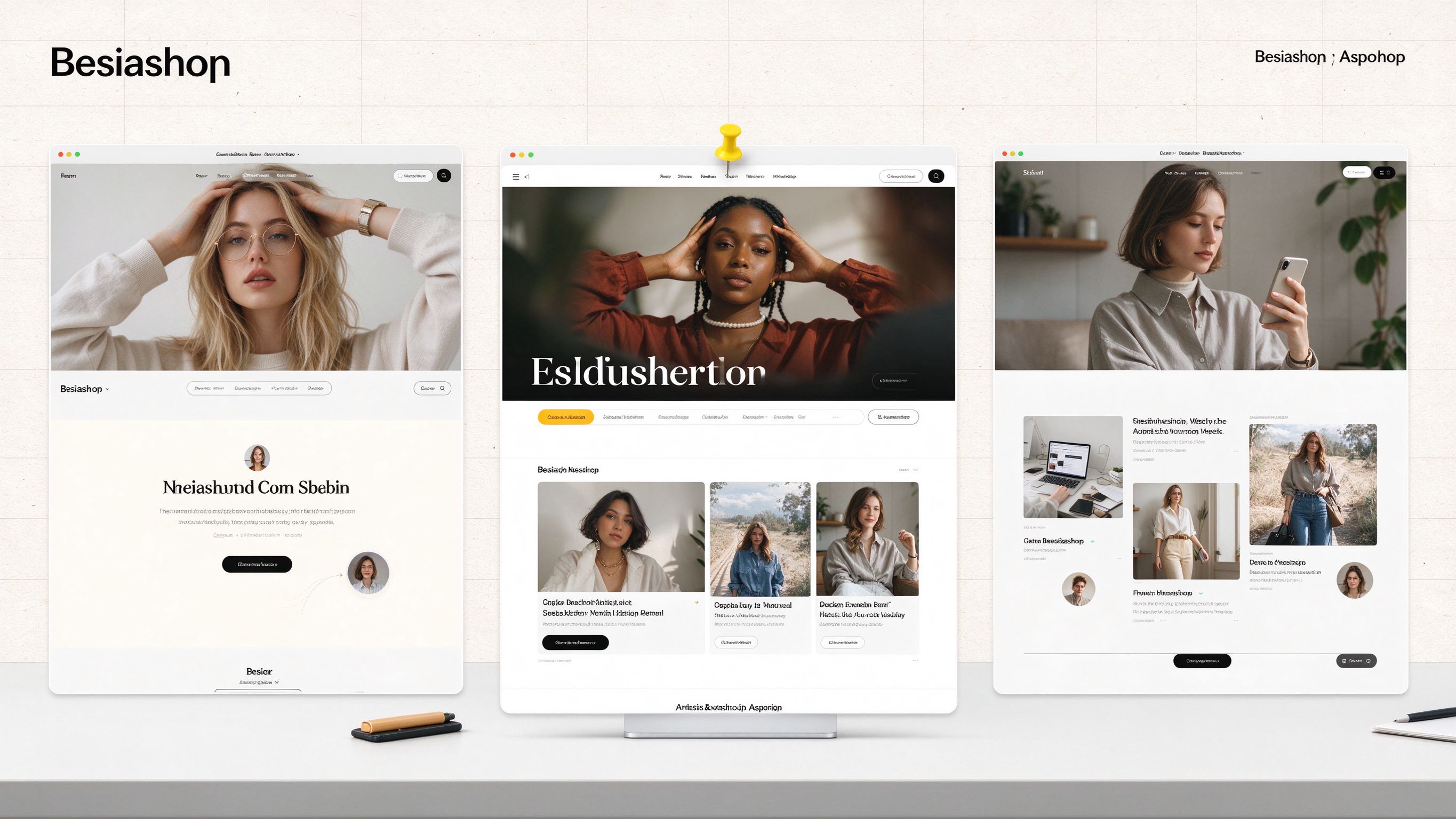
Oil UI — Push AI's UI Design Capability to the Limit
A structured AI UI design skill framework with an 8-step design methodology, style comparison pages, independent review, and automatic updates. Generate multiple distinct design directions, compare them side by side, and polish interfaces to production quality.