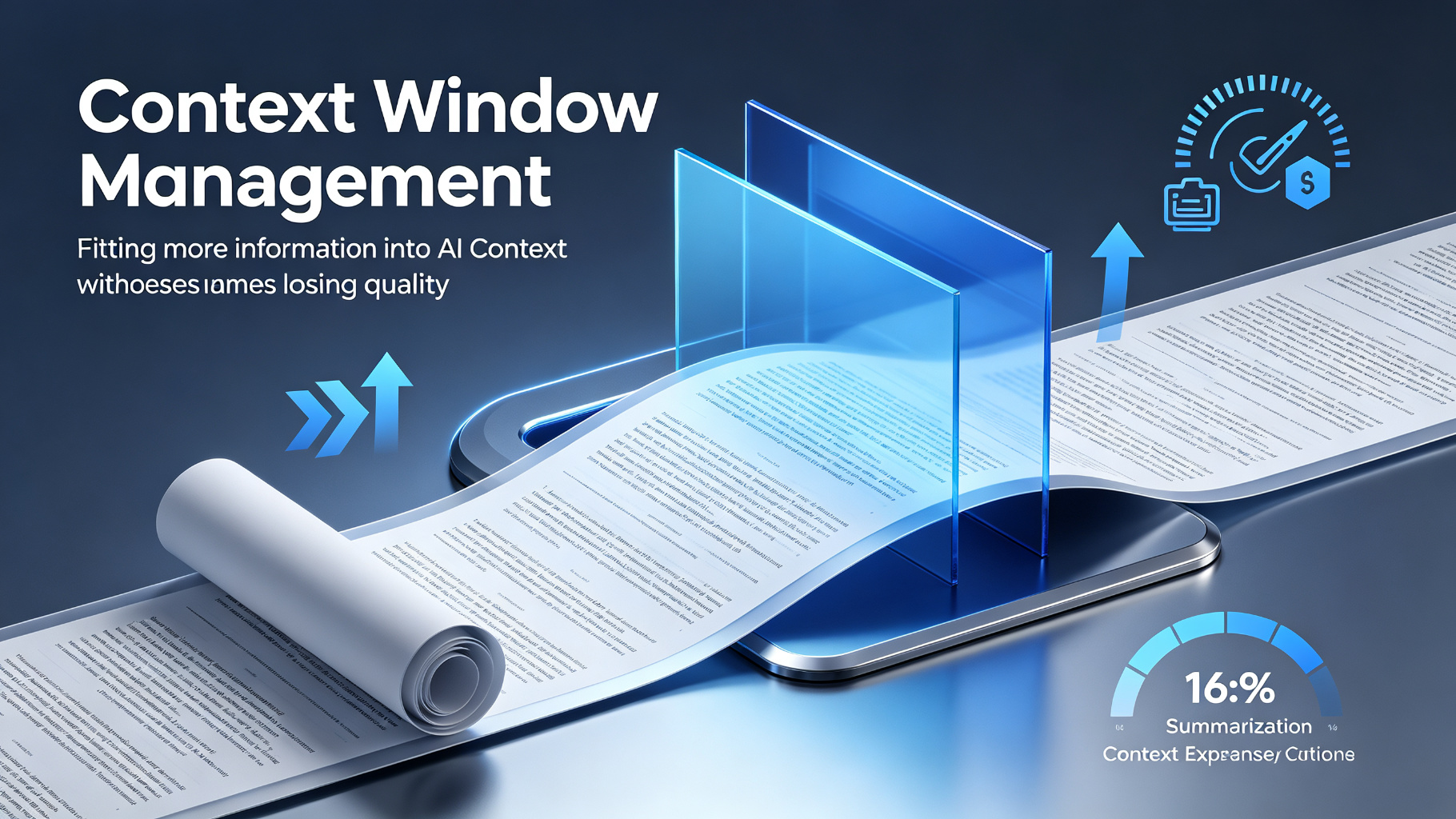
Context Window Management — fit more without losing quality
Use summarization, compression, selective retrieval, and sliding windows to manage long context without exceeding limits or losing key information.
Optimization4.1
Prompt template
Summarize the following conversation history, preserving:
1. All decisions and their rationale
2. Action items and assigned owners
3. Key facts and numbers
4. Open questions and blockers

Omit: pleasantries, repeated points, already-resolved items.

History: {conversation_history}

Summary:How to use
- 1Track token usage with each API call
- 2Summarize older conversation turns when approaching 70% limit
- 3Use selective retrieval for long documents (RAG)
- 4Implement sliding window for ongoing conversations
- 5Preserve system prompt and recent context verbatim
Pro tips
- Summarize at 50-60% context usage, not at 90%
- Keep the last 5-10 messages verbatim for coherence
- Use a separate 'memory' file for facts across sessions
- Compress code by removing comments and whitespace
Context WindowSummarizationCompressionOptimizationclaude
Ratings & Reviews
Loading reviews…
Related Skills
Optimization
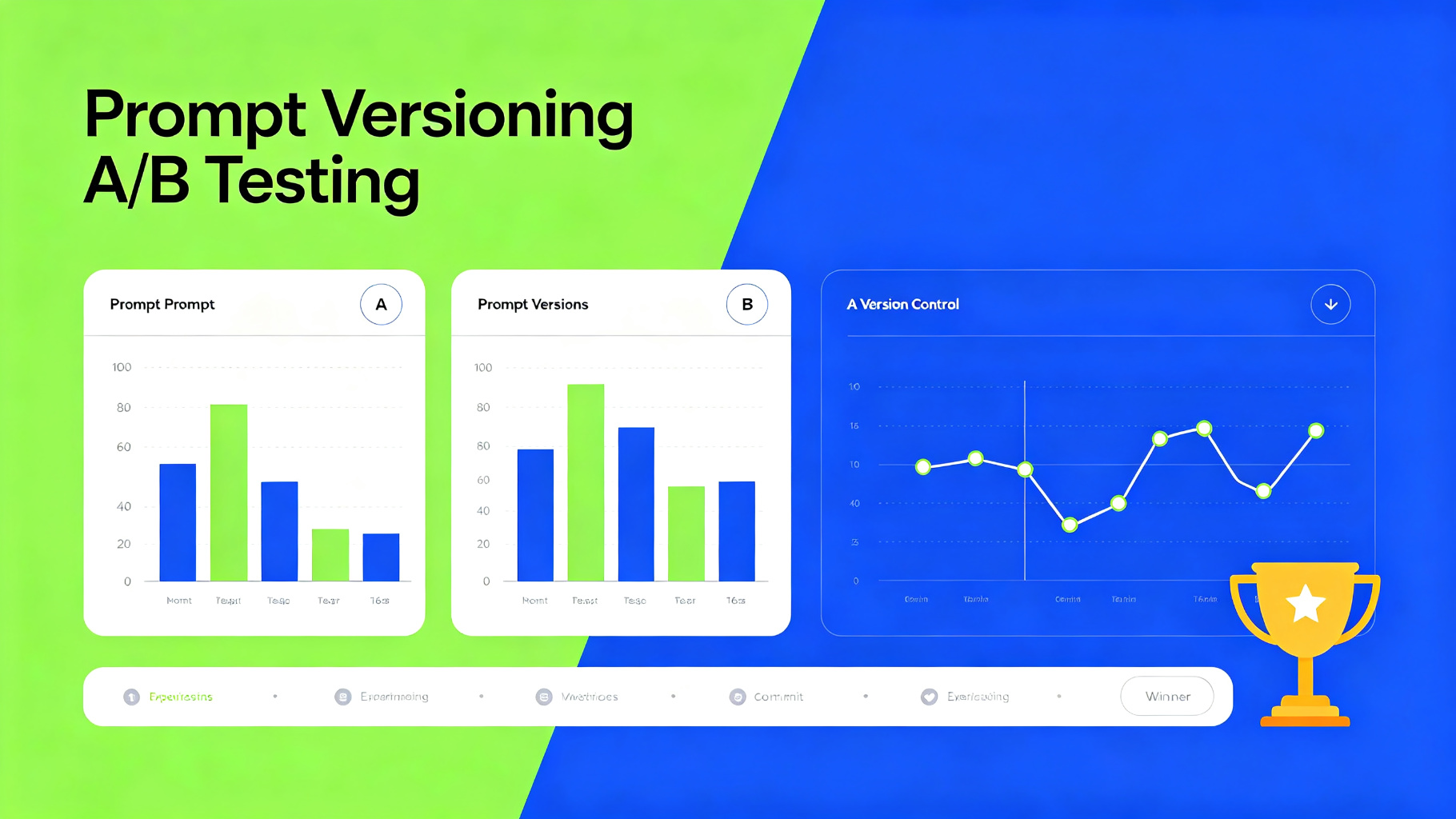
Prompt Versioning and A/B Testing — iterate with data
Track prompt changes, run controlled A/B tests against evaluation datasets, and deploy the best-performing version with confidence.
A/B TestingVersioningEvaluation
4.4
Prompting
Persona Prompting — get consistent, expert-toned answers
Give the AI a role, audience and constraints so every answer comes back in a consistent, professional voice.
PromptingWritingchatgpt
4.7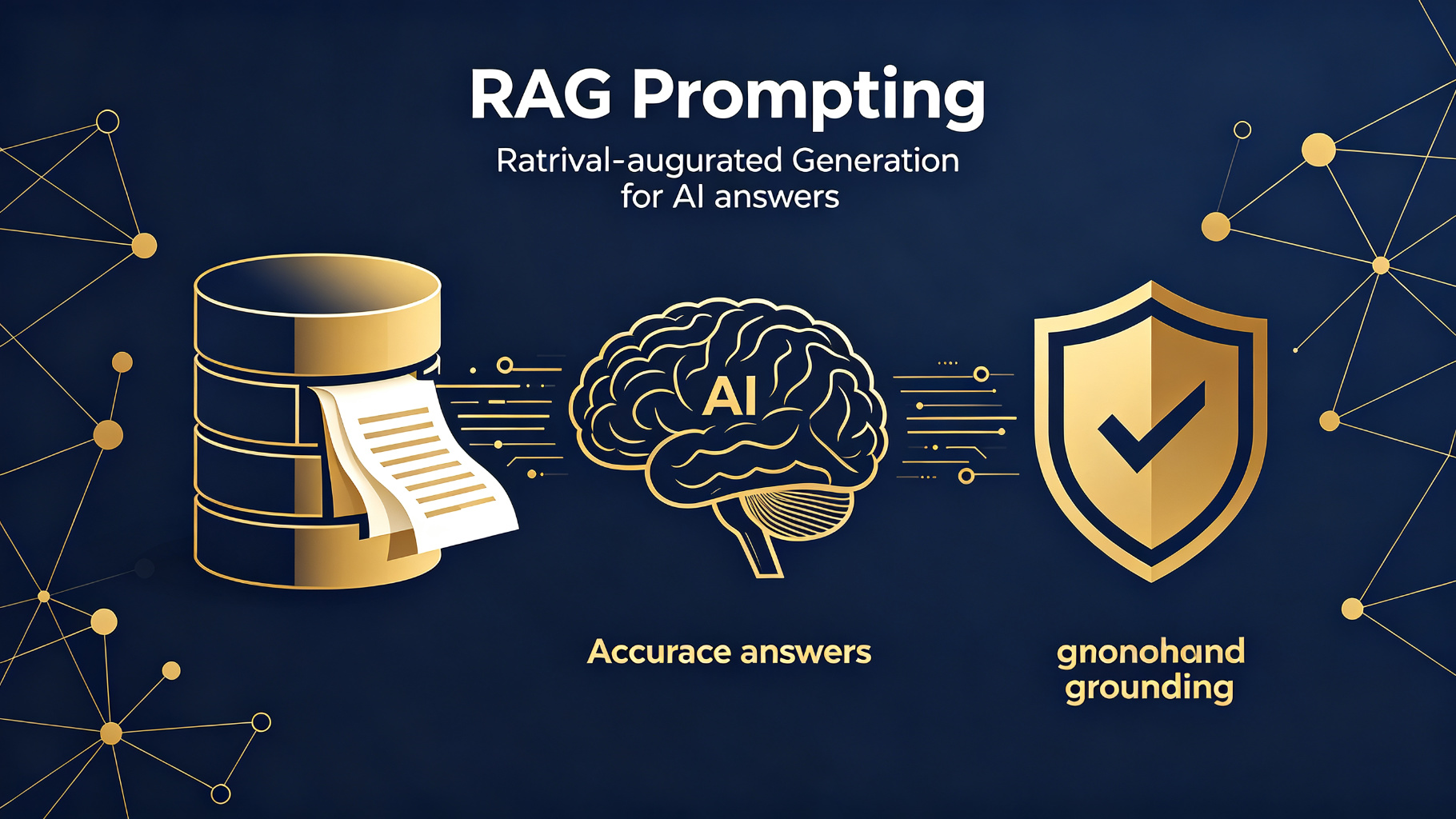
Prompting
RAG Prompting — retrieval-augmented generation for grounded answers
Combine retrieved context with targeted prompts so the AI answers from your documents instead of hallucinating.
RAGRetrievalGrounding
4.5