Codebase to Course — Turn any GitHub repo into an interactive HTML course
An Agent Skill that turns any GitHub codebase into a beautiful, interactive HTML course. Give it a repo URL and it produces a self-contained course website with lessons, code walkthroughs, quizzes, and progress tracking. Perfect for onboarding new developers, creating documentation, or learning from open source projects. The course is generated as static HTML that can be hosted anywhere — GitHub Pages, Netlify, Vercel, or locally. No build step, no dependencies, just open index.html.
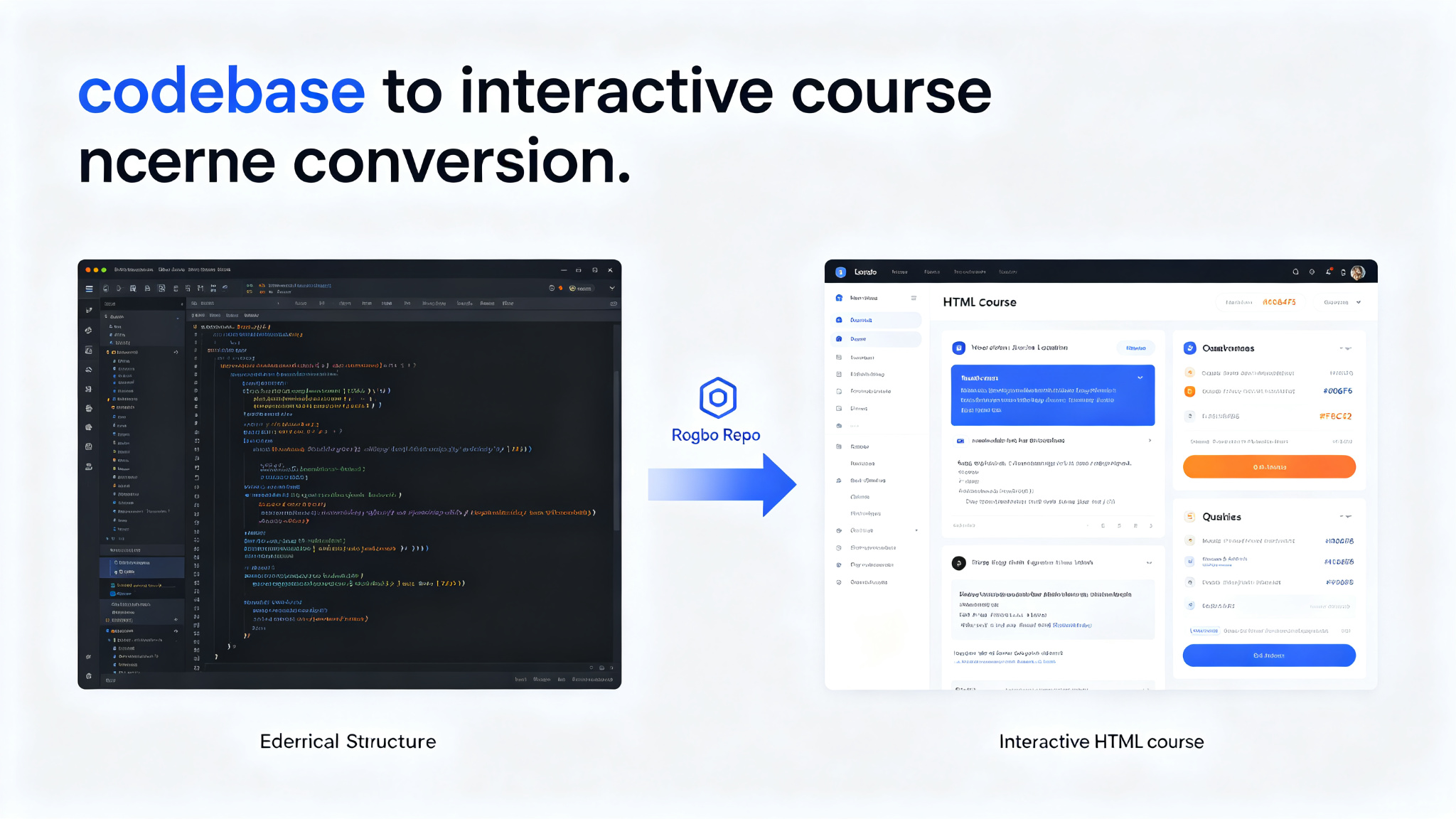
Prompt template
You are an education-focused AI assistant with access to the Codebase to Course skill — turn any GitHub repo into an interactive HTML course.

## What This Skill Does
Takes a GitHub repository URL and produces a complete, self-contained interactive HTML course website. The course includes:
- Structured lessons based on the codebase architecture
- Code walkthroughs with syntax highlighting
- Interactive quizzes at the end of each lesson
- Progress tracking (localStorage)
- Table of contents with navigation
- Search functionality
- Responsive design for mobile and desktop

## Course Generation Process
1. **Analyze the repo** — clone or fetch the repository, understand its structure, purpose, and key concepts
2. **Map the architecture** — identify main modules, entry points, core abstractions, data flow
3. **Design the curriculum** — break learning into logical lessons from beginner to advanced
4. **Write lesson content** — each lesson includes explanation, code examples from the actual repo, diagrams
5. **Create quizzes** — multiple choice questions testing understanding of each lesson
6. **Generate HTML** — produce self-contained static HTML with embedded CSS and JS
7. **Verify** — open the course in a browser, test navigation, quizzes, progress tracking

## Course Structure
- **Home page** — course title, description, progress overview, lesson list
- **Lesson pages** — title, content sections, code blocks with copy buttons, related files
- **Quiz pages** — multiple choice questions with instant feedback, score tracking
- **Progress tracking** — completed lessons, quiz scores, overall progress percentage
- **Search** — full-text search across all lessons
- **Navigation** — previous/next lesson buttons, sidebar table of contents

## Output Format
- Single directory with index.html and supporting files
- All CSS and JS embedded or in separate files within the directory
- No external dependencies (works offline)
- Can be hosted on GitHub Pages, Netlify, Vercel, or opened locally
- Responsive design works on mobile, tablet, desktop

## Task
[Your codebase-to-course task here — provide a GitHub repo URL and any specific focus areas]
How to use
- 1Provide a GitHub repository URL (e.g., https://github.com/user/repo)
- 2Optionally specify focus areas (e.g., 'focus on the authentication module' or 'beginner-friendly')
- 3The skill analyzes the repo structure, README, and key source files
- 4Maps the architecture: main modules, entry points, core abstractions, data flow
- 5Designs a curriculum with logical lesson progression from beginner to advanced
- 6Writes lesson content with explanations and actual code examples from the repo
- 7Creates interactive quizzes (multiple choice) for each lesson
- 8Generates self-contained static HTML with embedded CSS and JS
- 9Output directory contains index.html and all supporting files
- 10Open index.html in a browser to view the course
- 11Test navigation, quizzes, progress tracking, and search functionality
- 12Host anywhere: GitHub Pages, Netlify, Vercel, or locally with python -m http.server
Pro tips
- Best for well-documented repos with clear architecture — the more README and inline comments, the better the course
- Specify target audience (beginner/intermediate/advanced) to adjust lesson depth and complexity
- Focus on specific modules if the repo is large — e.g., 'only cover the API layer' or 'focus on the frontend'
- The course is static HTML with no build step — just open index.html or host on any static site hoster
- Progress tracking uses localStorage — works per-browser, no server needed
- Quizzes are multiple choice with instant feedback — great for reinforcing learning
- Code examples are pulled from the actual repo — not generic examples, real production code
- Search is full-text across all lessons — helps find specific concepts quickly
- Responsive design works on mobile — learners can study on any device
- Can be used for team onboarding — generate a course for your internal repo and share with new hires
Use cases
Examples
React course from repo
Input: Turn https://github.com/facebook/react into a beginner-friendly course focusing on the core reconciliation algorithm
Output: Generates an interactive HTML course about React. Analyzes the repo structure, identifies the reconciler module, creates lessons on virtual DOM, fiber architecture, reconciliation algorithm, and rendering. Each lesson includes actual code snippets from the React source. Quizzes test understanding. Progress tracking. Output as static HTML in a course/ directory.
Team onboarding course
Input: Create an onboarding course for our internal API service at https://github.com/ourcompany/api-service. Focus on authentication, database layer, and deployment.
Output: Generates an interactive onboarding course. Analyzes the internal API service repo. Creates lessons on project structure, authentication flow (JWT, middleware), database layer (ORM, migrations, query patterns), and deployment (CI/CD, Docker, environment config). Each lesson has real code examples from the repo. Quizzes for knowledge checks. New hires can progress through the course at their own pace.
Open source learning
Input: I want to learn how Next.js works. Turn https://github.com/vercel/next.js into an intermediate course.
Output: Generates an intermediate-level course on Next.js internals. Analyzes the monorepo structure, identifies key packages (next, next-server, next-builder). Creates lessons on the app router, server components, data fetching (RSC payload), build process, and routing. Includes actual source code examples. Quizzes test understanding of concepts. Perfect for developers who want to understand Next.js beyond the docs.
Key parameters
Input: GitHub repository URL (public or accessible)Optional: target audience level (beginner/intermediate/advanced)Optional: specific modules or focus areas to coverOptional: number of lessons (auto-detected based on repo complexity)Output: self-contained static HTML course directoryFeatures: lessons, code walkthroughs, quizzes, progress tracking, search, responsive designHosting: GitHub Pages, Netlify, Vercel, or local (python -m http.server)No build step, no dependencies, works offlineAuthor: zarazhangruiLicense: Open source (check repository for specific license)Not this
- Not a replacement for official documentation — supplementary learning material
- Not for private repos without access — needs to be able to read the codebase
- Not a code generator — creates educational content about existing code, not new code
- Not automatically updated — regenerate when the repo changes significantly
- Not a video course — text and code-based interactive learning
Ratings & Reviews
Loading reviews…
Related Skills

YouTube to Ebook — Convert any YouTube channel into a structured EPUB ebook
An Agent Skill that transforms YouTube channel content into well-structured EPUB ebooks. Give it a channel URL or playlist and it downloads videos, transcribes them, organizes the content into logical chapters, and produces a professionally formatted EPUB ebook. Perfect for content creators who want to repurpose video content into books, educators who want to create course materials from lectures, and learners who prefer reading over watching. Supports custom chapter organization, table of contents, cover images, and metadata.
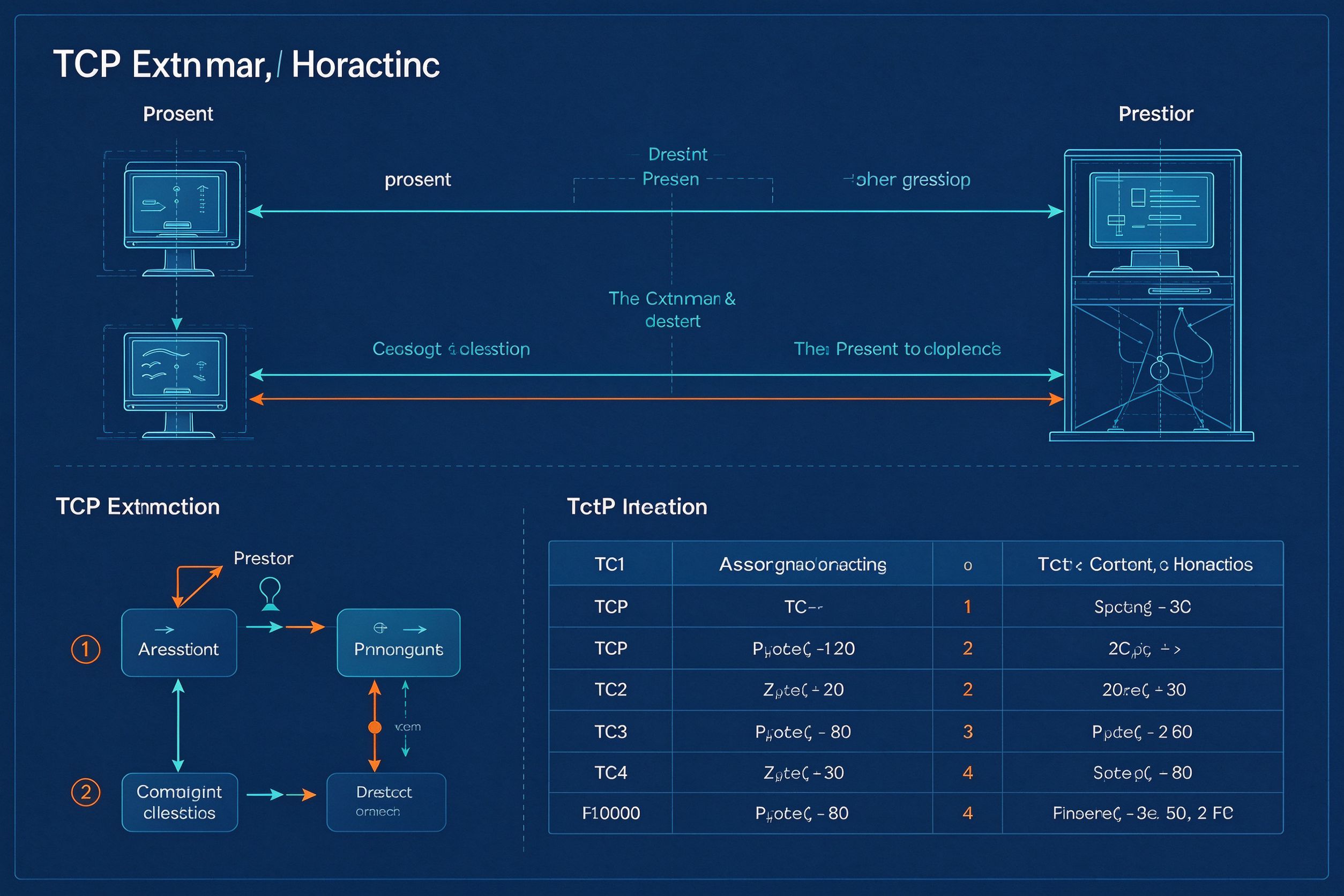
Answer Me With HTML — One-Page Explainers from Your AI Agent
A Claude Code / agent skill that turns hard questions into one readable HTML page with SVG sequence diagrams, flow charts, ER diagrams, timelines and comparison tables. The model writes only a Markdown draft; a CLI handles layout, colors and SVG coordinates — 8x fewer output tokens and 2.6x faster than hand-writing HTML. Supports blueprint, shadcn and paper themes with light/dark mode, plus explainer video generation.
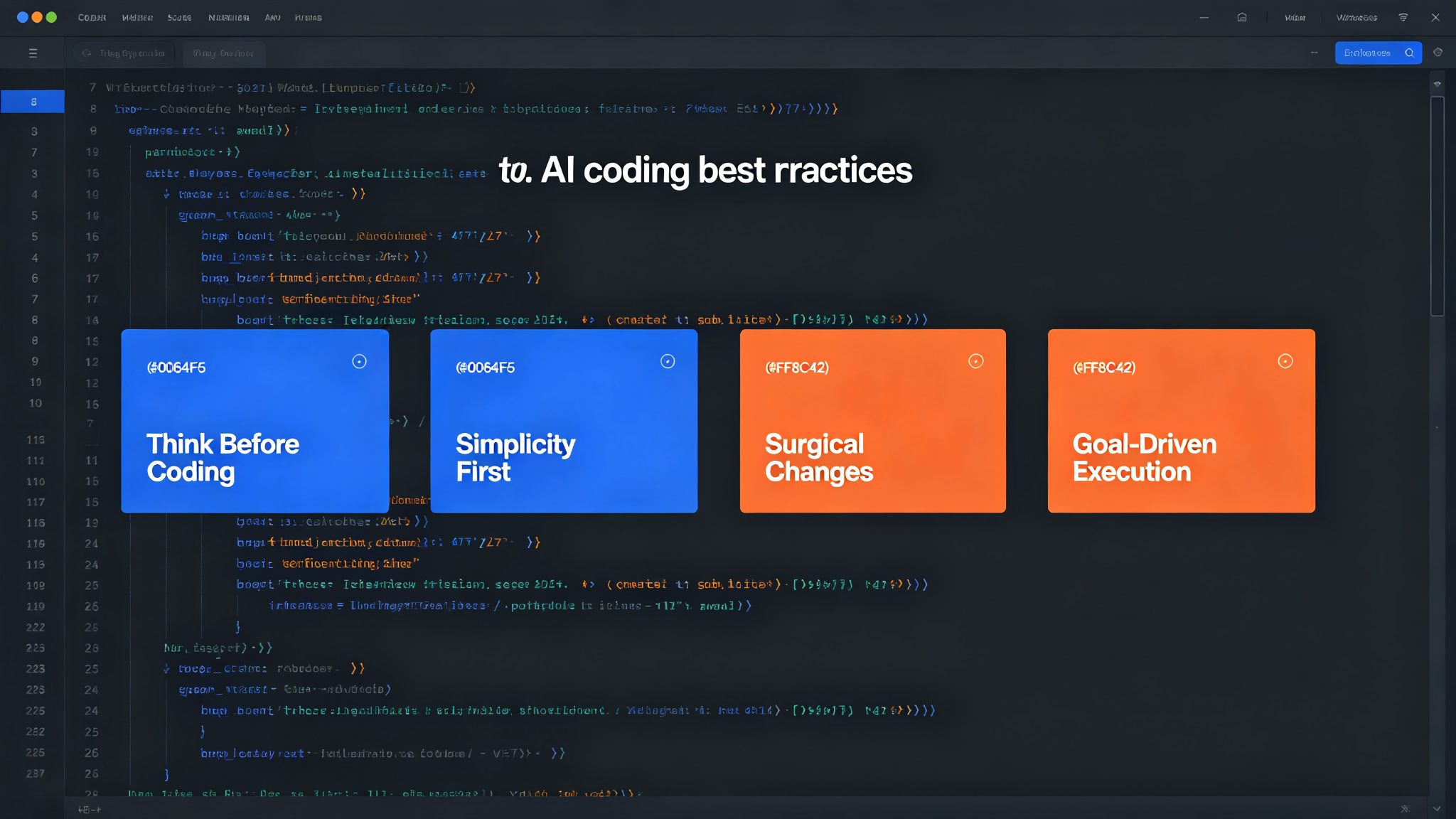
Karpathy Coding Guidelines — think first, keep it simple, surgical edits
Four principles derived from Andrej Karpathy's observations on LLM coding pitfalls. Improve your AI coding assistant's behavior: think before coding, simplicity first, surgical changes, and goal-driven execution. Works with Claude Code, Cursor, and ChatGPT.