Krea AI Video Generation
Generate, compare, and refine cinematic AI videos using all top video models (Seedance 2.5, Veo 3.1, Sora 2, Kling 3.0, Wan 2.6, Runway Gen-4.5) in Krea's unified workspace. One subscription, every model.
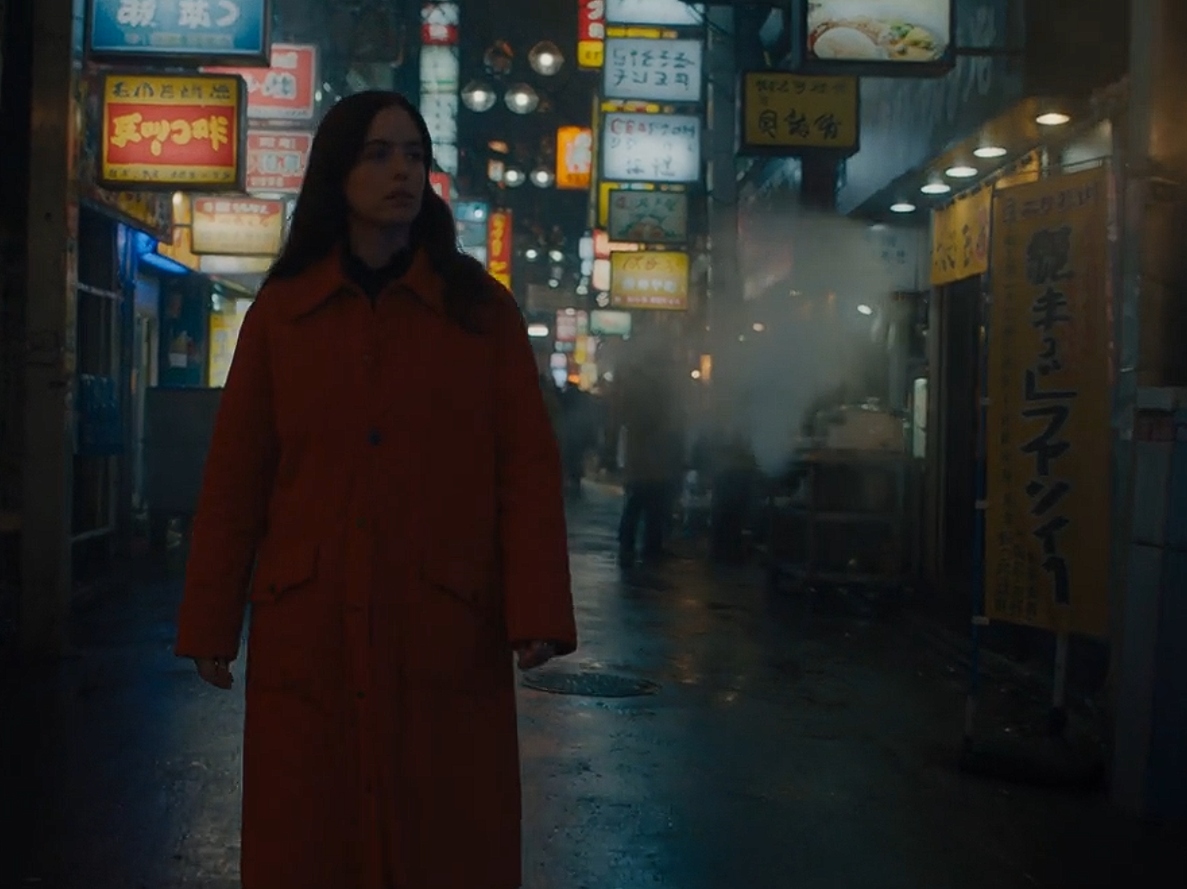
What you get
A polished AI-generated video clip, compared across multiple leading models and refined with extend and merge workflows for visual continuity.
- 1
Open Krea Video Tool, pick a model (Seedance 2.5, Veo 3.1, Sora 2, Kling 3.0, Wan 2.6, or Runway Gen-4.5), and set your aspect ratio and duration
- 2
Write a focused prompt describing the subject, action, setting, camera movement, lens style, and lighting. Optionally upload an image reference for style and composition
- 3
Generate and compare the same prompt across multiple models simultaneously. Run Veo, Sora, Kling, Seedance, and Runway in parallel to pick the best output
- 4
Extend clips by generating more footage from the final frame. Merge two clips with an AI-generated transition to build longer, continuous scenes
- 5
Refine with first and last frame control for precise shot direction. Add native synchronized audio on supported models (Veo 3.1)
- 6
Export your polished final video for social media, marketing, film, or content creation
Ratings & Reviews
Loading reviews…
Related Workflows
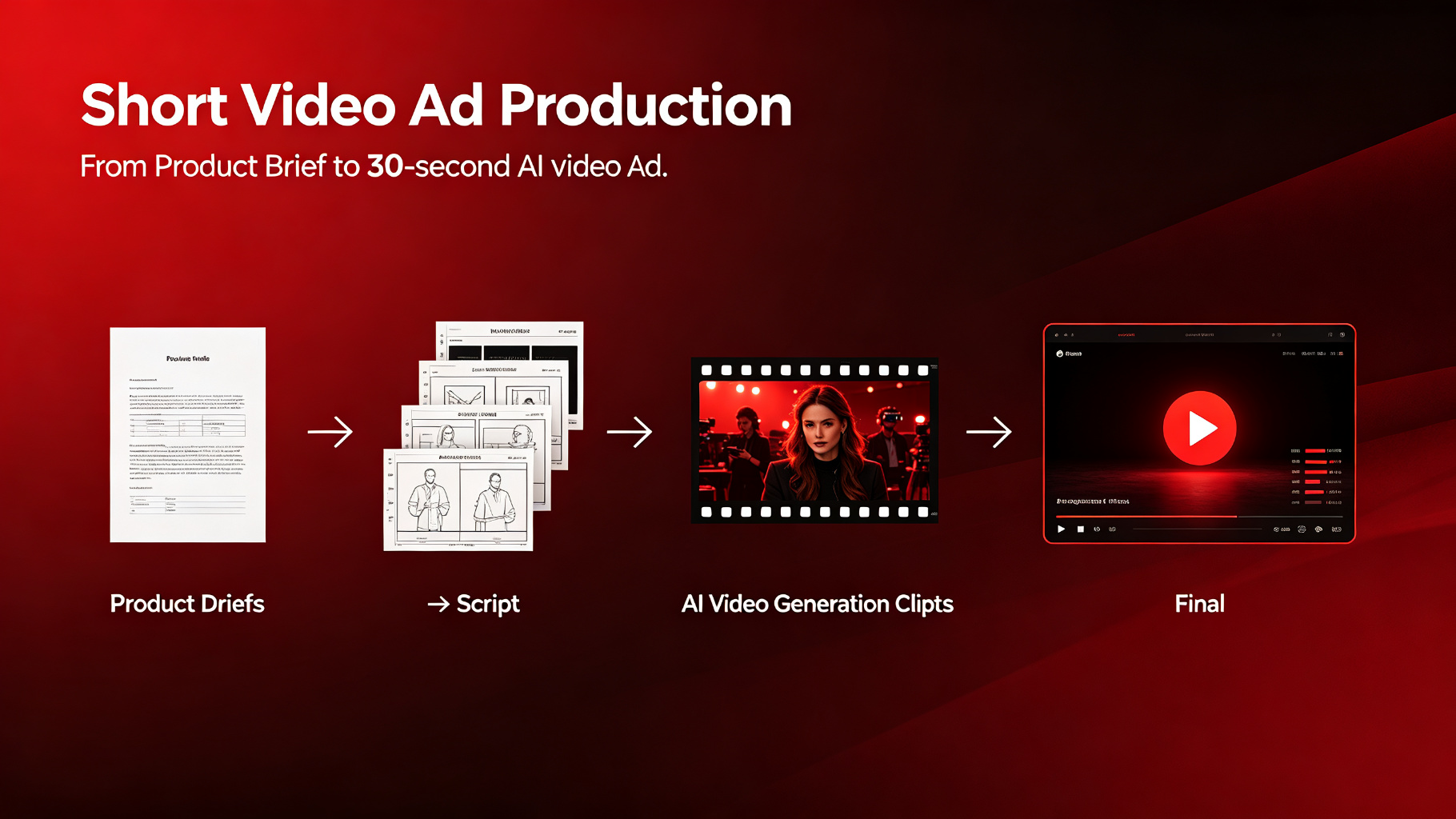
Short Video Ad Production
Go from a product brief to a 30-second AI video ad using Claude + Sora/Runway.
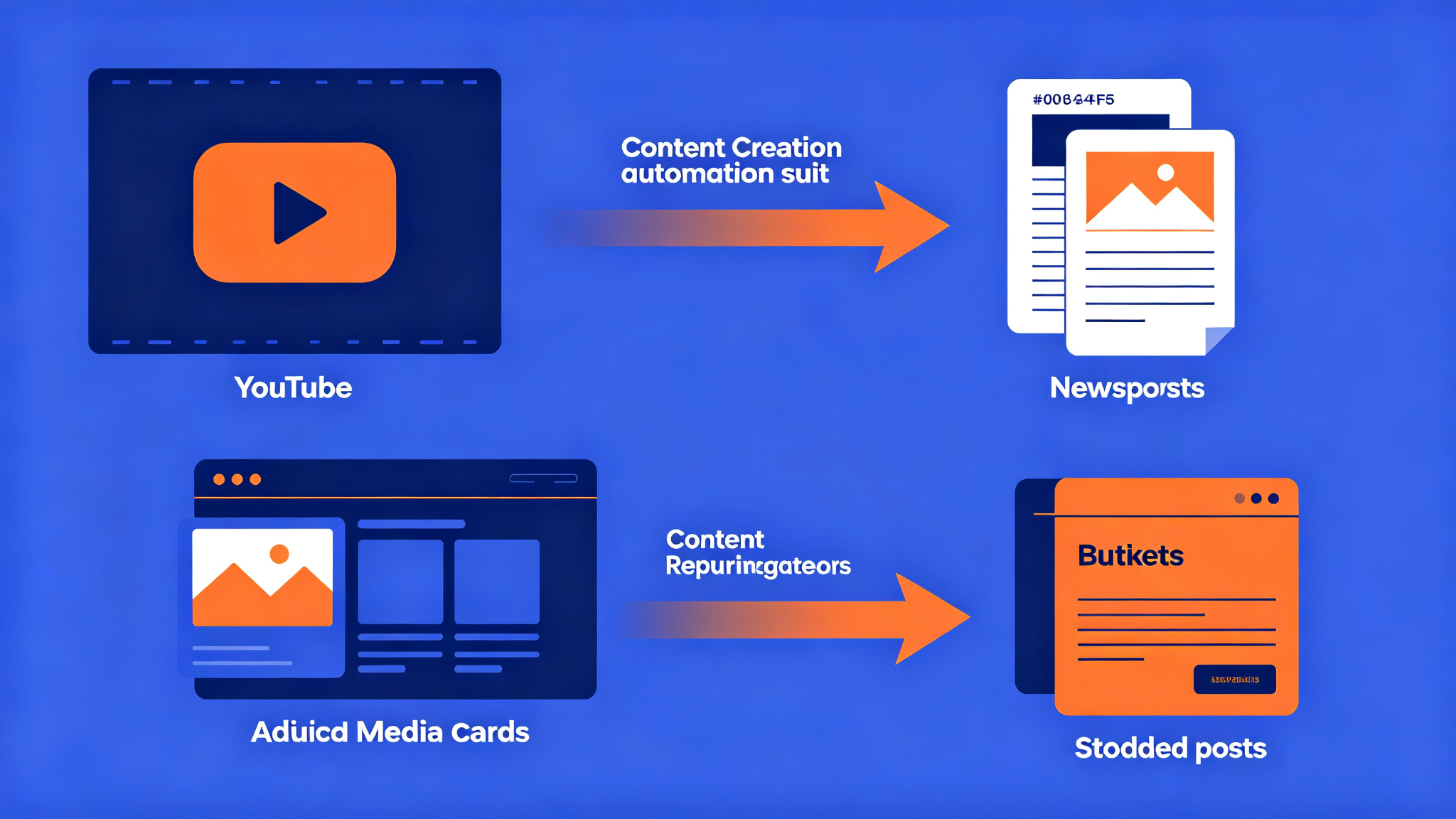
n8n Content & Business Automation Suite
15+ ready-to-use AI automation workflow templates across 5 categories: Content Creation, Email & Newsletter, Research & Monitoring, Business Operations, and Translation & Localization.