Plan-and-Execute — separate planning from execution for complex tasks
First create a detailed step-by-step plan, then execute each step independently with tool calls, re-planning if an execution step fails.
Agent4.5

Prompt template
You are a planning agent. Break the task into a numbered list of concrete, executable steps. Each step should be a single action that can be performed with available tools. Do not execute yet — only plan.

Available tools: {tool_list}

Task: {task}

Plan:How to use
- 1Planner agent receives the high-level task and available tool list
- 2Planner decomposes the task into an ordered list of discrete, executable steps
- 3Executor agent picks the first step and performs it using the appropriate tool
- 4After each step, the system checks whether the result is satisfactory or if re-planning is needed
- 5If a step fails or reveals new information, the planner updates the remaining steps
- 6Continue executing until all steps are complete, then synthesize the final result
Pro tips
- Plan-and-execute decouples reasoning from action, making long tasks more reliable than ReAct
- Store the plan as a mutable data structure so steps can be added, removed, or reordered mid-execution
- Use a 'replanner' trigger when execution results contradict assumptions in the original plan
- This pattern is especially effective for research, multi-step coding, and data analysis workflows
Works best with
langgraphlangchaincrewaiautogen
AgentPlanningExecutionTask DecompositionLangGraph
Ratings & Reviews
Loading reviews…
Related Skills
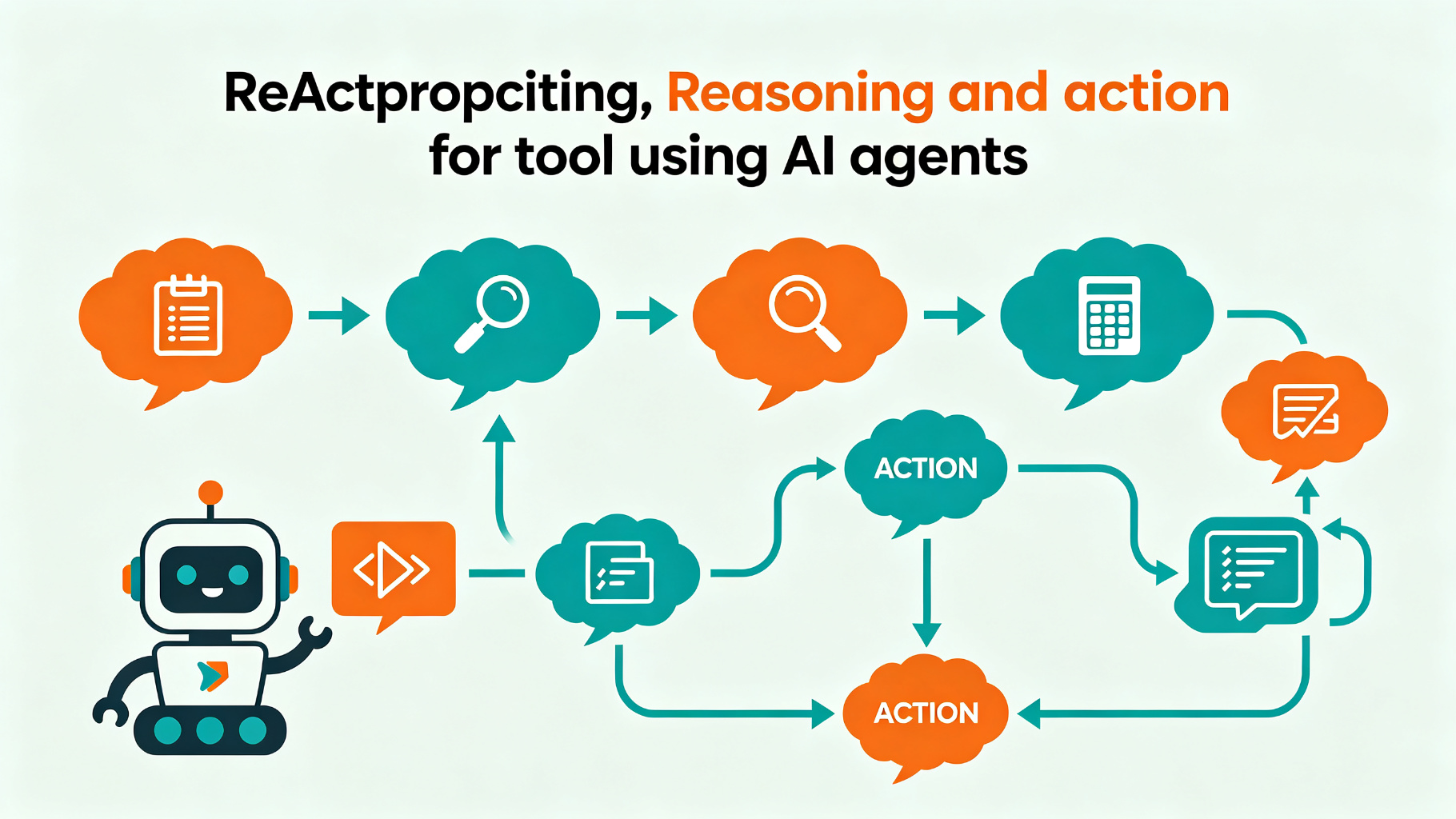
Agent
ReAct Prompting — reasoning + acting for tool-using agents
Alternate between Thought (reasoning) and Action (tool call) steps so the AI can solve multi-step tasks with external tools.
ReActAgentTool Use
4.6
Agent
Reflection Agents — self-critique loops that improve output quality
Have the agent generate a draft, critique its own work against explicit criteria, then revise — repeating until quality thresholds are met.
AgentReflectionSelf-Critique
4.3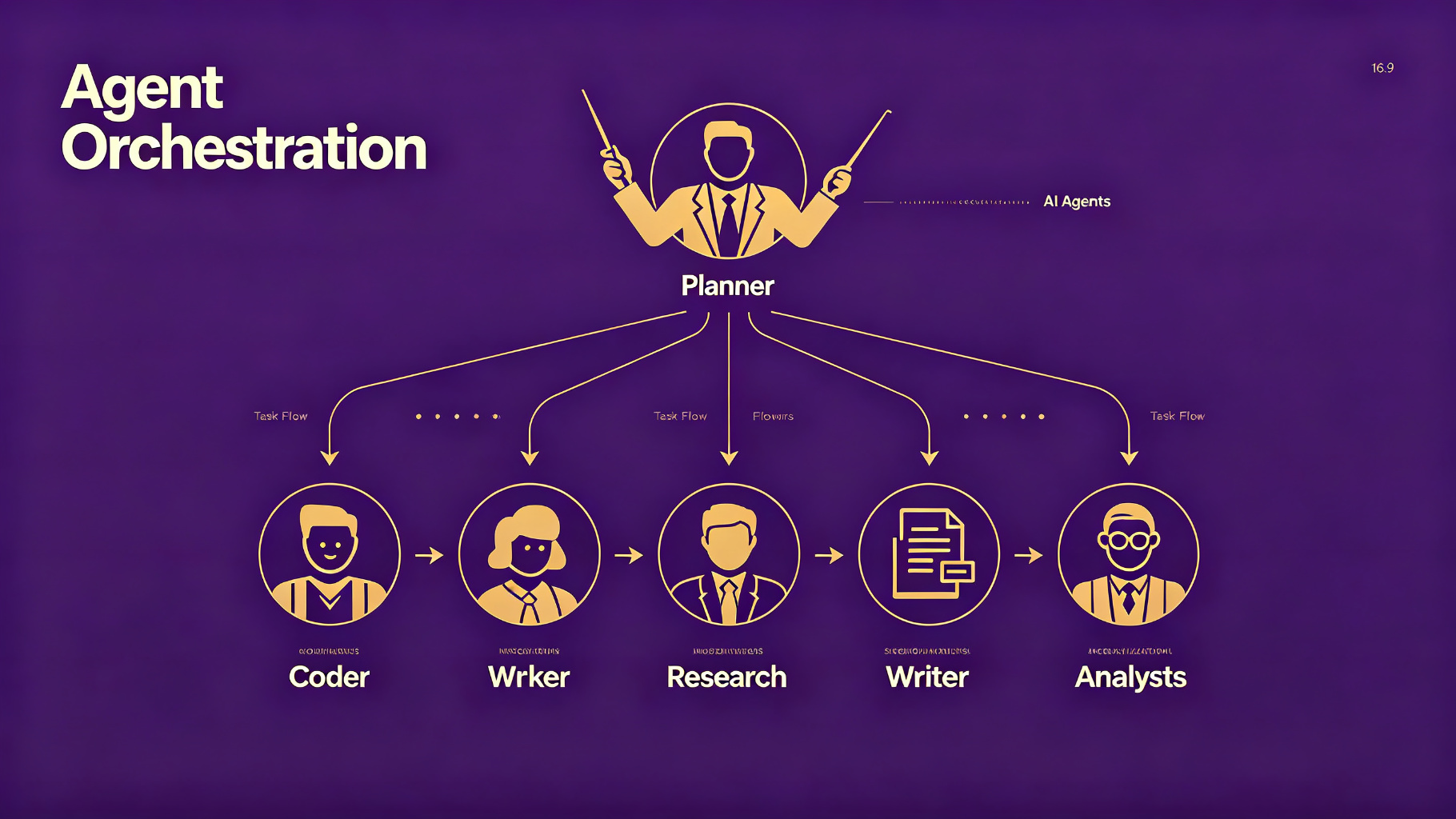
Agent
Agent Orchestration — coordinate multiple specialized AI agents
Design systems where a planner agent decomposes tasks, specialized agents execute subtasks, and a synthesizer agent combines results.
Multi-AgentOrchestrationPlanner
4.3