Paper Search MCP
Search, analyze, and download academic papers from 25+ sources. MCP server + CLI + Agent Skill.

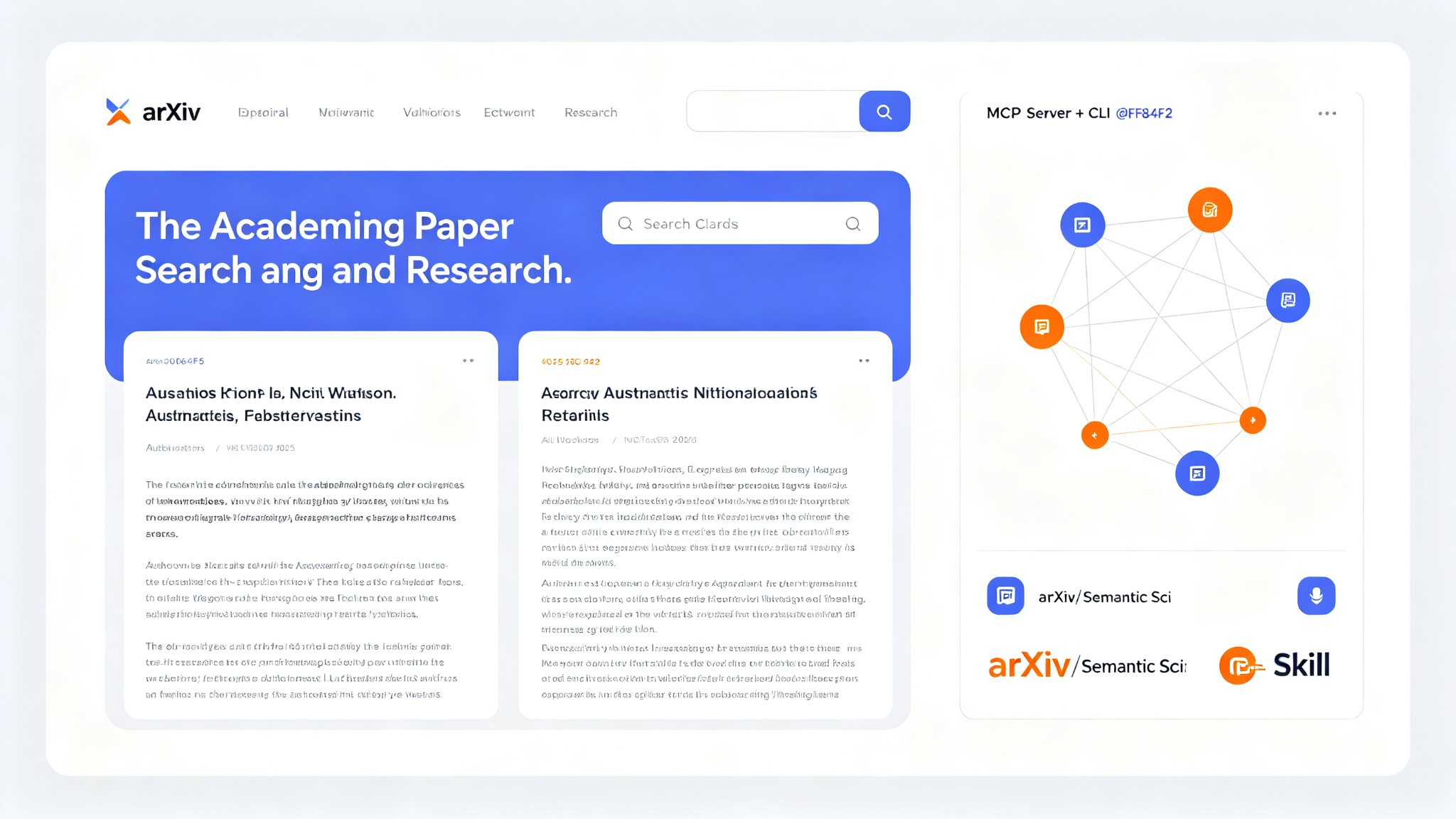
Paper Search MCP is a comprehensive academic paper search, analysis, and download tool available as an MCP server, CLI, and Agent Skill. Search across 25+ academic sources including arXiv, Semantic Scholar, Crossref, OpenAlex, PubMed, IEEE, ACM, Springer, Elsevier, and more. Features include semantic search, citation analysis, paper metadata extraction, PDF download, reference parsing, and paper summarization. The MCP server integrates with Claude Desktop, Cursor, Cline, and any MCP-compatible client. The CLI provides fast command-line access. The Agent Skill works with Claude Code, Codex, and other AI coding agents.
Key Features
- Search across 25+ academic sources: arXiv, Semantic Scholar, Crossref, OpenAlex, PubMed, IEEE, ACM, Springer, Elsevier, Nature, Science, Google Scholar, and more
- Semantic search powered by vector embeddings — find papers by meaning, not just keywords
- Citation analysis: view citation counts, citing papers, reference lists, and citation networks
- Paper metadata extraction: title, authors, abstract, DOI, arXiv ID, publication date, venue, keywords
- PDF download from open-access sources (arXiv, PubMed Central, Semantic Scholar, Unpaywall)
- Reference parsing: extract and resolve references from paper PDFs and metadata
- Paper summarization: AI-generated summaries of paper abstracts and full text
- Related paper recommendations based on citation networks and semantic similarity
- Author search and profile lookup across multiple databases
- Venue/journal search with impact metrics and acceptance rates
- MCP server integration with Claude Desktop, Cursor, Cline, and any MCP-compatible client
- CLI for fast command-line paper search and download
- Agent Skill for Claude Code, Codex, and other AI coding agents
- Batch search and download for literature reviews
- Export results to BibTeX, RIS, CSV, JSON, or Markdown
- No API key required for most sources — works out of the box
- Cross-platform: Windows, macOS, Linux
Ratings & Reviews
Loading reviews…
Related Tools
Agent Browser
Browser automation CLI built for AI agents — Rust, CDP, accessibility refs, MCP
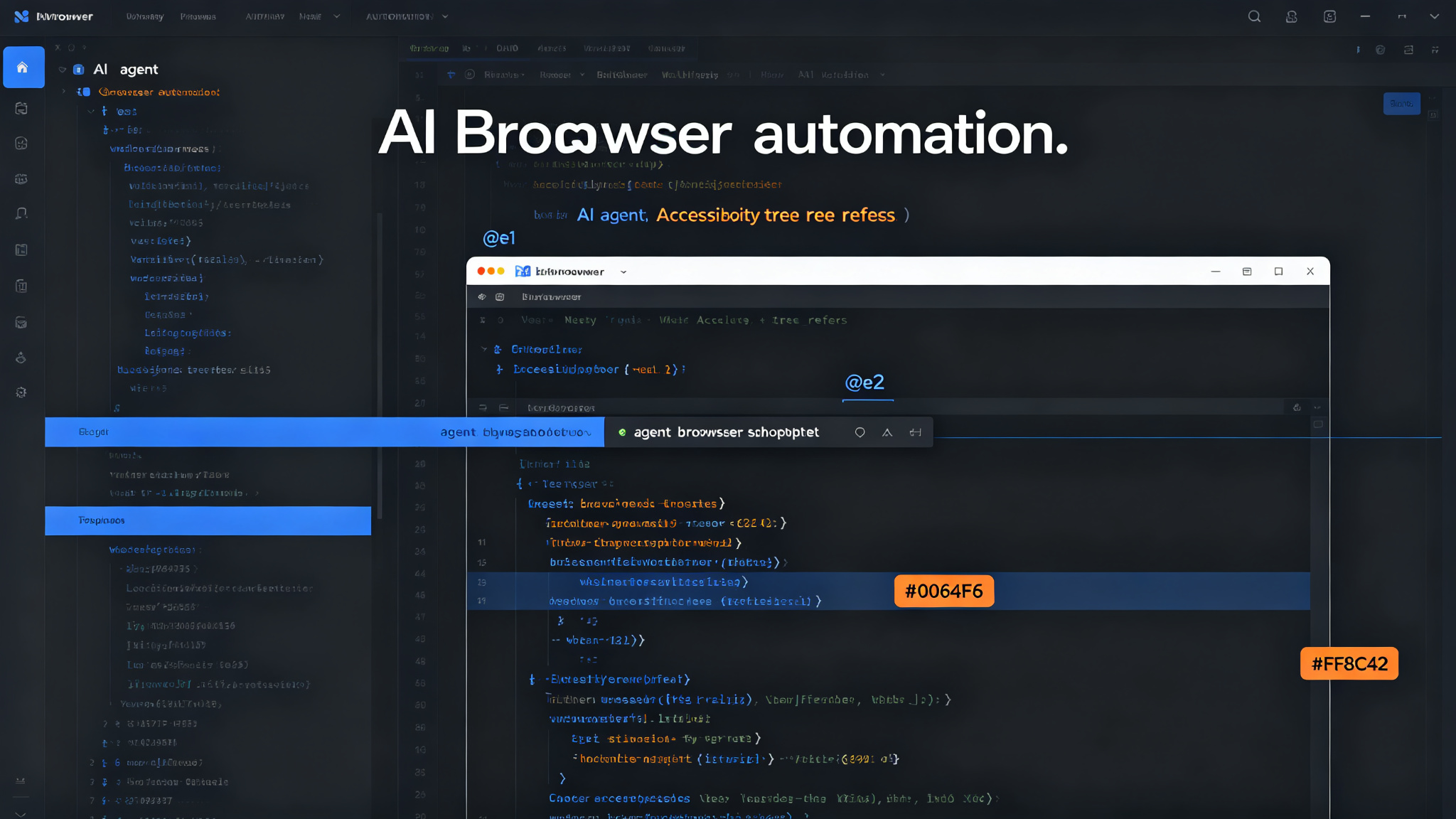
A Rust-based browser automation CLI from Vercel Labs, designed specifically for AI agents. Control Chrome via CDP with accessibility-tree refs (@e1, @e2), semantic locators (role, text, label, placeholder), and natural-language chat mode. Supports cloud browsers (Browserless, Browserbase, Browser Use, Kernel, AgentCore), iOS Simulator, MCP server with typed tools, plugin system, and all major AI coding assistants (Claude Code, Cursor, Codex, Gemini CLI, GitHub Copilot).
HyperFrames
Write HTML. Render video. Built for agents — deterministic MP4 from HTML/CSS/animation
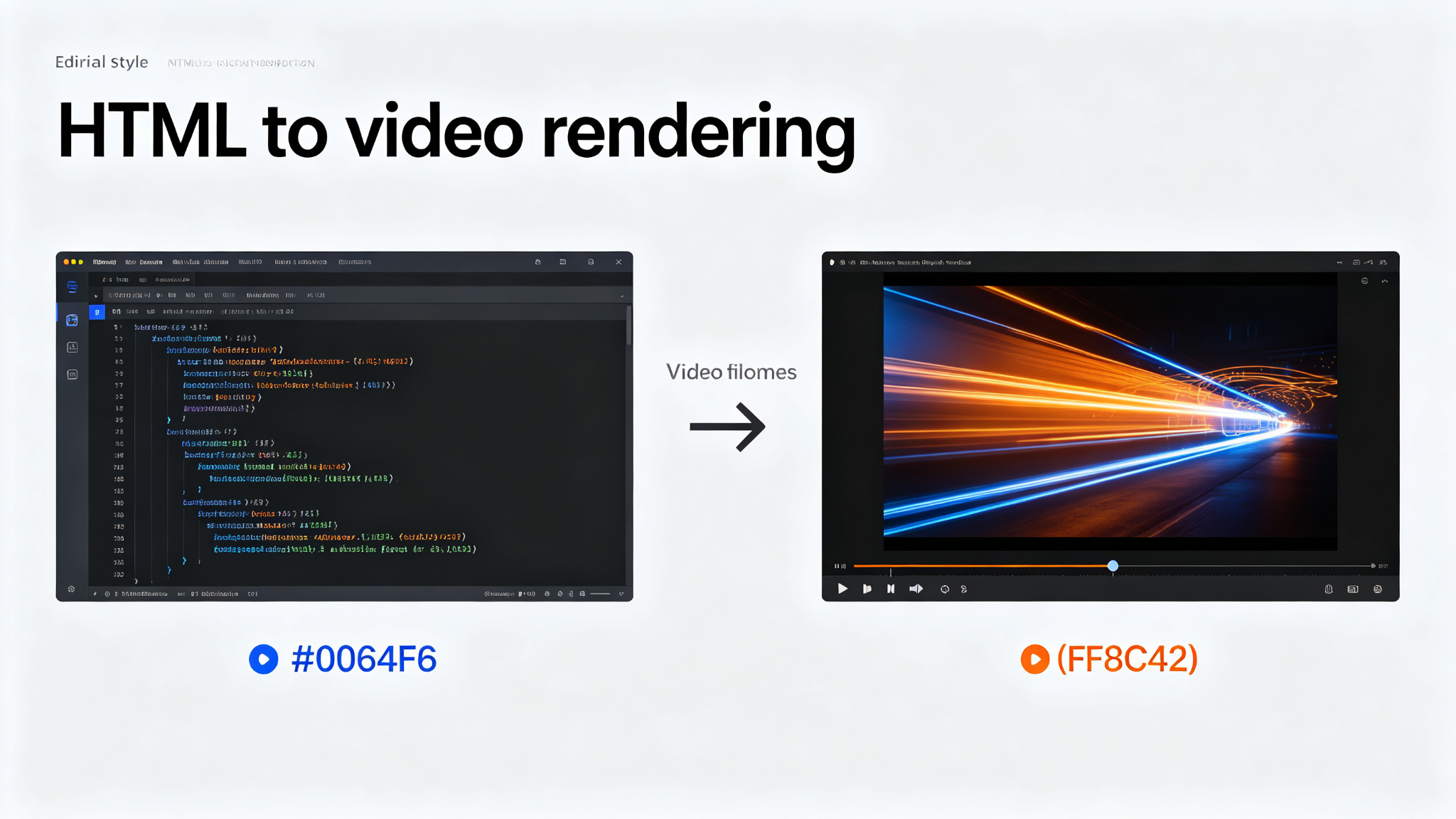
An open-source framework from HeyGen for turning HTML, CSS, media, and seekable animations into deterministic MP4 videos. Use it locally with the CLI, from AI coding agents with 20 on-demand skills, or as the rendering core behind hosted authoring workflows. Supports GSAP, CSS, Lottie, Three.js, Anime.js, WAAPI. No build step — index.html plays as-is. Deterministic rendering for CI and automated pipelines. Includes a catalog of reusable blocks, Studio editor, AWS Lambda distributed rendering, and frame.md design system.
Summarize
Link in, signal out. Extract clean text and produce summaries from anything.
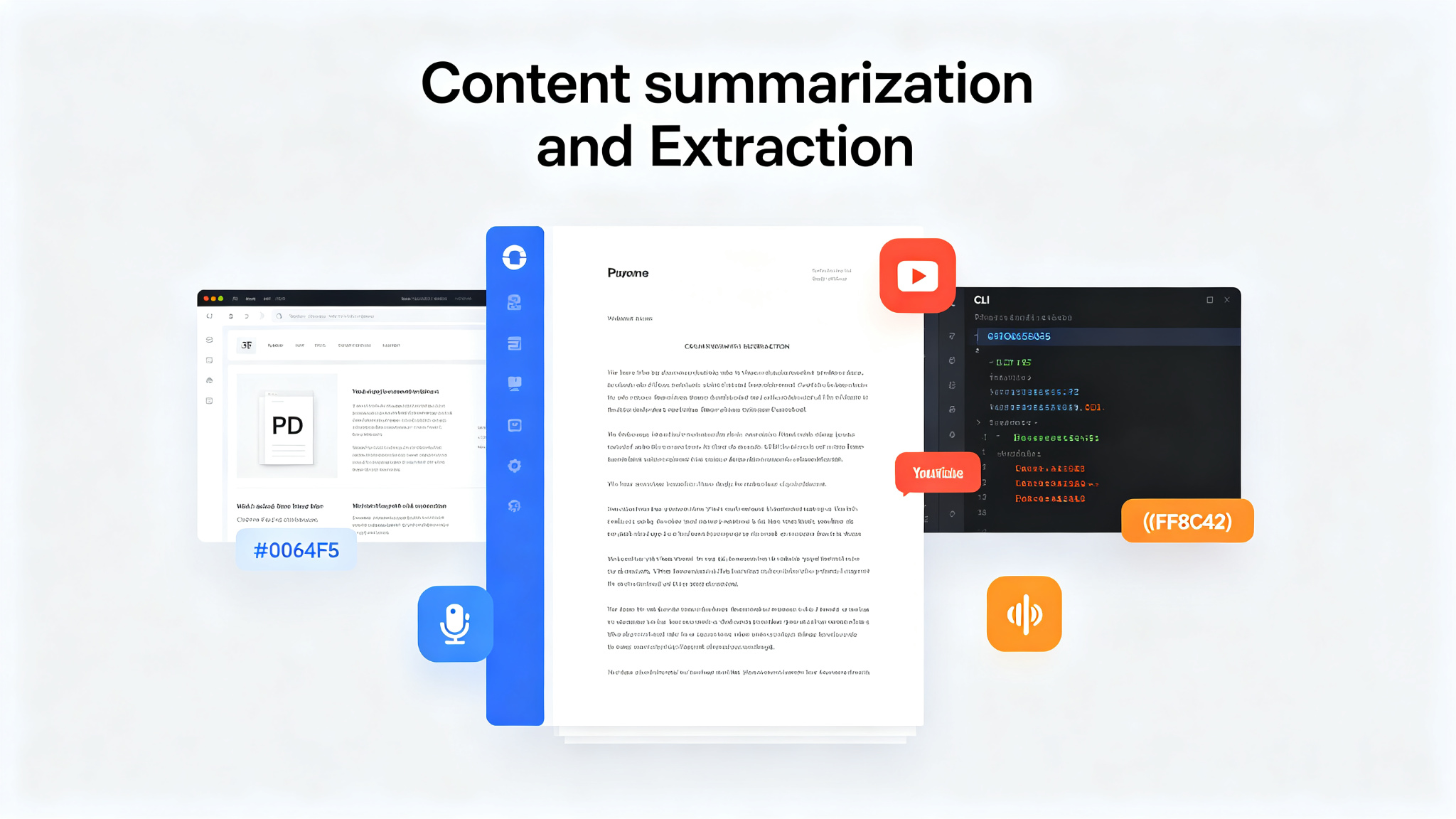
Summarize extracts clean text and produces summaries from web pages, files, YouTube videos, podcasts, and other audio or video. Use it from the Node.js CLI or from the Chrome Side Panel and Firefox Sidebar. Readability extraction with optional Markdown and Firecrawl fallbacks for web pages. File-aware extraction for PDFs, images, and text files. YouTube and podcasts: published transcripts first, then configured transcription fallbacks. Audio and video: local or cloud transcription with optional speaker labels. Video slides: scene-based frames, optional OCR, and timestamped output. SSE streaming render, sandboxed iframe preview. Works with configured API providers, OpenAI-compatible endpoints, Ollama, OpenRouter free models, and authenticated coding CLIs (Codex, Claude, Gemini, OpenClaw, GitHub Copilot).